


MAPinr - KML/KMZ/OFFLINE/GIS
Play on PC with BlueStacks – the Android Gaming Platform, trusted by 500M+ gamers.

Page Modified on: Nov 18, 2025
Play MAPinr - KML/KMZ/OFFLINE/GIS on PC
What MAPinr offers:
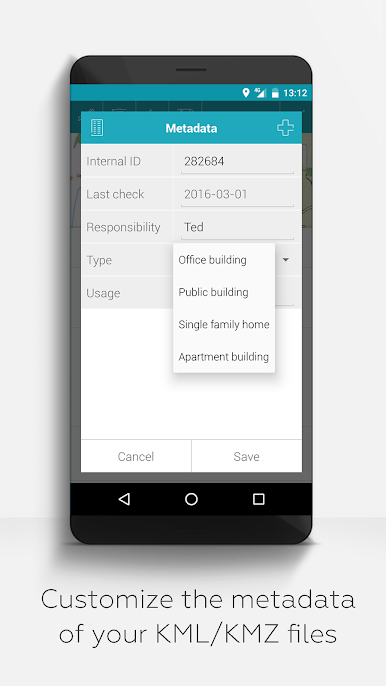
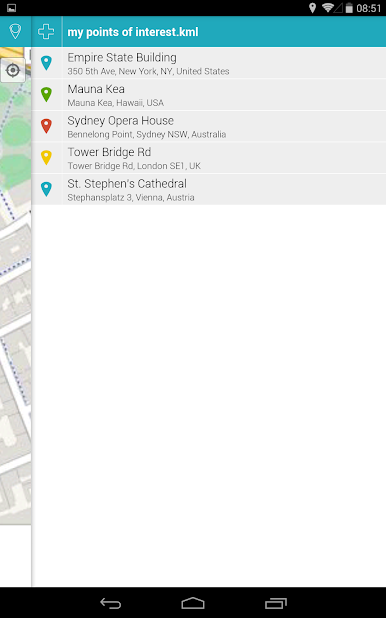
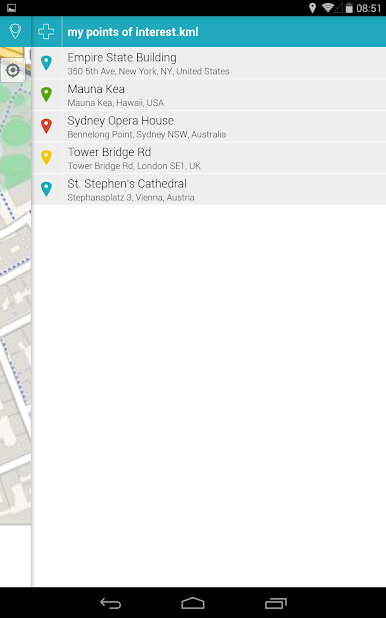
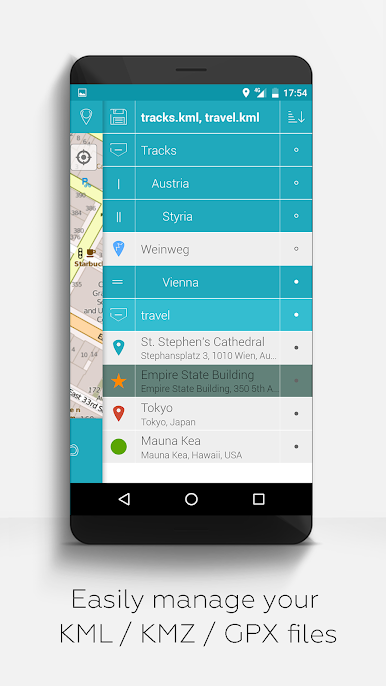
- Import, edit and manage KML/KMZ/GPX files
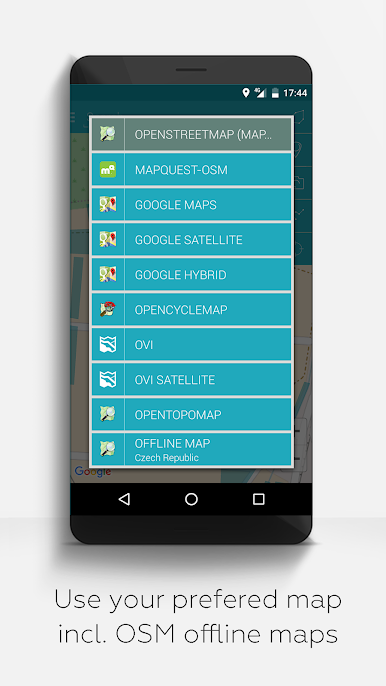
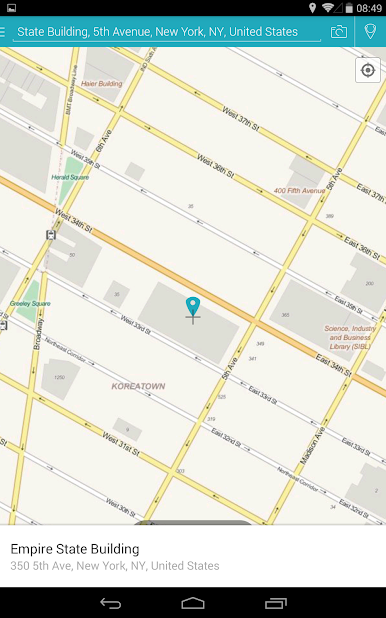
- Offline maps: OpenStreetMap, OpenTopoMap, OpenCycleMap, satellite, hybrid
- Web Map Service (WMS) support for own data sets and OpenData
- Photo mapping: assign images geographically
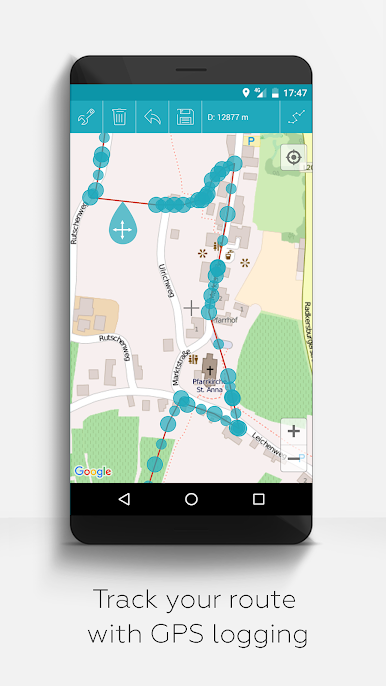
- Record and analyze tracks
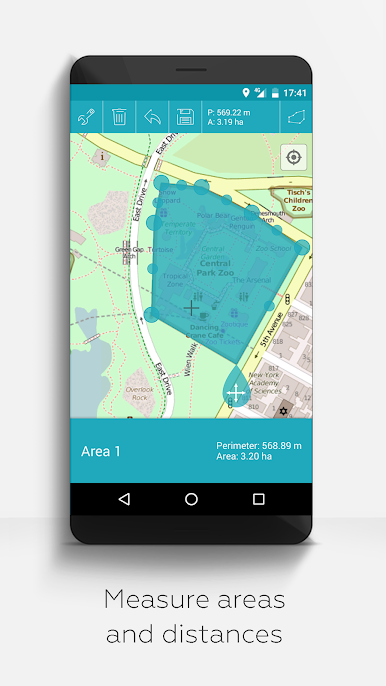
- Measure distances and areas
- Display multiple map layers simultaneously
- Hierarchical folder structure for large amounts of data
- Multilingual (English, German, Spanish, etc.)
Our claim:
- Ad-free and data-safe: No background services, no trackers, no data collection
- Non-profit development: Financed by voluntary donations - not by user data
- Compatible with older Android versions:
For devices with Android 12 and older, we offer our own versions directly on farming.software.
Who is MAPinr made for?
- Outdoor sports: hiking, cycling, ski touring, trekking
- Professional use: surveying, environmental monitoring
- Privacy-conscious users
- Small-scale farming, permaculture, agroforestry, market gardening, hobby gardeners
________________________________________
Constructive feedback is welcome:
MAPinr thrives on interaction with its users.
If you have any suggestions, questions or error messages, please contact us directly:
mapinr@farming.software
Please help us to improve the app:
- Constructive feedback is more valuable to us than a bad rating without comment.
- Error reports with device, Android version and a brief description of the problem help us to make targeted improvements.
- We check feature requests for feasibility and relevance for the community.
Our resources are limited, but we endeavor to regularly implement sensible suggestions and improvements. Criticism only helps us if we understand it - please rate fairly.
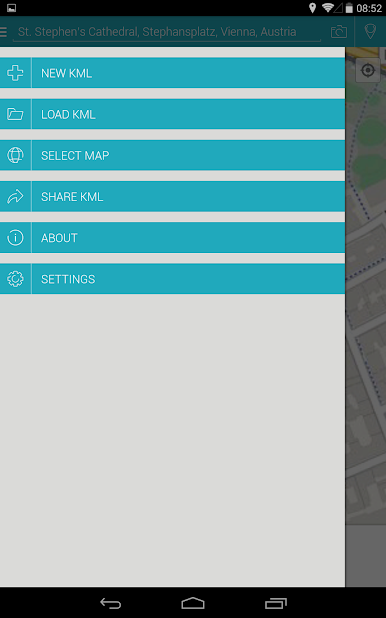
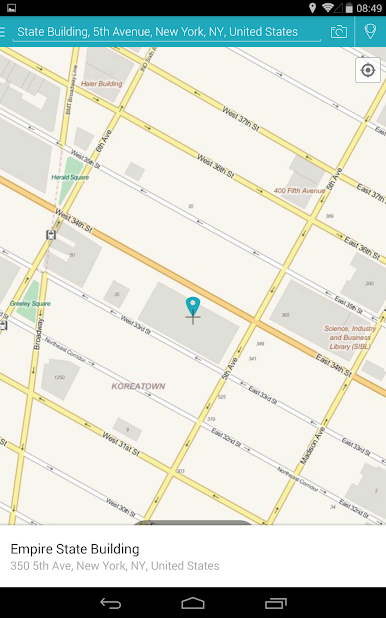

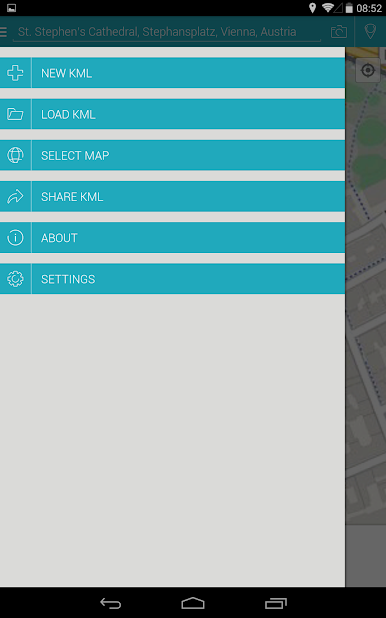
Play MAPinr - KML/KMZ/OFFLINE/GIS on PC. It’s easy to get started.
-
Download and install BlueStacks on your PC
-
Complete Google sign-in to access the Play Store, or do it later
-
Look for MAPinr - KML/KMZ/OFFLINE/GIS in the search bar at the top right corner
-
Click to install MAPinr - KML/KMZ/OFFLINE/GIS from the search results
-
Complete Google sign-in (if you skipped step 2) to install MAPinr - KML/KMZ/OFFLINE/GIS
-
Click the MAPinr - KML/KMZ/OFFLINE/GIS icon on the home screen to start playing

