


Kayo Sports
Play on PC with BlueStacks – the Android Gaming Platform, trusted by 500M+ gamers.

Page Modified on: Oct 20, 2026
Run Kayo Sports on PC or Mac
Kayo Sports is a Sports app developed by Hubbl Pty Ltd. BlueStacks app player is the best platform (emulator) to run this Android app on your PC or Mac for an immersive user experience!
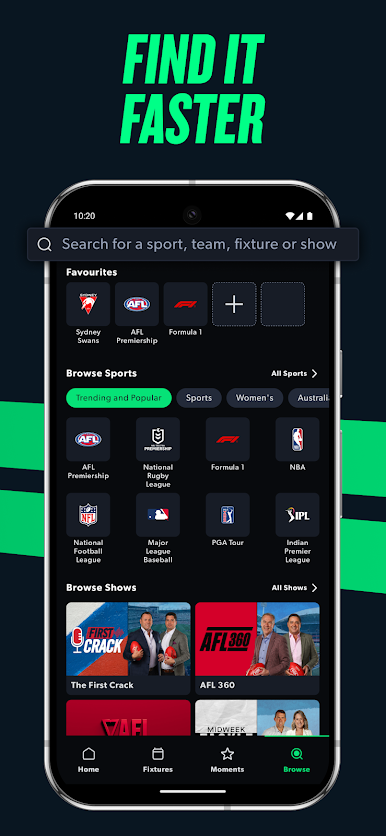
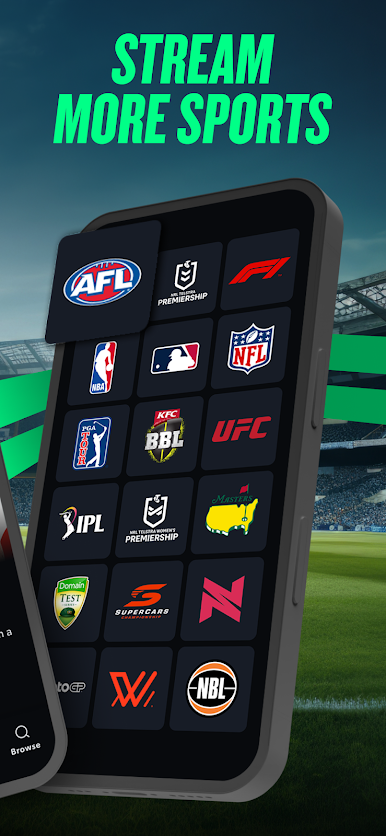
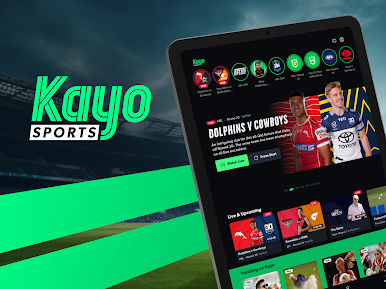
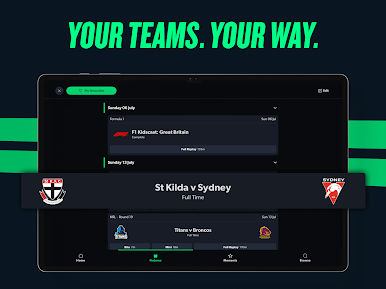
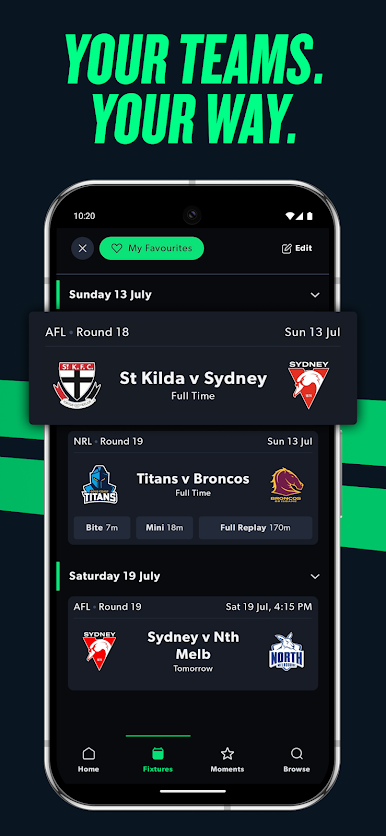
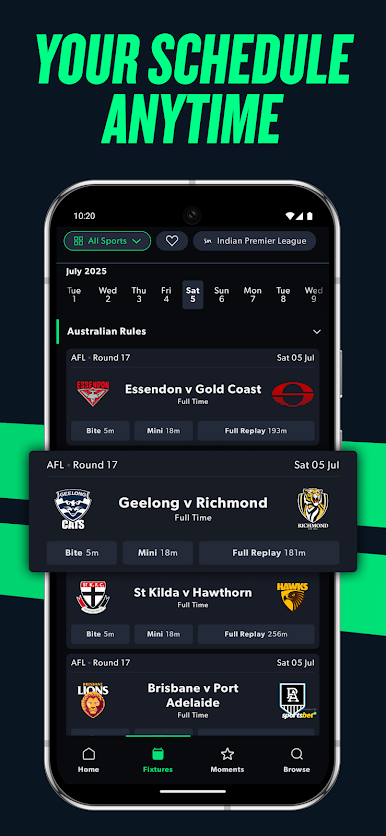
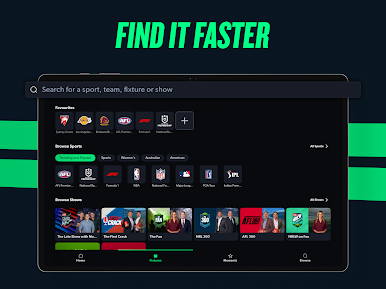
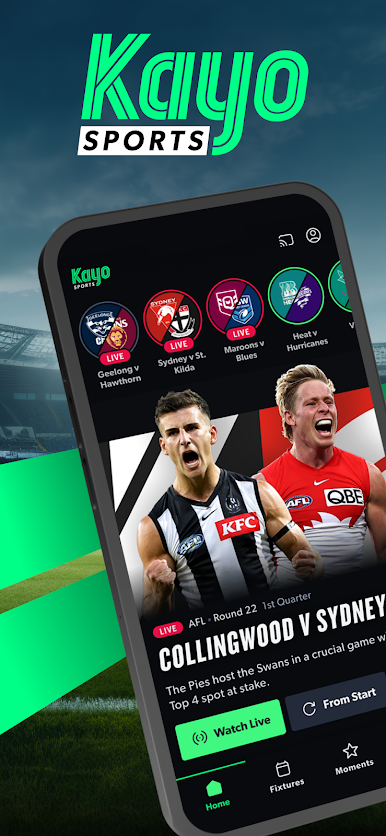
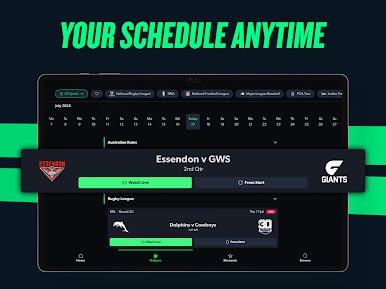
Dive into the entertaining world of sports with the Kayo Sports app and gain access to live coverage of over 50 sports games conveniently from your home.
About the App
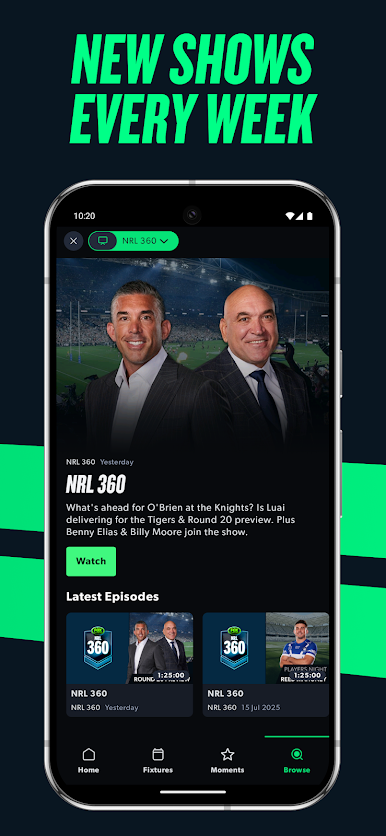
Kayo Sports is a well-designed app that incorporates distinctive elements to keep users engaged. This app allows you to watch multiple videos at the same time. You can also watch the same video with multiple camera angles giving you an all-round view of the game.
Enjoy the ICC Women’s T20 World Cup and the Cricket World Cup for Men
This app offers an exceptional sporting experience to users across the world. Catch up on the upcoming ICC Women’s T20 World Cup and the Cricket World Cup from October 10th to November 26th, 2024; watch, replay, and pause key moments of the games.
App Features
- Live coverage for over 50 major sporting events
- User-friendly interface
- In-live statistics
How to Get
Download Kayo Sports for free from the Google Play Store or Apple App Store on the BlueStacks app player.






Play Kayo Sports on PC. It’s easy to get started.
-
Download and install BlueStacks on your PC
-
Complete Google sign-in to access the Play Store, or do it later
-
Look for Kayo Sports in the search bar at the top right corner
-
Click to install Kayo Sports from the search results
-
Complete Google sign-in (if you skipped step 2) to install Kayo Sports
-
Click the Kayo Sports icon on the home screen to start playing

