

EVO
Play on PC with BlueStacks – the Android Gaming Platform, trusted by 500M+ gamers.

Page Modified on: Oct 29, 2025
Play EVO on PC or Mac
From the innovators and creators at MAD PIXEL, EVO is another fun addition to the World of Action games. Go beyond your mobile screen and play it bigger and better on your PC or Mac. An immersive experience awaits you.
About the Game
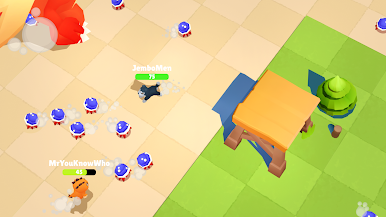
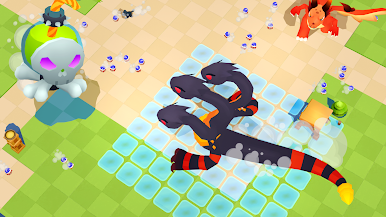
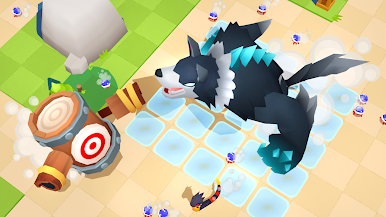
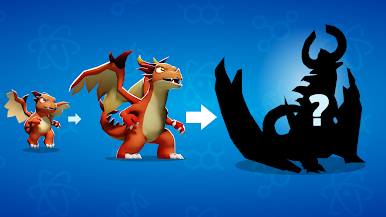
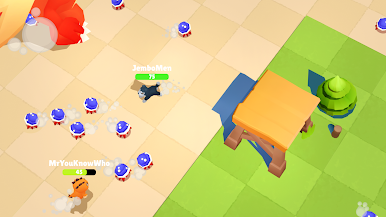
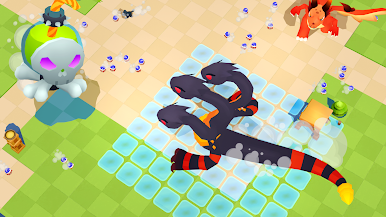
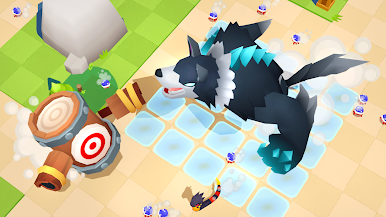
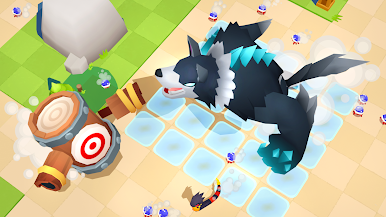
EVO by MAD PIXEL drops you right into the heart of evolution—think fast-paced action where only the cleverest survive. This isn’t your average action game; it weaves strategy and split-second decisions together as you guide your own unique species through the wilds of natural selection. Every moment’s a test: adapt, outsmart rivals, and see who comes out on top.
Game Features
-
Adaptive Gameplay
You’re in control of your species’ destiny. Change up your tactics as you face new challenges, and don’t be afraid to switch things up to stay ahead. -
Real-Time Strategy Battles
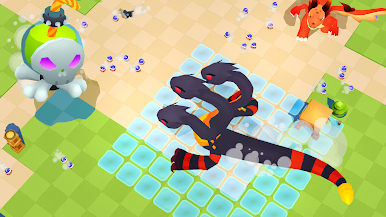
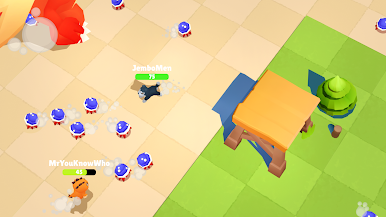
It’s not all brawn—success in EVO means thinking on your feet. Outsmart your opponents in dynamic encounters where one good move can turn the tide. -
Creative Creature Customization
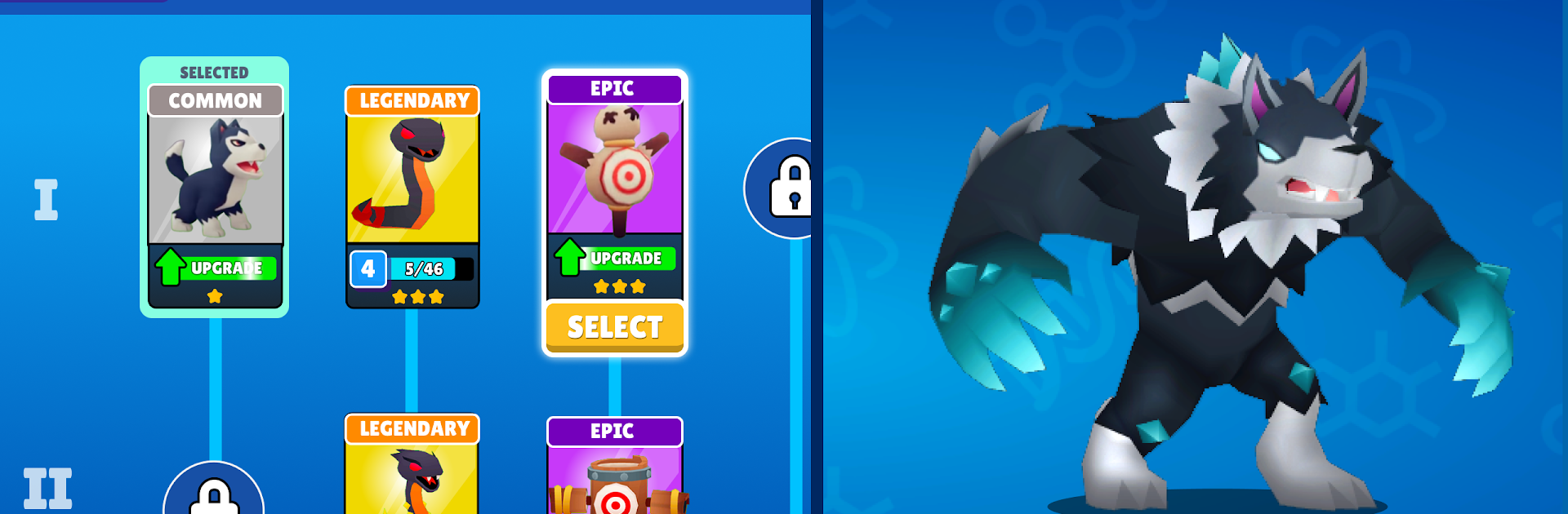
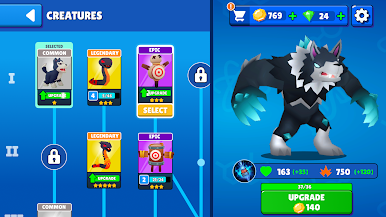
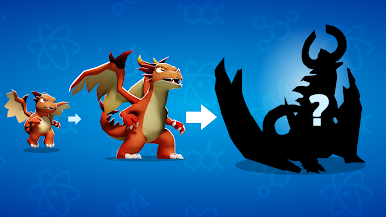
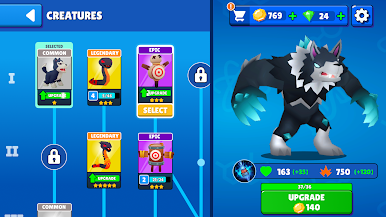
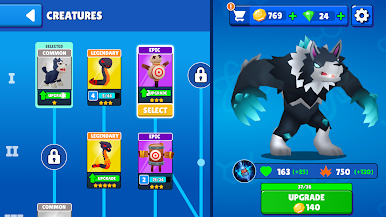
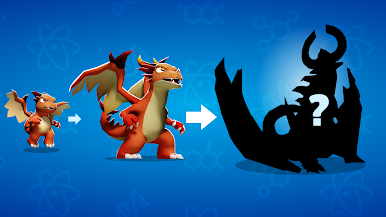
Tinker with traits and abilities to create a species that’s truly your own. Want something quick and elusive or big and bold? The choice is yours. -
Endless Replayability
No two matches play out the same way. With tons of possible creature builds and unpredictable opponents, every match feels fresh. -
Smooth Action Experience
EVO is designed for fast movement and quick decisions, whether you’re playing on your phone or opting for a seamless session with BlueStacks.
Ready to top the leaderboard? We bet you do. Let precise controls and sharp visuals optimized on BlueStacks lead you to victory.



Play EVO on PC. It’s easy to get started.
-
Download and install BlueStacks on your PC
-
Complete Google sign-in to access the Play Store, or do it later
-
Look for EVO in the search bar at the top right corner
-
Click to install EVO from the search results
-
Complete Google sign-in (if you skipped step 2) to install EVO
-
Click the EVO icon on the home screen to start playing

