


Drum Solo HD
Play on PC with BlueStacks – the Android Gaming Platform, trusted by 500M+ gamers.

Page Modified on: Sep 26, 2025
Play Drum Solo HD on PC
Record your songs and show them to your friends later. Play music loud and use it with headphones or connected to a stereo with speakers for a unique experience. It is designed for everyone: from beginners to professional drummers.
The main features are:
- Extremely intuitive and easy to use.
- Excellent performance (also on old devices)
- Instant response
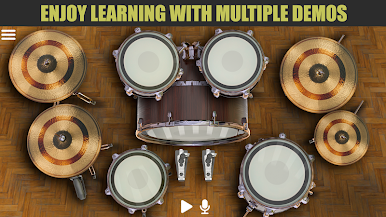
- Learn to play the drums with multiple lessons.
- Choose from 4 exclusive sound packs: Classic Rock, Heavy Metal, Jazz and Synthesizer.
- Record your own session and later, play over it, just like a real drum machine. Double your experience! You can record, play and repeat your compositions. You can record an unlimited number of notes in your loops.
- Export your sessions to MP3, MIDI or OGG and share your progress with friends.
- Play over your favorite songs from your music library and add your own beats.
- Left-handed mode available.
- Individually adjust the volume of each instrument and global music.
- Immersive tactile effects (haptic feedback) so that when you touch, the device responds as in reality (NOTE: only if the device has vibration available).
- Multi-touch: it can be used with 20 fingers simultaneously (if available on your device).
- The Reverb effect simulates a live performance.
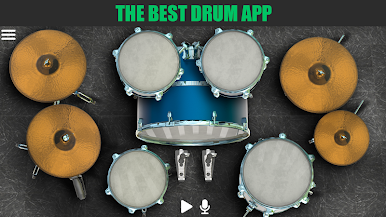
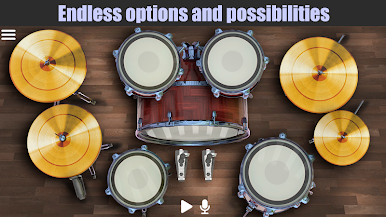
- High quality sounds recorded in stereo, including double kick, two toms, floor snare, snare, charlie or hi-hat (with two positions), splash, crash and cymbal cymbals.
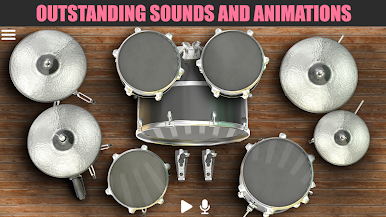
- High definition images and spectacular animations.
- Double bass drum pedal available.
- 11 sensitive areas.
- Drum Solo HD is free, but you can purchase a license to permanently remove the ads and to unlock lessons and other exclusive items in the future
Follow us on Facebook:
https://www.facebook.com/Batalsoft
Play Drum Solo HD on PC. It’s easy to get started.
-
Download and install BlueStacks on your PC
-
Complete Google sign-in to access the Play Store, or do it later
-
Look for Drum Solo HD in the search bar at the top right corner
-
Click to install Drum Solo HD from the search results
-
Complete Google sign-in (if you skipped step 2) to install Drum Solo HD
-
Click the Drum Solo HD icon on the home screen to start playing

