

Piano Solo HD
Play on PC with BlueStacks – the Android Gaming Platform, trusted by 500M+ gamers.

Page Modified on: Dec 4, 2025
Play Piano Solo HD on PC or Mac
Explore a whole new adventure with Piano Solo HD, a Music game created by Batalsoft Music Apps. Experience great gameplay with BlueStacks, the most popular gaming platform to play Android games on your PC or Mac.
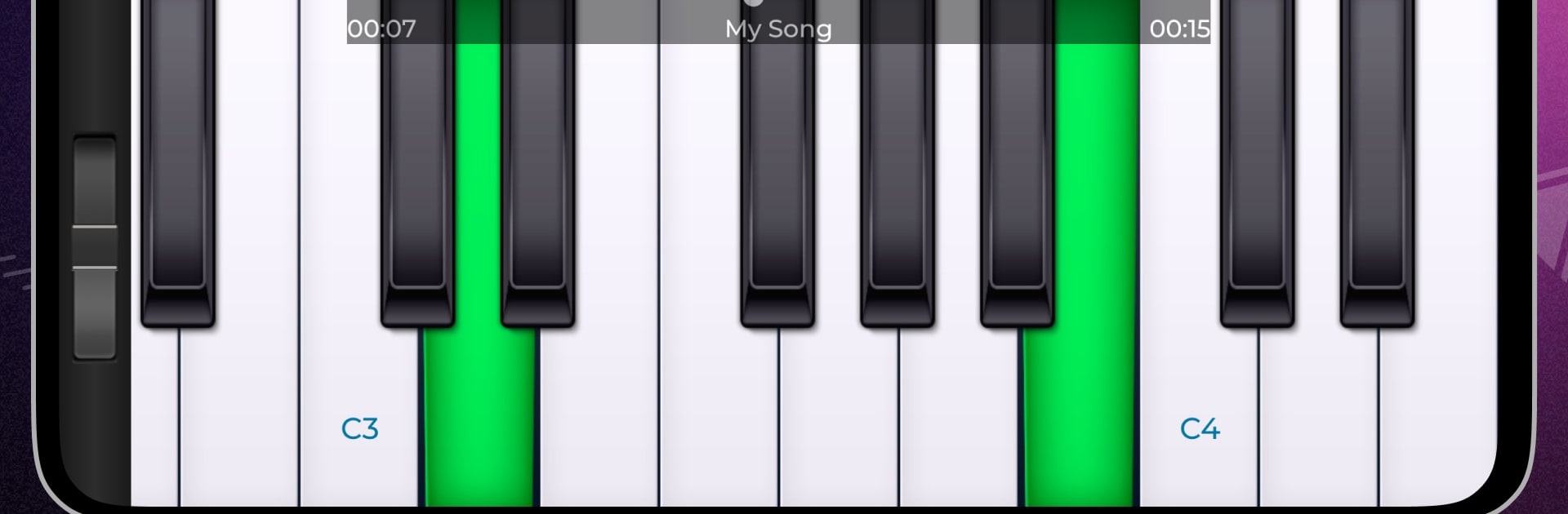
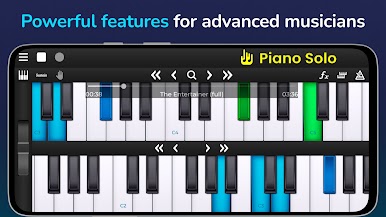
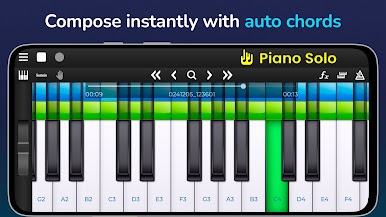
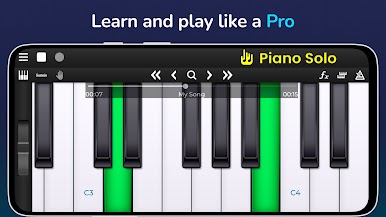
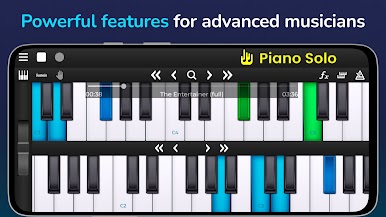
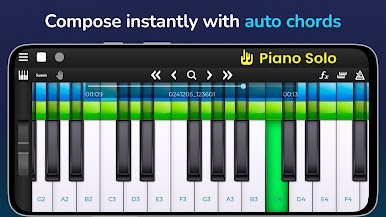
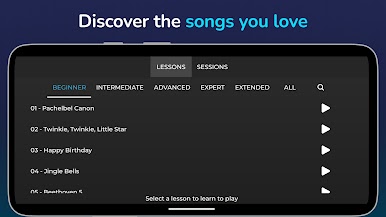
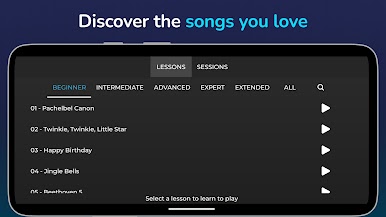
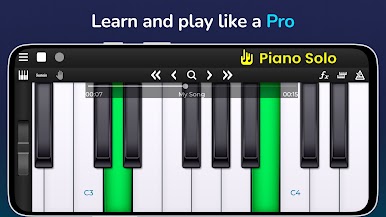
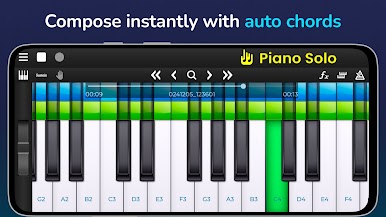
Piano Solo HD is basically a full piano you can mess with without needing any music gear. It puts an 81 key keyboard on screen, and you can choose how many keys show so it fits the window. On a PC with BlueStacks the keys are easy to see and hit, and mapping a few notes to the keyboard or just clicking with the mouse feels steady and relaxed instead of cramped. It leans more toward playing and learning than flashy rhythm stuff. There are built in songs across classics and popular tunes, you can slow sections down, loop a tricky bit, and nudge the playhead to exactly where practice needs to start. Automatic chord strips for major and minor are a nice shortcut for backing, so one hand can hold chords while the other plays a lead without getting tangled.
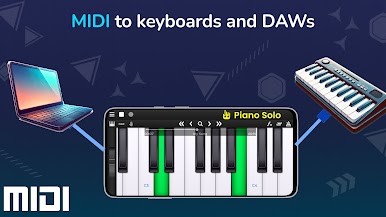
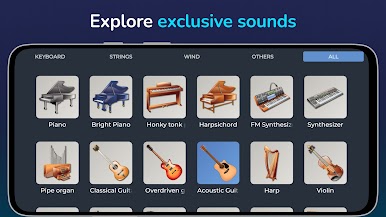
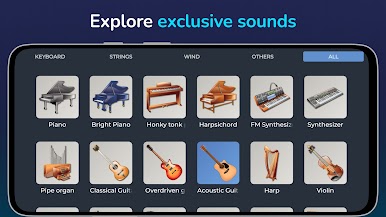
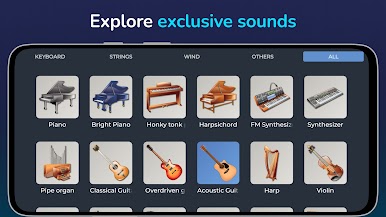
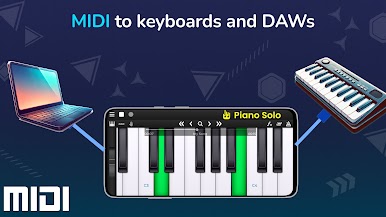
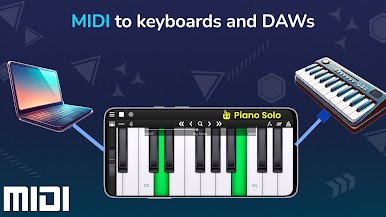
The sound options are fun too. Grand piano is the default, but swapping to honky tonk, pipe organ, xylophone, or a synth changes the mood fast. SoundFont support is there if someone wants to load custom SF2 banks, and a pitch bend wheel gives little expressive nudges. It has a metronome, a quick stop for stuck notes, and latency is low so keys react the moment they are touched. Recording is simple and surprisingly flexible, with exports to MP3, OGG, or even MIDI for tossing into a DAW. MIDI over USB is supported on newer Android versions, so controller or computer workflows are possible if that is your thing. The base app is free, and a one time VIP buys ad removal and a few extra instruments and songs.
Start your journey now. Download the game on BlueStacks, invite your friends, and march on a new adventure.


Play Piano Solo HD on PC. It’s easy to get started.
-
Download and install BlueStacks on your PC
-
Complete Google sign-in to access the Play Store, or do it later
-
Look for Piano Solo HD in the search bar at the top right corner
-
Click to install Piano Solo HD from the search results
-
Complete Google sign-in (if you skipped step 2) to install Piano Solo HD
-
Click the Piano Solo HD icon on the home screen to start playing

