


RTBF Actus
Play on PC with BlueStacks – the Android Gaming Platform, trusted by 500M+ gamers.

Page Modified on: Mar 6, 2026
Play RTBF Actus on PC
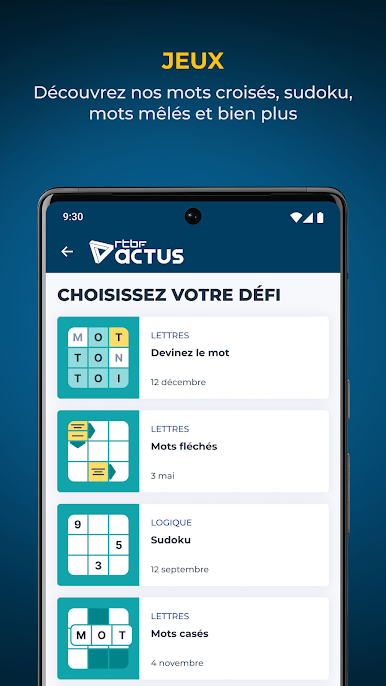
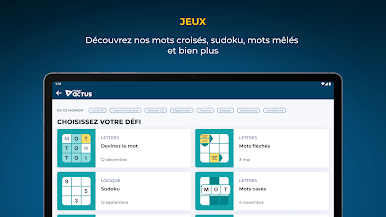
Discover in particular:
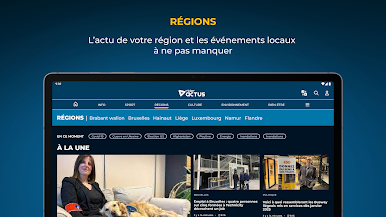
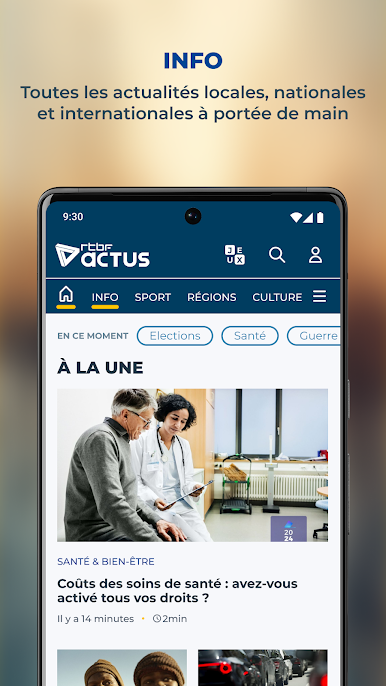
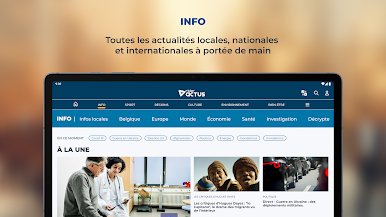
- All the Belgian and international political news, in-depth files from the INFO editorial team on the 2024 elections, economic news, the latest climate news, etc. ;
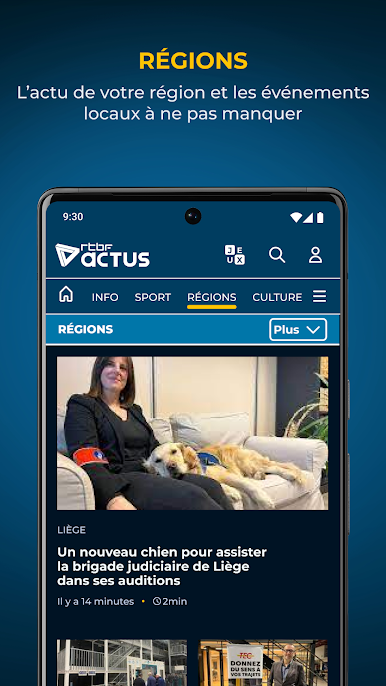
- Local and international news
- Traffic information and weather forecasts in Belgium
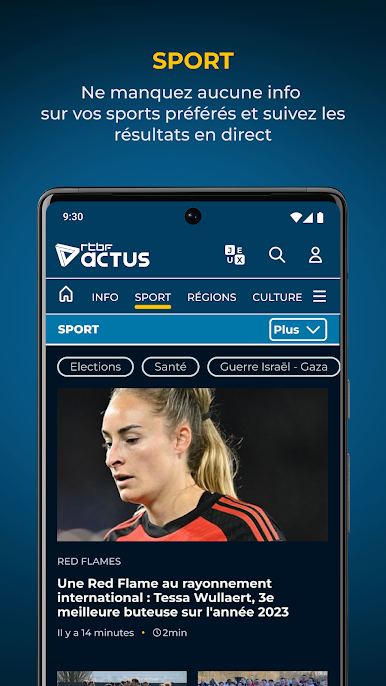
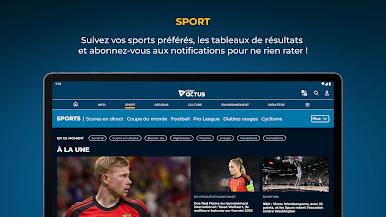
- Sports news in Belgium and around the world: football, cycling, tennis, NBA, Formula 1 and Formula E, Moto GP, WRC, Olympics, women's sport...
- The latest podcastsinfo, history, cinema, music, pop-culture, humor, society, etc.
- Numerous consumer and well-being tips
- Your favorite RTBF radio stations: Vivacité, Classic21, La Première, Tipik, Musiq3, Jam and Tarmac
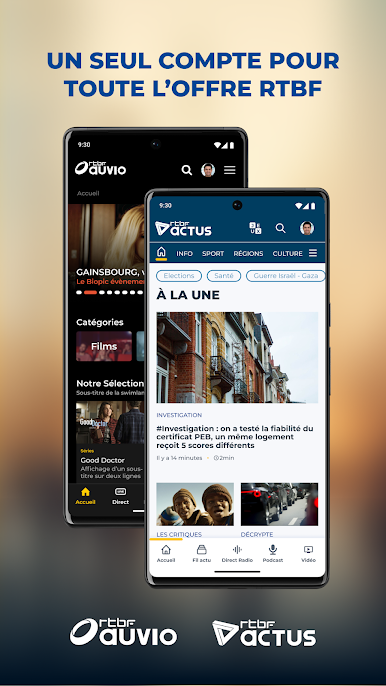
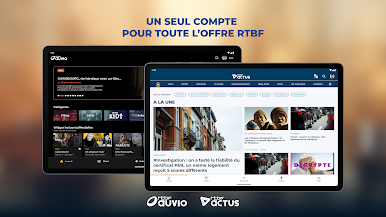
- Programs and content from the RTBF brands: La Une, Tipik, La Trois, Ixpé, Auvio and Auvio Kids.
In 2024, the app has been improved to give you a better experience:
- Intuitive access and optimal reading comfort
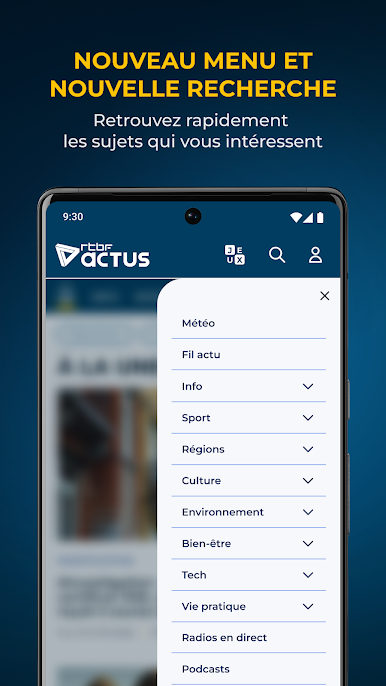
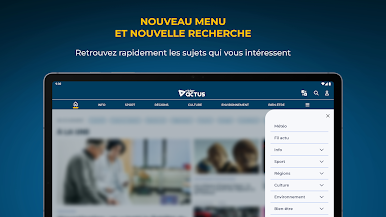
- Content found more easily thanks to the new search functionality
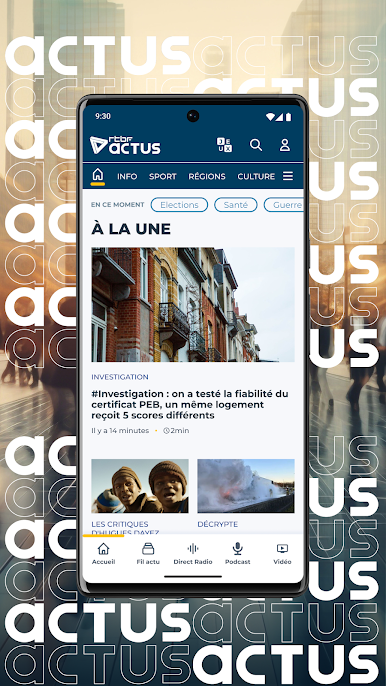
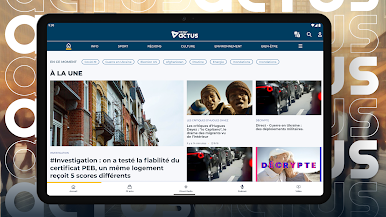
- A more complete view of today's news from the home page
- Receive real-time alerts thanks to notifications on your smartphone or tablet
Play RTBF Actus on PC. It’s easy to get started.
-
Download and install BlueStacks on your PC
-
Complete Google sign-in to access the Play Store, or do it later
-
Look for RTBF Actus in the search bar at the top right corner
-
Click to install RTBF Actus from the search results
-
Complete Google sign-in (if you skipped step 2) to install RTBF Actus
-
Click the RTBF Actus icon on the home screen to start playing

