


Traffic Bike: Moto Stunt 3D
Play on PC with BlueStacks – the Android Gaming Platform, trusted by 500M+ gamers.

Page Modified on: Jun 23, 2026
Play Traffic Bike: Moto Stunt 3D on PC
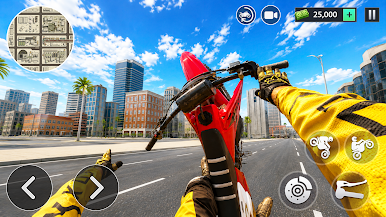
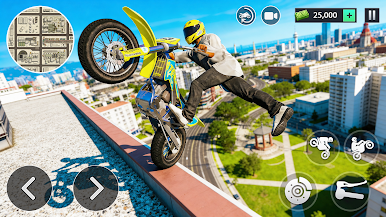
Every ride demands perfect balance and precise control. Navigate tricky courses, pull off daring stunts, and push your limits as you race through increasingly difficult map.
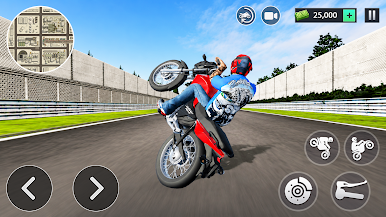
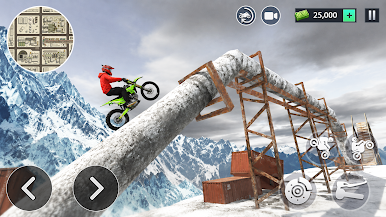
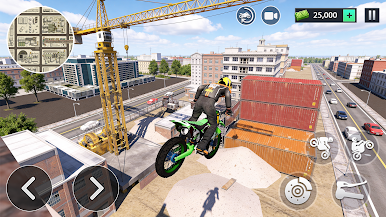
Unlock new bikes with unique performance, improve your riding abilities, and tackle even tougher stunt challenges. Whether you're climbing steep ramps, crossing dangerous obstacles, or performing long wheelies, every level offers a new adventure.
Game Features
• Exciting wheelie and stunt gameplay
• Easy controls with skill-based mechanics
• Multiple motorcycles to unlock and upgrade
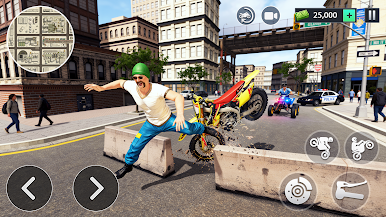
• Challenging levels filled with obstacles
• Realistic physics and smooth riding experience
• Endless fun for stunt bike enthusiasts
Think you have what it takes to become a stunt stuning legend? Jump on your bike, perform incredible tricks, and dominate every challenge in Extreme Moto Bike Stunt 3D. Download now and start your adventure!
Play Traffic Bike: Moto Stunt 3D on PC. It’s easy to get started.
-
Download and install BlueStacks on your PC
-
Complete Google sign-in to access the Play Store, or do it later
-
Look for Traffic Bike: Moto Stunt 3D in the search bar at the top right corner
-
Click to install Traffic Bike: Moto Stunt 3D from the search results
-
Complete Google sign-in (if you skipped step 2) to install Traffic Bike: Moto Stunt 3D
-
Click the Traffic Bike: Moto Stunt 3D icon on the home screen to start playing

