


Flashlight - LED
Play on PC with BlueStacks – the Android Gaming Platform, trusted by 500M+ gamers.

Page Modified on: Dec 30, 2025
Run Flashlight - Classic on PC or Mac
Get freedom from your phone’s obvious limitations. Use Flashlight – Classic, made by ArtLine, a Tools app on your PC or Mac with BlueStacks, and level up your experience.
About the App
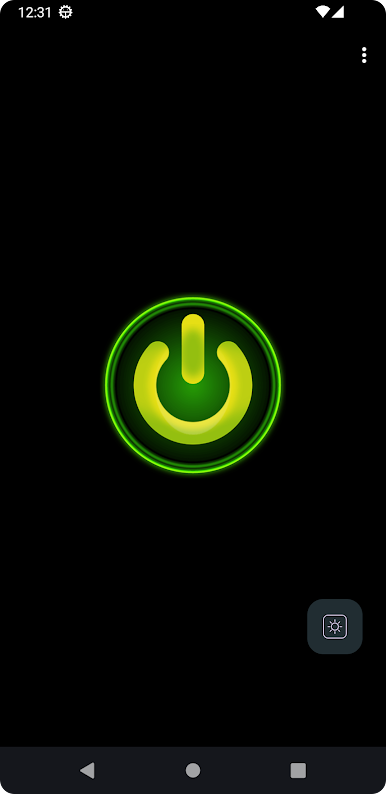
Ever been in the dark with your phone and needed a quick burst of light—no fuss, no complicated menus, just a reliable flashlight? That’s where Flashlight – Classic comes in. Made by ArtLine in the Tools genre, this app keeps things simple so you can get light exactly when you need it. Whether you’re digging for keys at night or just want to light up a space with your screen, it’s always just a tap away.
App Features
-
Instant Brightness
Turn on the light in an instant. Just tap the icon, and you’re good to go—no waiting or splash screens getting in the way. -
Super Simple Design
Forget confusing extras. The layout’s clean and actually easy on the eyes. It’s made to get you light fast, not slow you down. -
Strobe Light Mode
Need a blinking light? There’s a built-in stroboscope for emergencies or those times you just want your phone to flash. -
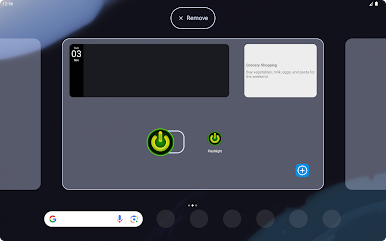
Home Screen Widget
Throw the widget right on your home screen, and you can fire up the flashlight without even opening the app. -
Screen or Camera Flash
If your device has an LED flash, you’ll get serious brightness. If not, it simply lights up your screen instead—pretty handy, right? -
Keeps Lighting, Even Locked
The flashlight keeps shining, whether you switch to another app, lock your screen, or just turn off the display. No awkward turning-off mid-search. -
No Annoying Full-Screen Ads
You get uninterrupted use—no popups, overlays, or ads stealing your screen. -
No Data, Just Light
The app doesn’t collect your personal info, so you can use it without second thoughts. -
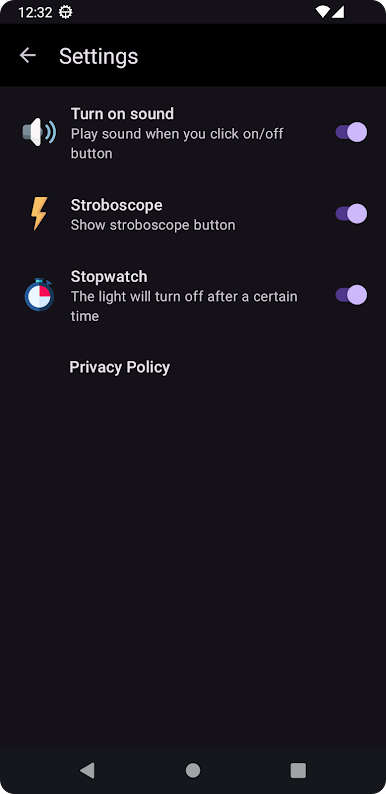
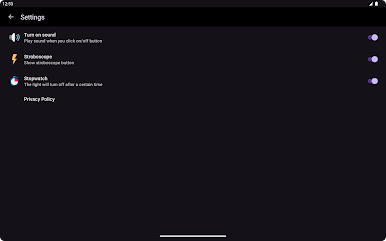
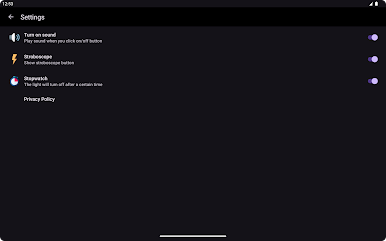
Auto-Off Timer
Set a timer so the flashlight shuts off on its own after a bit. Handy if you sometimes forget to turn it off. -
Works on BlueStacks
If you’re using BlueStacks, you can run Flashlight – Classic on your PC as easily as you would on your phone. -
Camera Permission Explained
The app asks for camera permission only because your device’s LED flash is technically part of the camera. It’s all about lighting, nothing else.
Big screen. Bigger performance. Use BlueStacks on your PC or Mac to run your favorite apps.
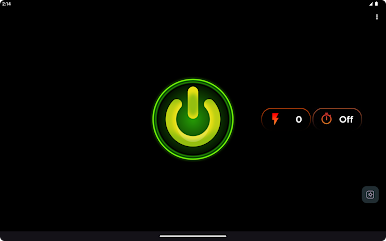
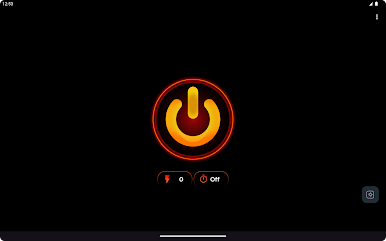
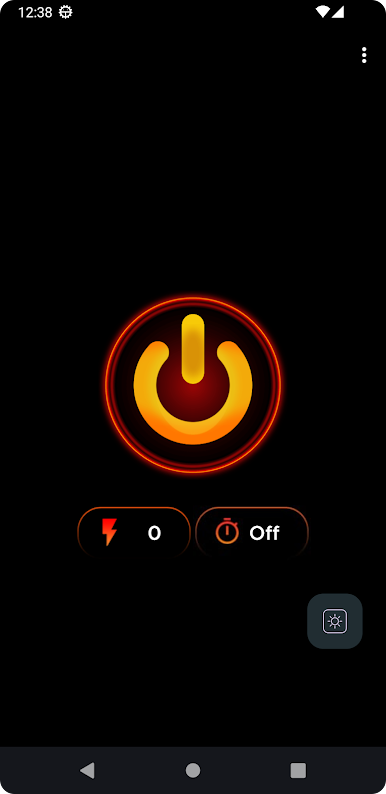


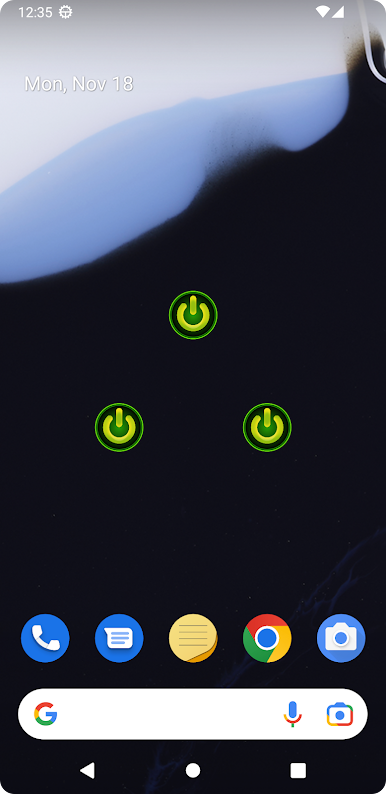
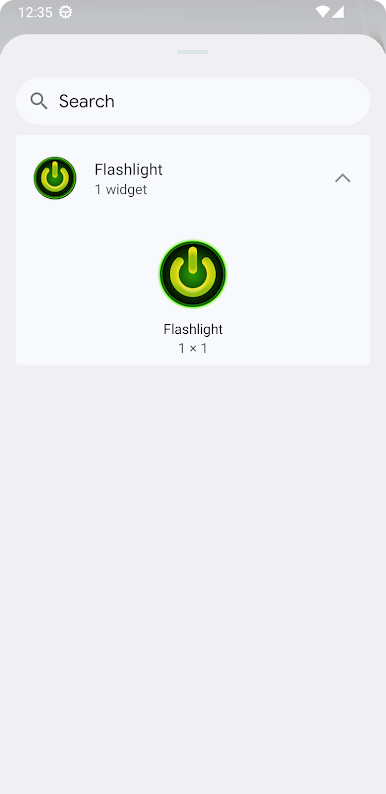

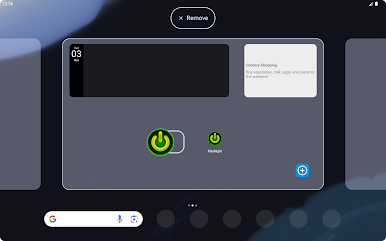
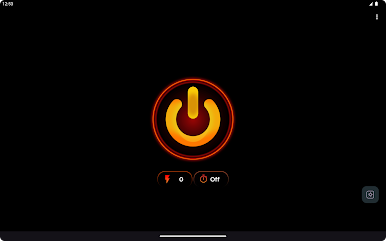
Play Flashlight - LED on PC. It’s easy to get started.
-
Download and install BlueStacks on your PC
-
Complete Google sign-in to access the Play Store, or do it later
-
Look for Flashlight - LED in the search bar at the top right corner
-
Click to install Flashlight - LED from the search results
-
Complete Google sign-in (if you skipped step 2) to install Flashlight - LED
-
Click the Flashlight - LED icon on the home screen to start playing

