


MT Manager
Play on PC with BlueStacks – the Android Gaming Platform, trusted by 500M+ gamers.

Page Modified on: Sep 15, 2026
Run MT Manager on PC or Mac
Why limit yourself to your small screen on the phone? Run MT Manager, an app by Lin Jin Bin, best experienced on your PC or Mac with BlueStacks, the world’s #1 Android emulator.
About the App
MT Manager, created by Lin Jin Bin, is your go-to tool for all your file management and APK editing needs on your mobile device. Whether you’re managing files or tweaking software, this powerful app has got you covered.
App Features
-
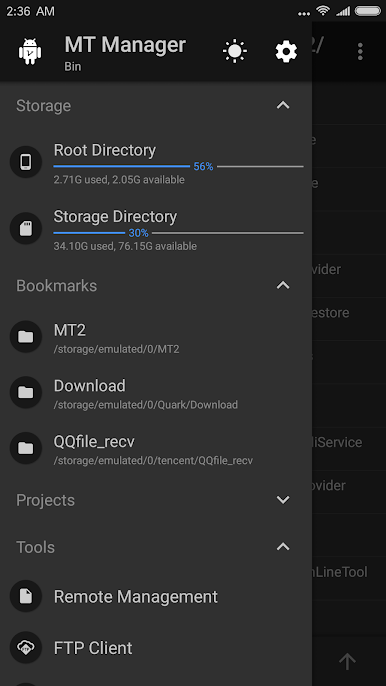
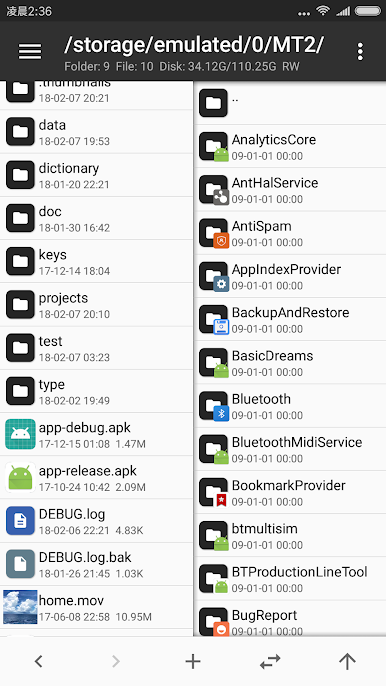
File Management and Access
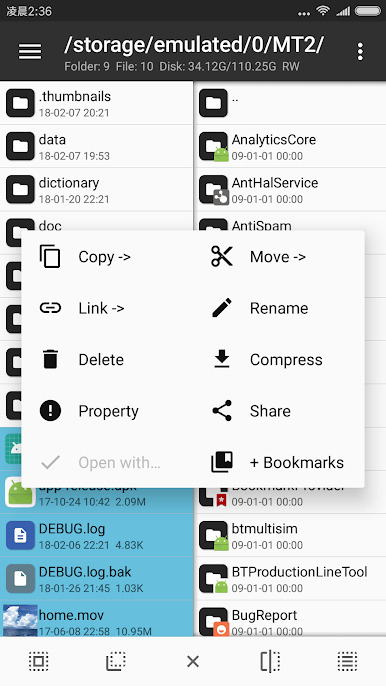
Easily copy, move, and delete files, and even access system directories if you’ve granted root privileges. Modify file permissions and owners, and remount your file system as read-write. -
Archive Handler
Handle ZIP files as if you’re using WinRAR. Delete, rename, or rearrange files within ZIPs without decompressing, and access content smoothly. -
Versatile Media Tools
Use the built-in text editor, picture viewer, music player, and font previewer. It’s like a toolbox for your media files! -
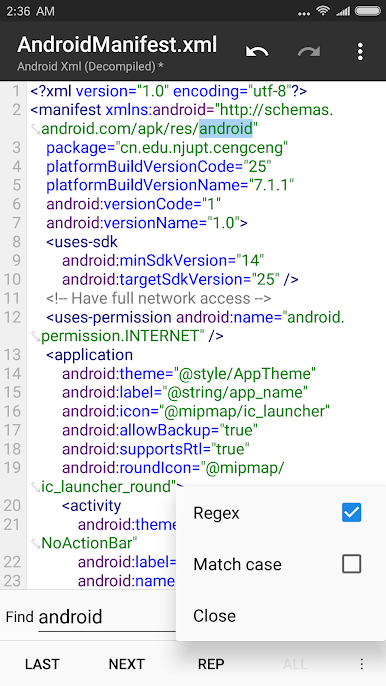
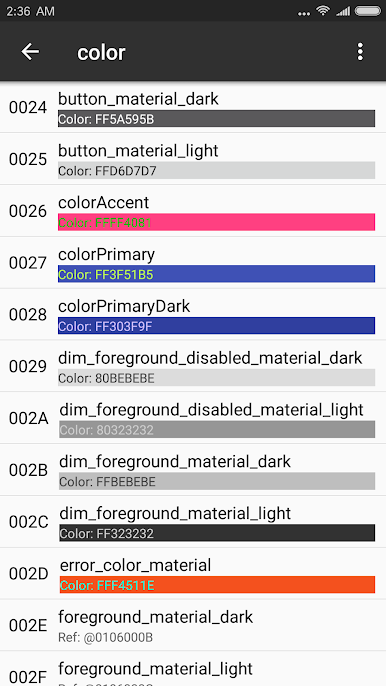
Advanced APK Editing
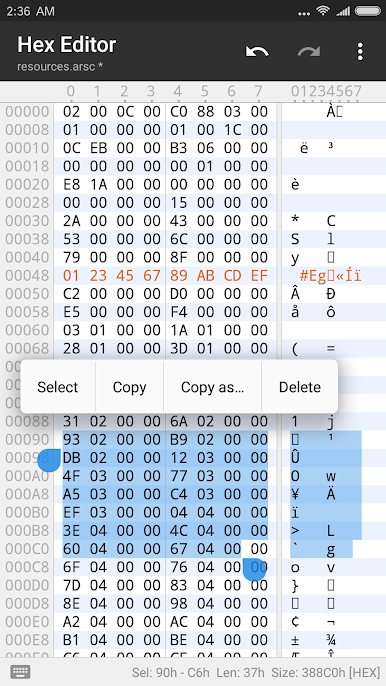
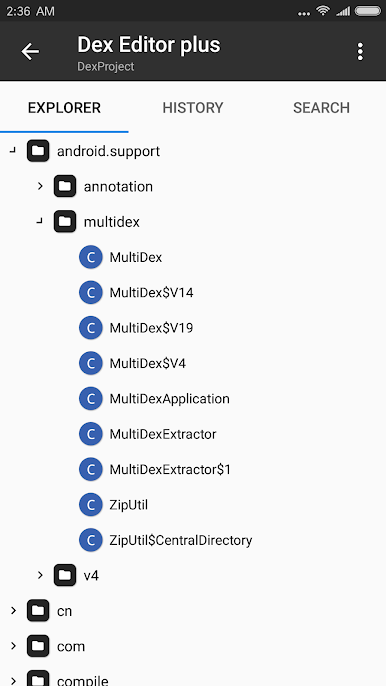
Get creative with APKs using dex, arsc, and xml editors. Sign, optimize, and even clone APKs, with options to manage and alter app resources.
Master your phone’s potential with MT Manager—empower your mobile experience effortlessly!
Play MT Manager on PC. It’s easy to get started.
-
Download and install BlueStacks on your PC
-
Complete Google sign-in to access the Play Store, or do it later
-
Look for MT Manager in the search bar at the top right corner
-
Click to install MT Manager from the search results
-
Complete Google sign-in (if you skipped step 2) to install MT Manager
-
Click the MT Manager icon on the home screen to start playing

