


Binaural Beats - study music
Play on PC with BlueStacks – the Android Gaming Platform, trusted by 500M+ gamers.

Page Modified on: Nov 23, 2025
Play Binaural Beats - study music on PC
Main features:
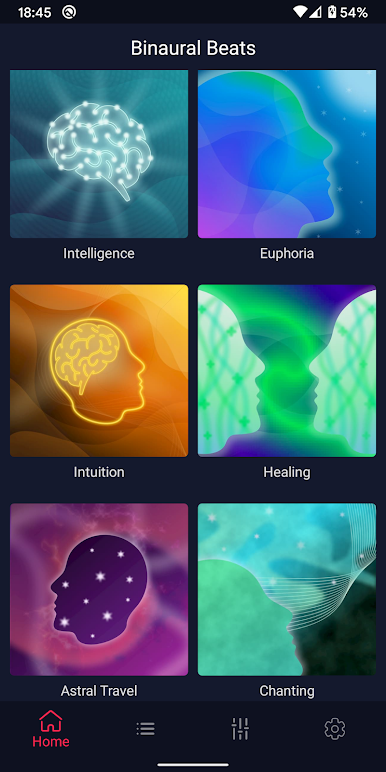
🌟 Create your own Beta, Alpha, Theta, Delta or Gamma brainwaves to study, learn or focus.
🌟 Music for studying, reading and concentration.
🌟 Change the focus music to improve your experience.
🌟 Change the volumes of background music and wave.
🌟 Play the study music in the background.
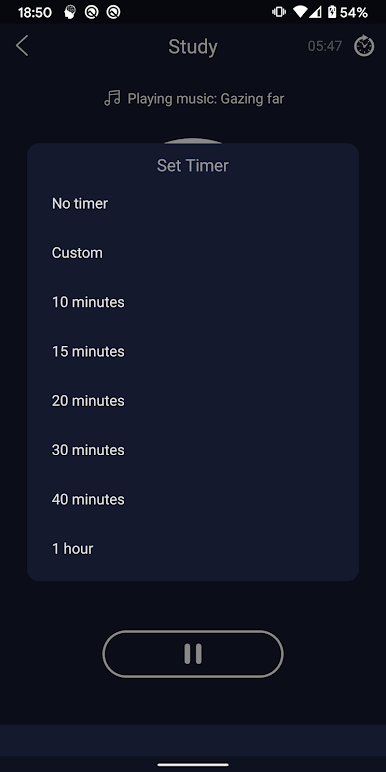
🌟 Schedule timer to automatically stop the music.
🌟 High quality meditation music.
🌟 Beautiful and simple design.
🌟 No network required.
IMPORTANT:
Use headphones for a better sound experience.
Binaural waves are just entertainment and should not replace your medicine treatments. If you have any disease you should visit a doctor.
Contact us for any suggestion or question, so that we can improve this app for you!
📮spiritcraftsman@gmail.com
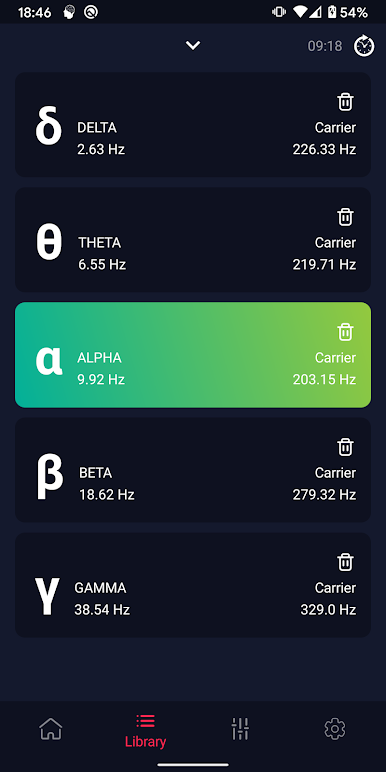
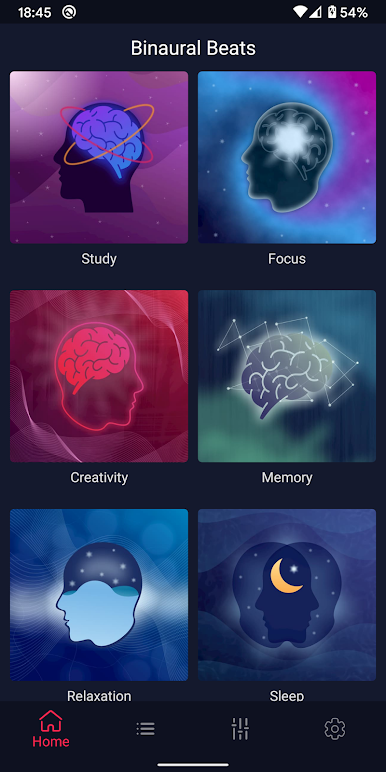
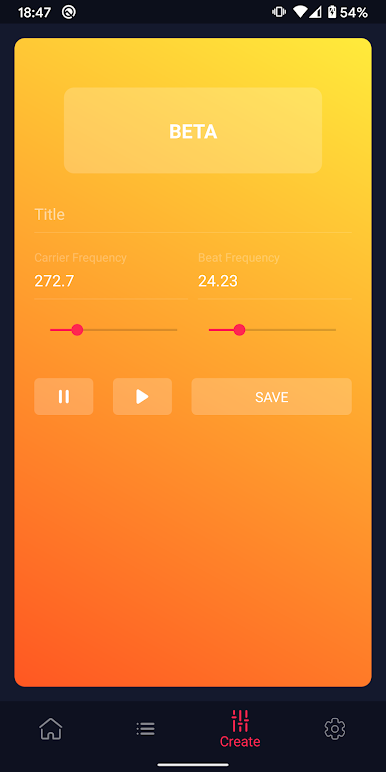
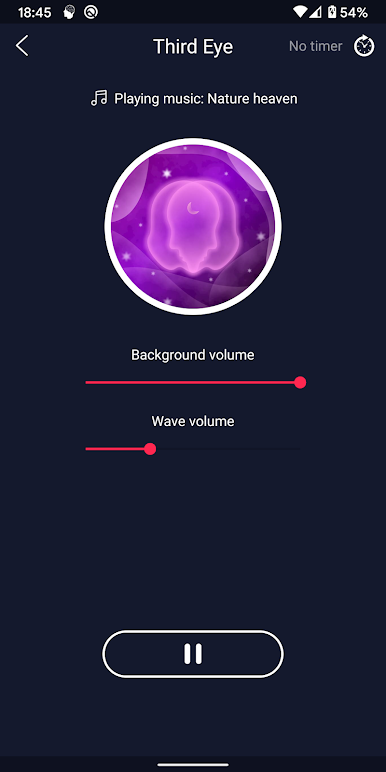
Play Binaural Beats - study music on PC. It’s easy to get started.
-
Download and install BlueStacks on your PC
-
Complete Google sign-in to access the Play Store, or do it later
-
Look for Binaural Beats - study music in the search bar at the top right corner
-
Click to install Binaural Beats - study music from the search results
-
Complete Google sign-in (if you skipped step 2) to install Binaural Beats - study music
-
Click the Binaural Beats - study music icon on the home screen to start playing

