


Smash Rush!
Play on PC with BlueStacks – the Android Gaming Platform, trusted by 500M+ gamers.

Page Modified on: Sep 14, 2026
Play Smash Rush! on PC
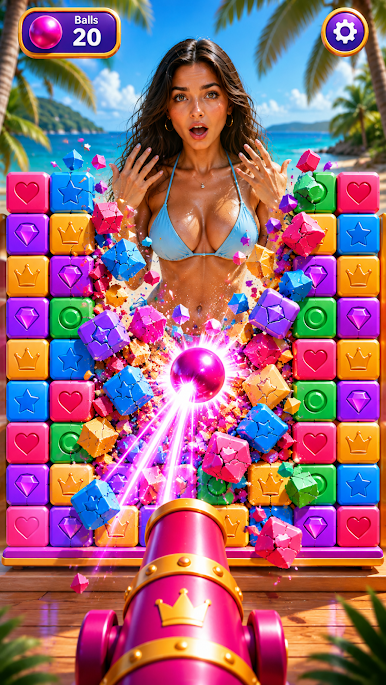
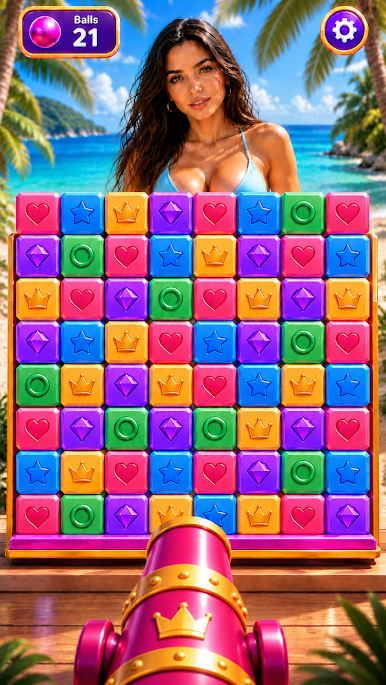
Take aim, fire the cannon, and smash your way through colorful 3D structures in Smash Rush! Every shot breaks more blocks, clears the stage, and brings you closer to the final reveal.
Enjoy fast, satisfying levels filled with destruction, physics, and rewarding surprises. Break walls, knock down towers, use powerful boosters, and unlock new images for your growing collection.
🔥 WHY PLAY SMASH RUSH!
• Smash through 1000+ exciting levels
• Enjoy satisfying 3D destruction and physics
• Unlock new images and grow your gallery
• Use boosters and extra balls when you need help
• Discover new structures and challenges as you progress
• Quick, easy-to-play levels anytime
• Play offline wherever you are
🎯 AIM. SHOOT. SMASH.
Load the cannon, choose the perfect angle, and fire. Watch blocks fly, structures collapse, and satisfying chain reactions clear the screen.
🖼️ REVEAL & COLLECT
Every completed level brings you closer to a new reveal. Unlock images, expand your collection, and keep progressing to discover what comes next.
💣 EVERY LEVEL FEELS DIFFERENT
New block layouts, obstacles, structures, and challenges keep the action fresh. Think about your shot, use the physics, and smash everything in your path.
⚡ QUICK TO START. HARD TO PUT DOWN.
Simple controls, fast levels, satisfying destruction, and constant progression make Smash Rush! perfect for a quick break or a longer play session.
Download Smash Rush! for free and start smashing today.



Play Smash Rush! on PC. It’s easy to get started.
-
Download and install BlueStacks on your PC
-
Complete Google sign-in to access the Play Store, or do it later
-
Look for Smash Rush! in the search bar at the top right corner
-
Click to install Smash Rush! from the search results
-
Complete Google sign-in (if you skipped step 2) to install Smash Rush!
-
Click the Smash Rush! icon on the home screen to start playing

