

Música Infantil - HeyKids
Play on PC with BlueStacks – the Android Gaming Platform, trusted by 500M+ gamers.

Page Modified on: June 18, 2020
Run Música Infantil - HeyKids on PC or Mac
What’s better than using Música Infantil – HeyKids by Vveee Media? Well, try it on a big screen, on your PC or Mac, with BlueStacks to see the difference.
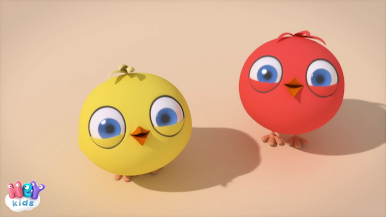
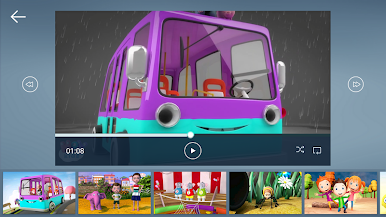
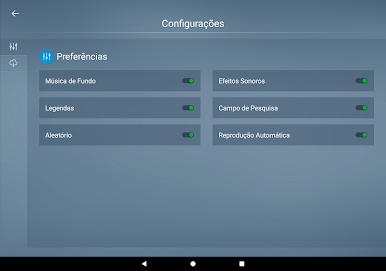
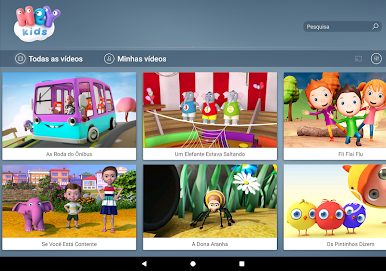
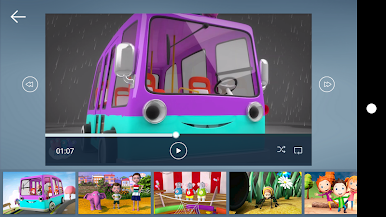
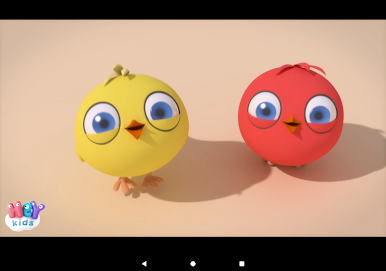
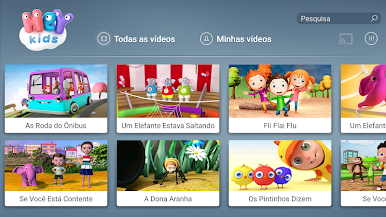
Música Infantil – HeyKids is one of those apps that just makes life a little easier for anyone with kids around. There’s a bunch of classic children’s songs, and they all come with these colorful 3D animated videos that really grab a kid’s attention. It’s not just the usual nursery tunes; the animations are actually well done and help keep things interesting while also sneaking in a bit of learning here and there—especially for picking up new words. It feels like something made with preschoolers and toddlers in mind, since there aren’t a lot of random buttons or confusing menus. Everything goes to fullscreen, things are easy to scroll through, and it’s clear whoever built it thought about how kids actually use apps.
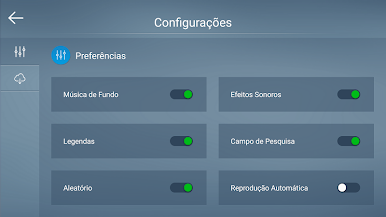
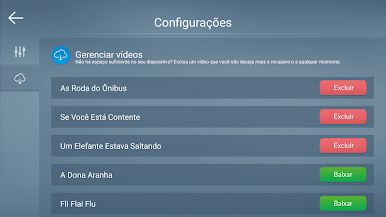
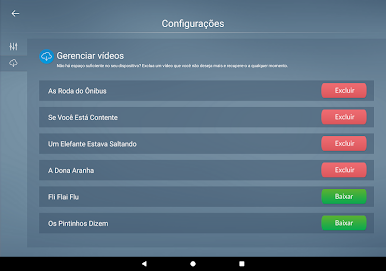
One thing that stands out is the no-ads thing. There are no annoying pop-ups or interruptions. Parents can also set controls to make things even simpler. A few songs come free, like “As Roda do Ônibus” and “Os Pintinhos Dizem,” but there’s a subscription if you want to unlock more, which seems pretty fair. Videos work offline too, so it’s pretty handy whether at home or on the go. Running it on PC with BlueStacks is actually nice—bigger screen, better sound, and way easier for a group of kids to watch together. They add new songs every month, so it doesn’t get repetitive, and overall it’s just a solid option for keeping young kids entertained and (hopefully) learning a bit at the same time.
Ready to experience Música Infantil – HeyKids on a bigger screen, in all its glory? Download BlueStacks now.


Play Música Infantil - HeyKids on PC. It’s easy to get started.
-
Download and install BlueStacks on your PC
-
Complete Google sign-in to access the Play Store, or do it later
-
Look for Música Infantil - HeyKids in the search bar at the top right corner
-
Click to install Música Infantil - HeyKids from the search results
-
Complete Google sign-in (if you skipped step 2) to install Música Infantil - HeyKids
-
Click the Música Infantil - HeyKids icon on the home screen to start playing

