


Bem Pinda
Play on PC with BlueStacks – the Android Gaming Platform, trusted by 500M+ gamers.

Page Modified on: Sep 18, 2026
Play Bem Pinda on PC
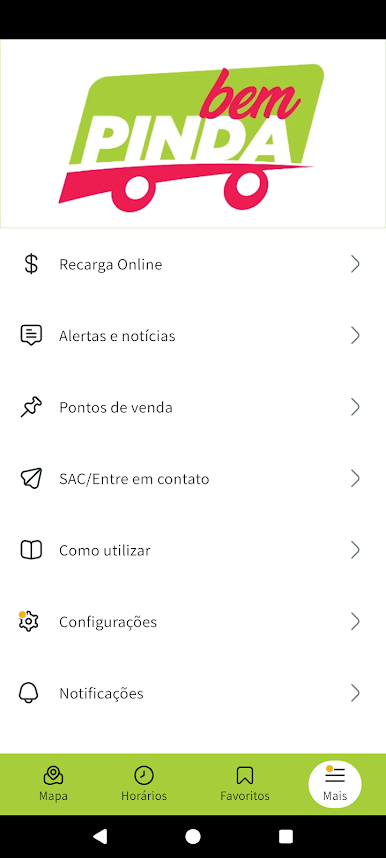
In the Bem Pinda app you have access to:
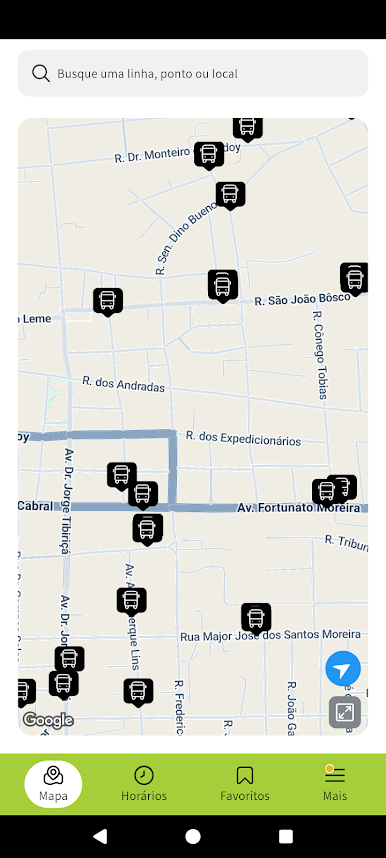
- Location on a map of nearby stopping points and credit sales points
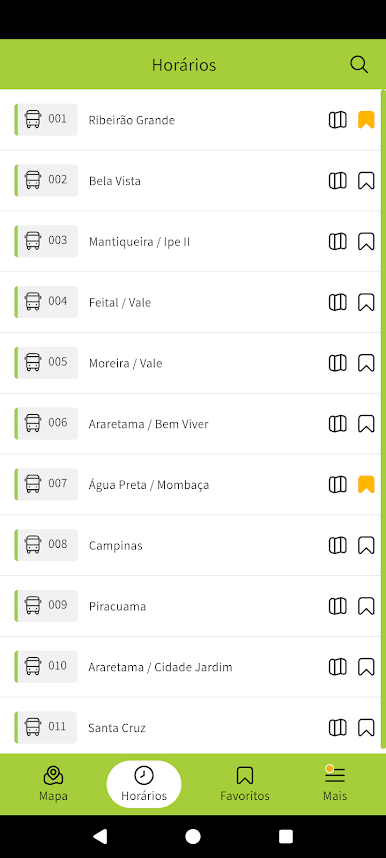
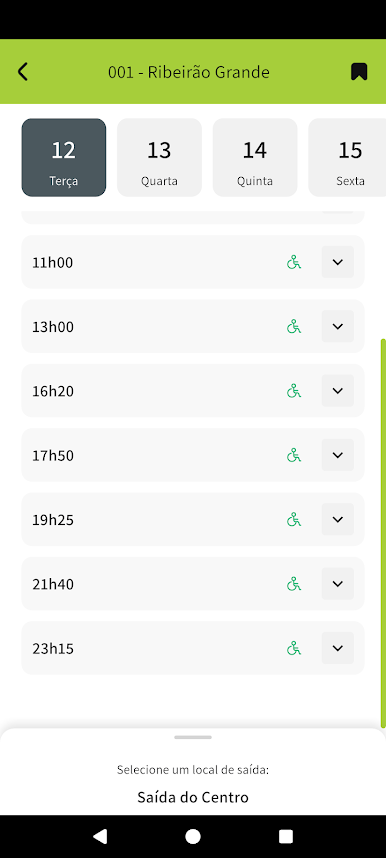
- Consult the timetable of lines operating in your city
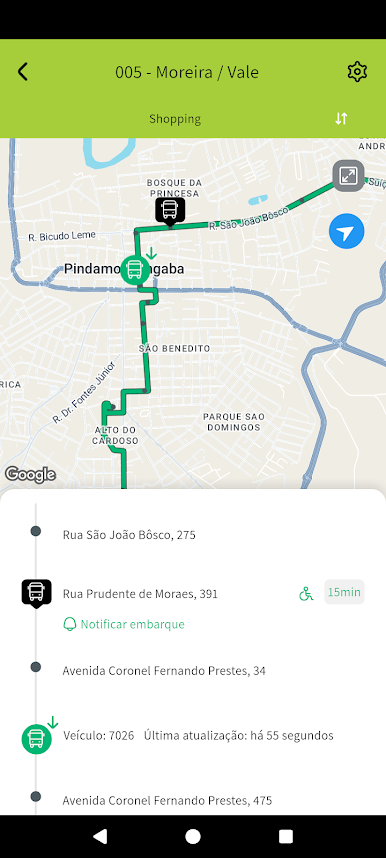
- Real-time location of vehicles operating on a given route
- Travel planning between two points, considering walking and using public transport, including real-time information
- Information of general interest and alerts involving routes and stopping points, which affect the normal operation of public transport
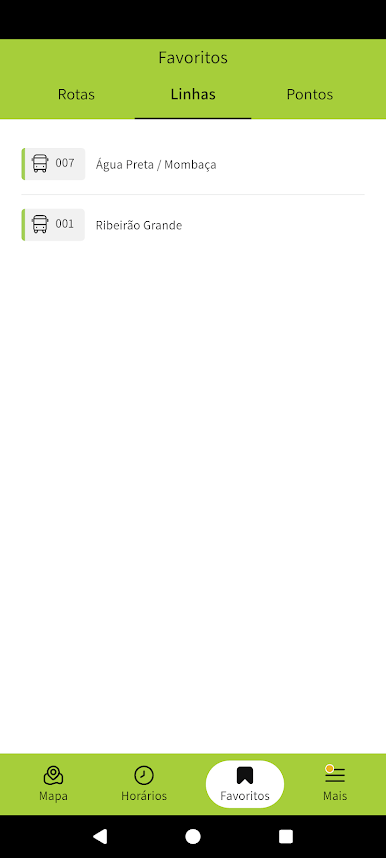
- Favorite lines. stopping points and planned trips
- Accessibility features, with easy access via TalkBack to predictions of passage at nearby points; timetable and; Detailed instructions on how to get to your destination.
---
This application has a minimum installation requirement of Android 5.0 (Lollipop). If you have a version earlier than this one, we recommend checking the information directly in your internet browser.

Play Bem Pinda on PC. It’s easy to get started.
-
Download and install BlueStacks on your PC
-
Complete Google sign-in to access the Play Store, or do it later
-
Look for Bem Pinda in the search bar at the top right corner
-
Click to install Bem Pinda from the search results
-
Complete Google sign-in (if you skipped step 2) to install Bem Pinda
-
Click the Bem Pinda icon on the home screen to start playing

