


Mahjong Sort
Play on PC with BlueStacks – the Android Gaming Platform, trusted by 500M+ gamers.

Page Modified on: Sep 29, 2026
Play Mahjong Sort on PC
Core Gameplay
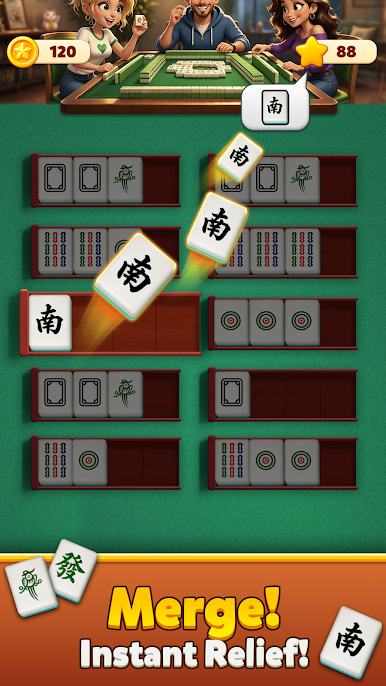
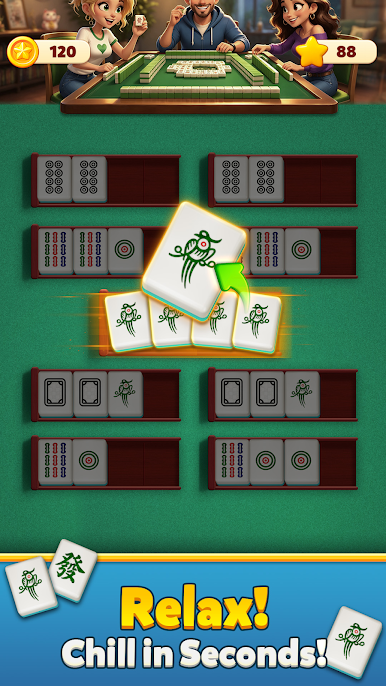
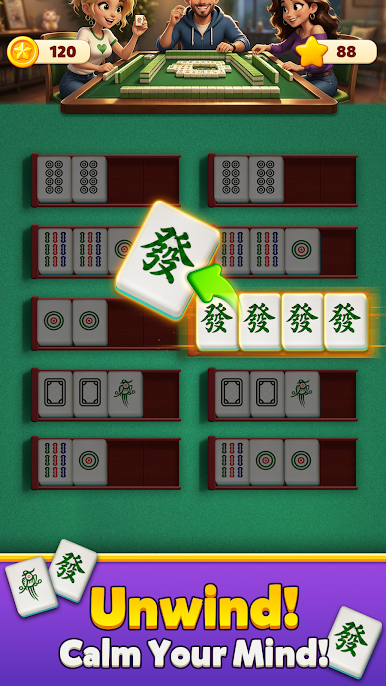
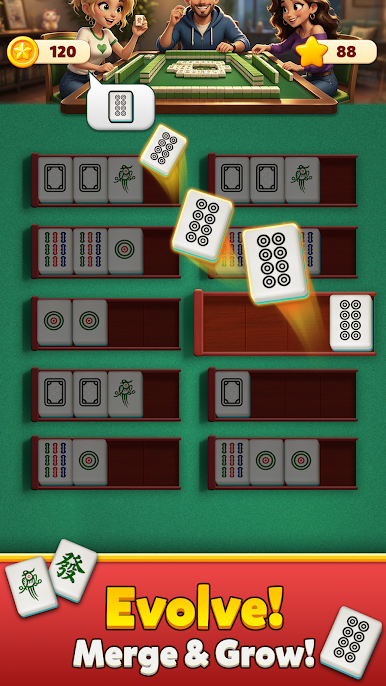
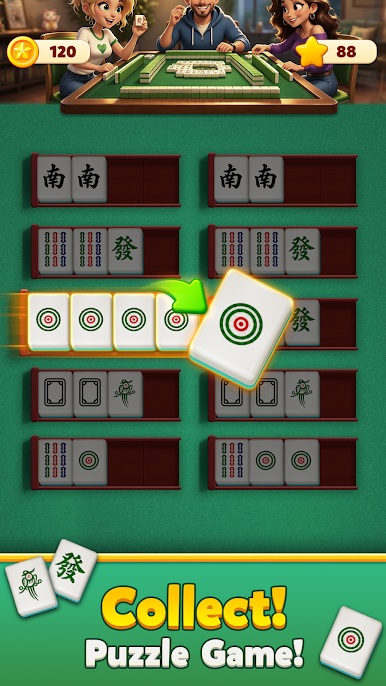
Simple drag‑and‑drop controls let you move mahjong tiles. Sort character, dot, bamboo and honor tiles into matching slots. Each slot accepts only tiles of the same group. Plan your moves carefully and organize every tile correctly to clear the level. Difficulty grows smoothly from easy two‑suit puzzles to complex multi‑suit expert stages. An undo function lets you reverse missteps without restarting the whole level.
Key Features
- Authentic mahjong tile art with soft, clean oriental‑style visuals.
- Innovative sorting mechanics: focus on tile classification instead of pair‑matching.
- Relaxed, timer‑free gameplay. Take your time to solve puzzles and unwind your mind.
- Responsive tap‑based controls, works great on mobile and PC, suitable for all ages.
- Fully offline‑capable. Play puzzles anytime during commutes, breaks or bedtime.
Summary
Breaking from traditional mahjong formats, MahjongSort delivers a fresh puzzle experience built around familiar mahjong tiles. No mahjong‑playing knowledge required. Slow‑paced sorting brings both relaxation and light mental challenge for your spare time.
Play Mahjong Sort on PC. It’s easy to get started.
-
Download and install BlueStacks on your PC
-
Complete Google sign-in to access the Play Store, or do it later
-
Look for Mahjong Sort in the search bar at the top right corner
-
Click to install Mahjong Sort from the search results
-
Complete Google sign-in (if you skipped step 2) to install Mahjong Sort
-
Click the Mahjong Sort icon on the home screen to start playing

