

Karting Race: Build & Drive
Play on PC with BlueStacks – the Android Gaming Platform, trusted by 500M+ gamers.

Page Modified on: Oct 2, 2026
Play Karting Race: Build & Drive on PC or Mac
Explore a whole new adventure with Karting Race: Build & Drive, a Racing game created by Take Top Entertainment. Experience great gameplay with BlueStacks, the most popular gaming platform to play Android games on your PC or Mac.
About the Game
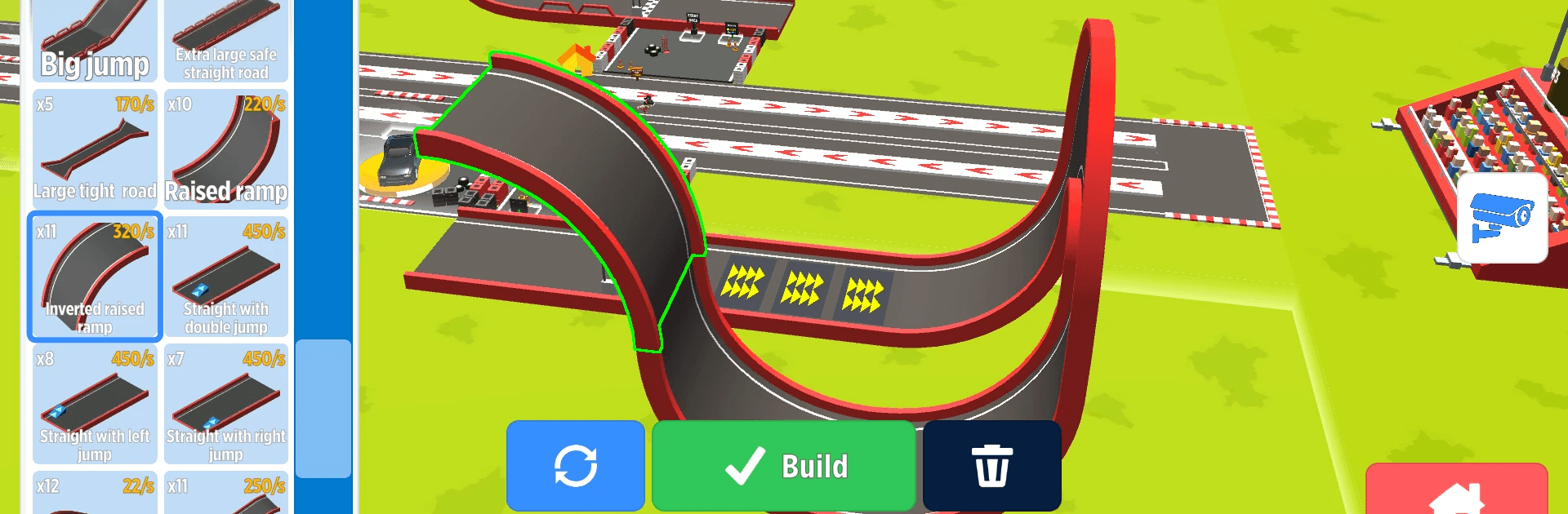
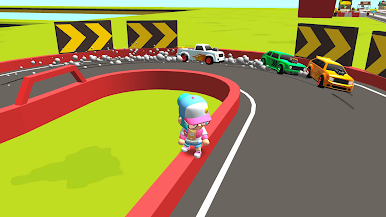
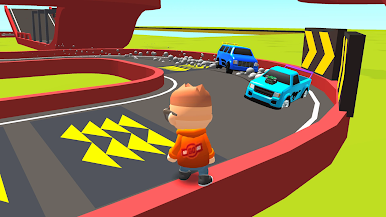
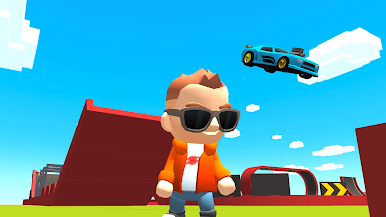
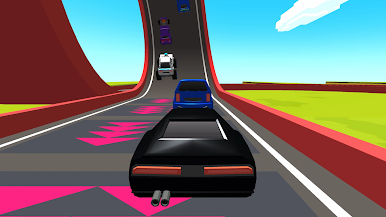
Karting Race: Build & Drive is a Racing game that lets you be the track designer and the driver. Sketch out dream tracks packed with loops, ramps, and wild jumps, then hop in a kart and see if your ideas really work at full speed. It’s creative, quick to pick up, and surprisingly deep—tinker with layouts, outpace rivals, and wander a colorful park between heats. Prefer a bigger screen? It also plays smoothly on BlueStacks.
Game Features
- Build-Then-Drive Flow: Snap track pieces together, hit go, and immediately race what you just made—no downtime, no loadout fuss.
- Stunt-Ready Editor: Add loops, ramps, long straights, and tight hairpins to craft anything from clean sprint circuits to ridiculous stunt playgrounds.
- Instant Testing: Run a lap, spot a weak corner, jump back to edit, and fine-tune until the line feels perfect and the speed hits just right.
- Head-to-Head Racing: Line up against rivals on your own creations or take on tracks made by others and prove whose design actually wins.
- Smooth 3D Handling: Feel every loop, landing, and high-speed section from behind the wheel with crisp visuals and responsive controls.
- Cars to Unlock: Earn new rides, buy your favorites, and expand your garage with machines that suit your style.
- Upgrades That Matter: Boost speed, acceleration, and handling so you clear loops cleaner, stick landings tighter, and cross the finish first.
- A Park to Explore: Step out of the kart, roam a bright hub with your pets, and take a breather before your next run.
BlueStacks gives you more room to focus on the game and less time adjusting around mobile limitations.
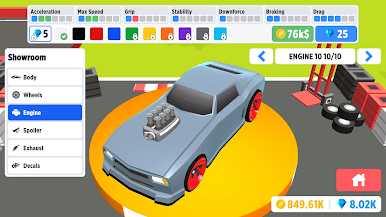
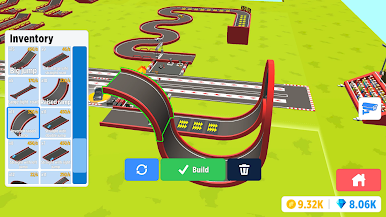
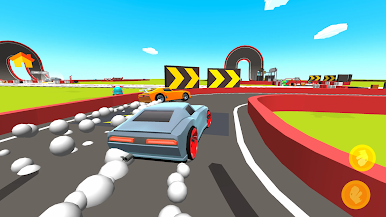
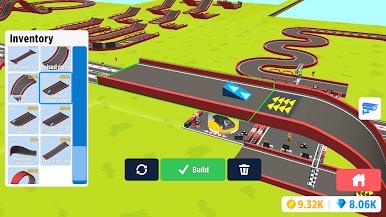
Play Karting Race: Build & Drive on PC. It’s easy to get started.
-
Download and install BlueStacks on your PC
-
Complete Google sign-in to access the Play Store, or do it later
-
Look for Karting Race: Build & Drive in the search bar at the top right corner
-
Click to install Karting Race: Build & Drive from the search results
-
Complete Google sign-in (if you skipped step 2) to install Karting Race: Build & Drive
-
Click the Karting Race: Build & Drive icon on the home screen to start playing

