


2048 EXTENDED + TV
Play on PC with BlueStacks – the Android Gaming Platform, trusted by 500M+ gamers.

Page Modified on: Dec 01, 2025
Overview
We offer much more than others:
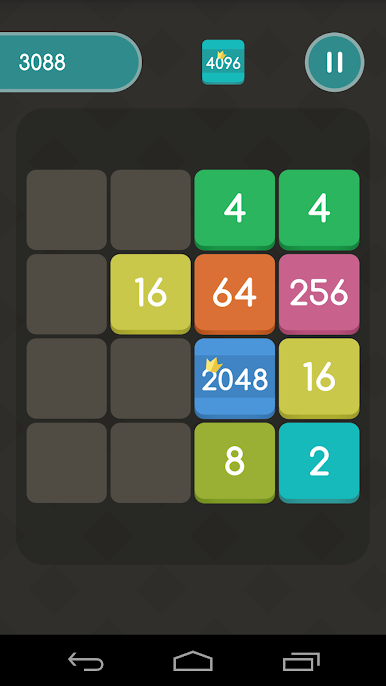
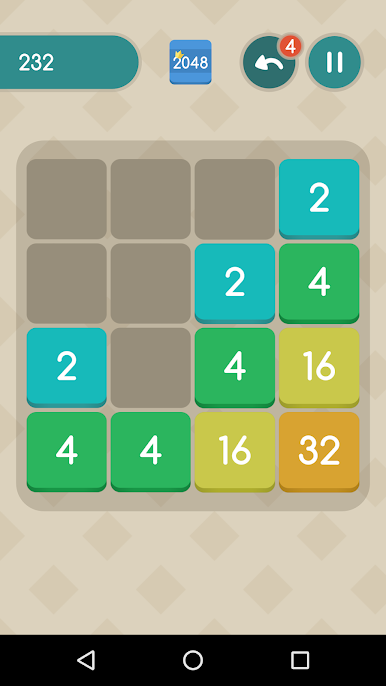
+ 'UNDO'-button to undo your last step
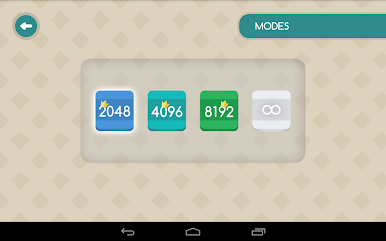
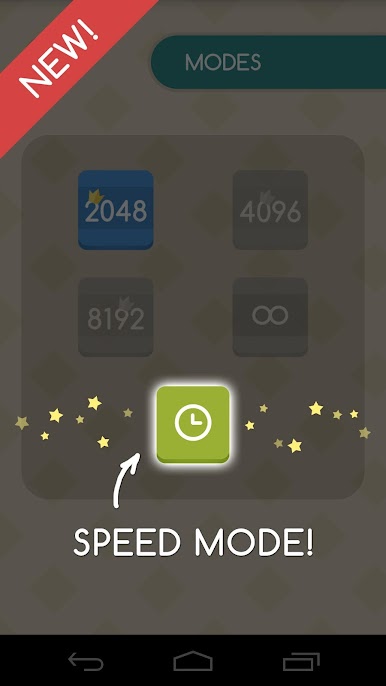
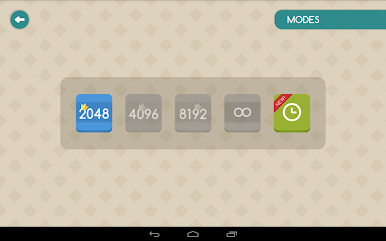
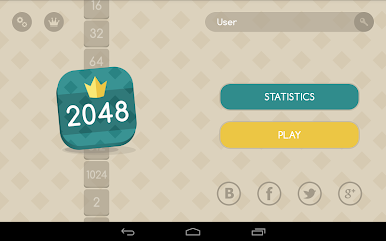
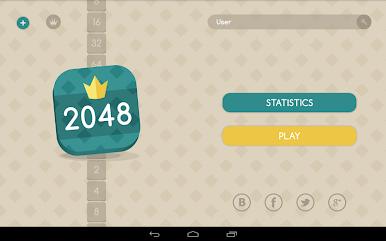
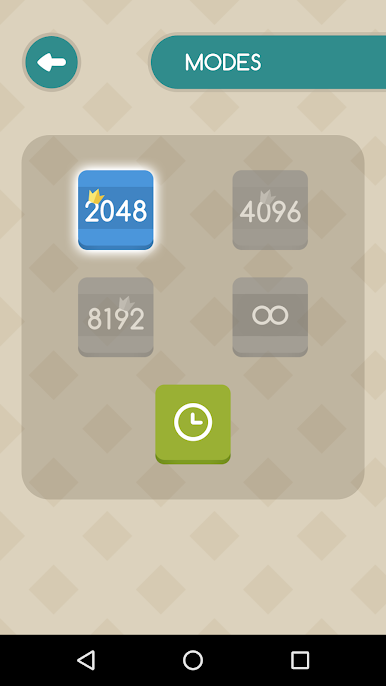
+ variety of game modes: 2048, 4096, 8192 and endless
+ saving the result: you can continue playing next level with saved game field of the previous one
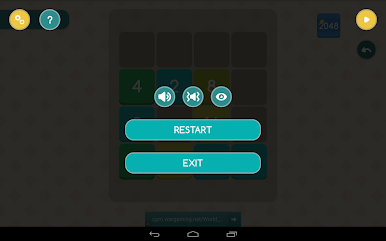
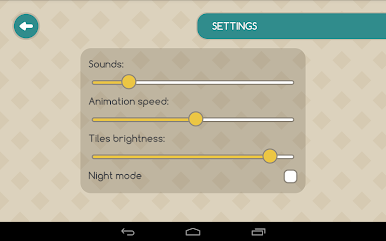
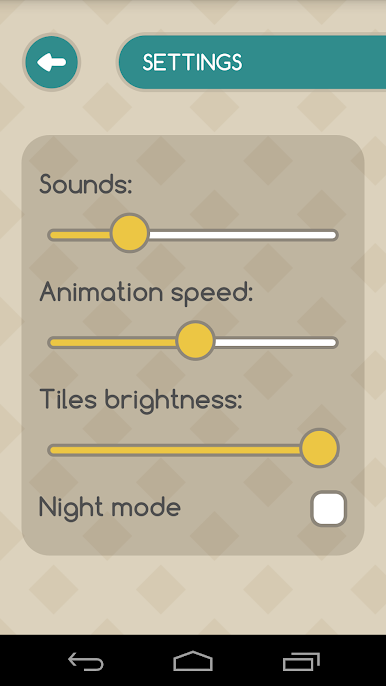
+ night mode
+ Google rating
+ extended settings
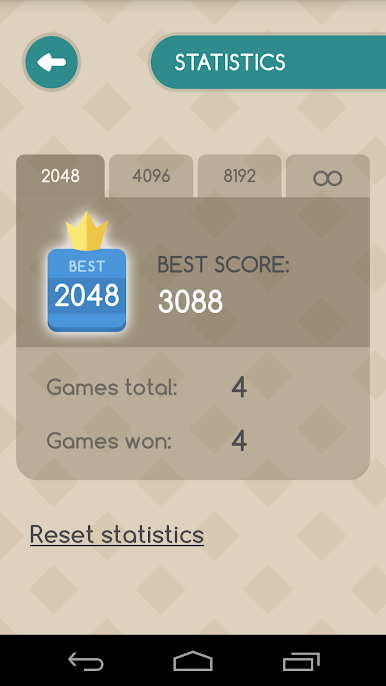
+ statistics
+ the ability to create accounts on one device
+ autosave
+ optimization for tablets
+ sound effects
+ unique design
+ pleasant surprise for tablets: you can play by touching the screen anywhere
Our team is very grateful to people, who worked so hard on the translation of our game! Thank you so much: Alexander Voitekhovich (German), Catherine Sidorenya (Spanish), Svetlana Bulycheva (Italian), Lee Hyun (Korean), Catherine Sylyuk (Chinese)!
Sincere thanks to all our beloved customers for their support and understanding!
And also thanks to Gabriel Chirulli, without whom our game would not have been created.


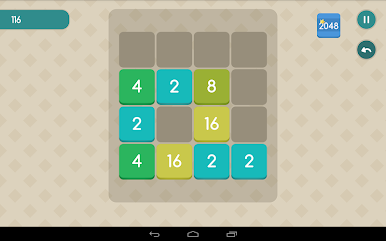
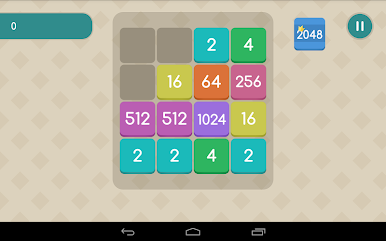
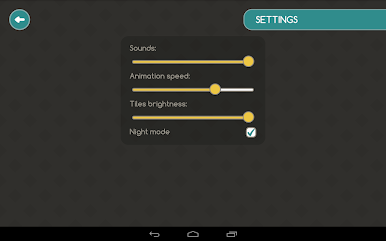
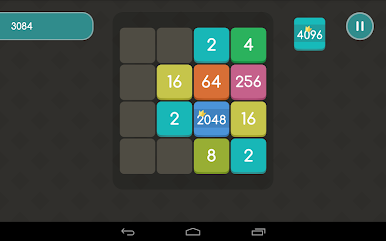
Play 2048 EXTENDED + TV on PC. It’s easy to get started.
-
Download and install BlueStacks on your PC
-
Complete Google sign-in to access the Play Store, or do it later
-
Look for 2048 EXTENDED + TV in the search bar at the top right corner
-
Click to install 2048 EXTENDED + TV from the search results
-
Complete Google sign-in (if you skipped step 2) to install 2048 EXTENDED + TV
-
Click the 2048 EXTENDED + TV icon on the home screen to start playing

