


GreenTuber block ads on videos
Play on PC with BlueStacks – the Android Gaming Platform, trusted by 500M+ gamers.

Page Modified on: Mar 24, 2026
Main GreenTuber block ads on videos on PC
If you want smooth video playback in good quality, including playing in the background, without anything interrupting video content, GreenTuber is what you need.
After all, it is GreenTuber that will allow you to enjoy the benefits of the premium version for free and to the fullest: watch videos conveniently!
GreenTuber is worth installing because:
It's like the premium version but free
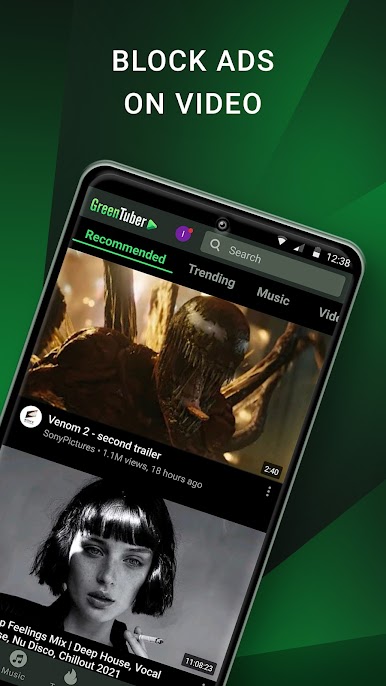
Thanks to effective ad blocking, you will get a completely different user experience when videos play non-stop: they are not stopped or interrupted by annoying advertising videos and messages.
Blocks all kinds of ads!
The app contains a built-in video ad blocker as well as a pop-up blocker. You will no longer need to wait for the commercials to end and click on small buttons to continue watching the video you are interested in. You will automatically skip ads as if there weren't any.
Plays video in the background
Watching videos in the background is very convenient. And GreenTuber will give you that opportunity. You will be able to use other apps on your Android device without interrupting Tube video playback: check mail, chat in messengers (Whatsapp, Telegram and others), play your favorite games...
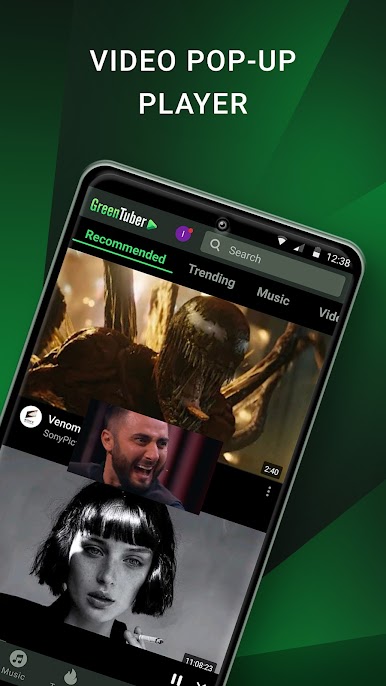
Floating Video Player
To make your user experience even more convenient, GreenTuber has a feature to play the video you are interested in in a floating pop-up window mode. You can choose the video viewing format that is convenient for you: in full-screen format or in the form of a pop-up window that occupies only part of the phone screen.
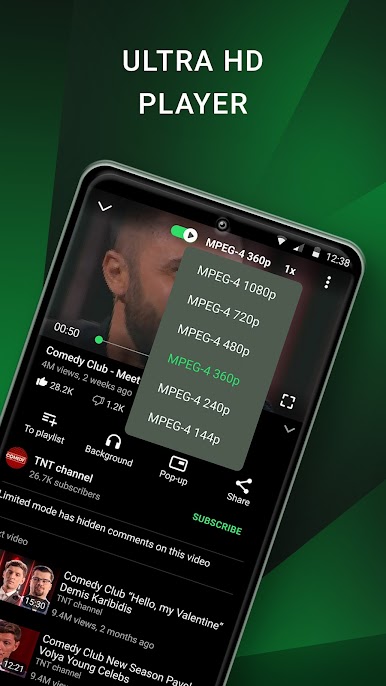
High resolution video
You can choose any resolution for video playback: from 144p and up to 8K, depending on your needs and the quality of your Internet connection.
All you need in one app
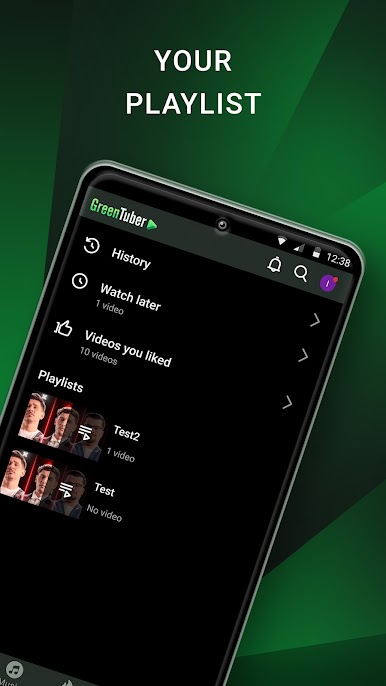
Using the multifunctional GreenTuber app is very convenient! You don't need to install any additional software or pay for an expensive premium version. Simply install GreenTuber ad blocker and you will have access to absolutely all the features that make watching Tube videos as enjoyable and convenient as possible!
Confidentiality
GreenTuber does not collect or store your Tube account information or your Tube video viewing history.
Play GreenTuber block ads on videos on PC. It’s easy to get started.
-
Download and install BlueStacks on your PC
-
Complete Google sign-in to access the Play Store, or do it later
-
Look for GreenTuber block ads on videos in the search bar at the top right corner
-
Click to install GreenTuber block ads on videos from the search results
-
Complete Google sign-in (if you skipped step 2) to install GreenTuber block ads on videos
-
Click the GreenTuber block ads on videos icon on the home screen to start playing

