

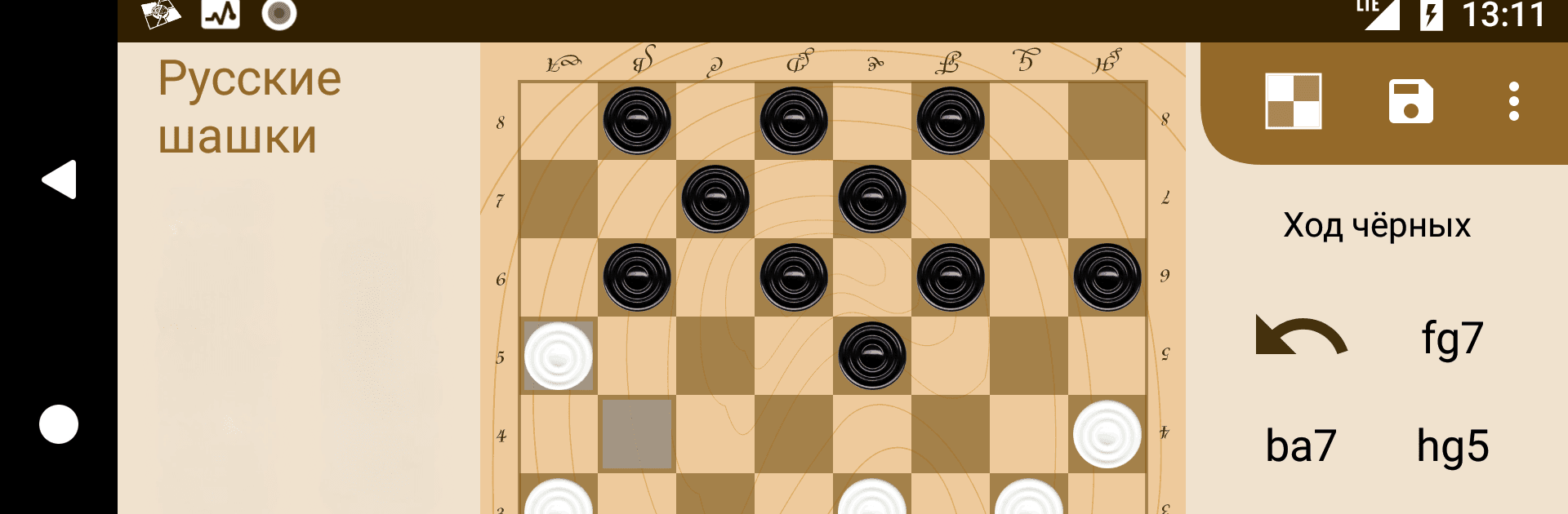
Chess & Checkers
Play on PC with BlueStacks – the Android Gaming Platform, trusted by 500M+ gamers.

Page Modified on: Mar 26, 2026
Play Chess & Checkers on PC or Mac
Chess & Checkers brings the Board genre to life, and throws up exciting challenges for gamers. Developed by Cab, this Android game is best experienced on BlueStacks, the World’s #1 app player for PC and Mac users.
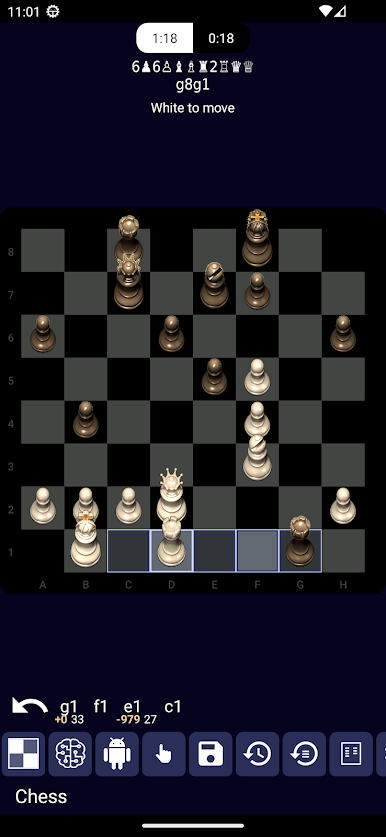
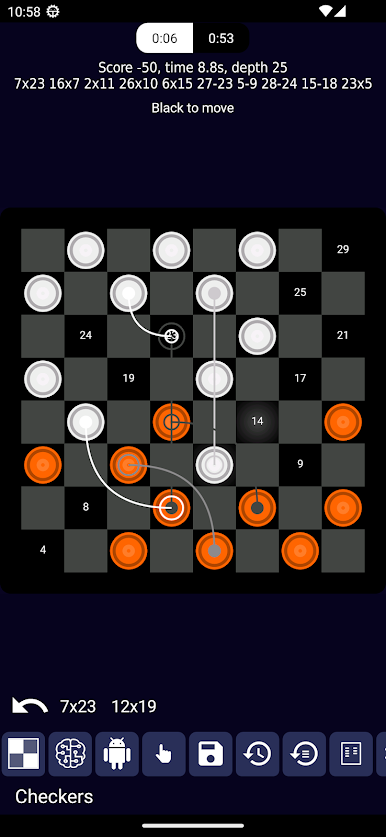
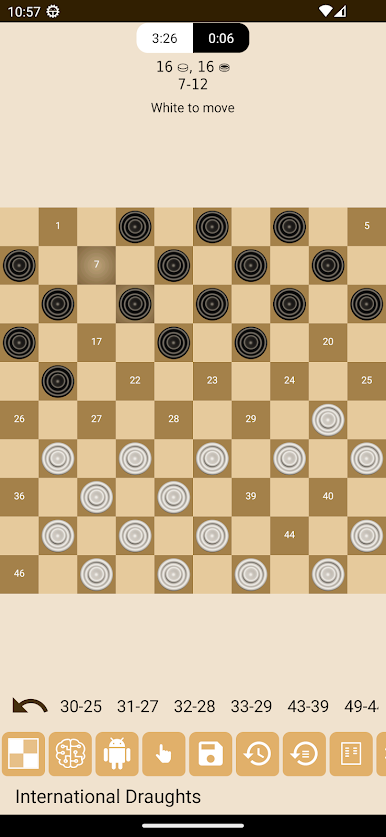
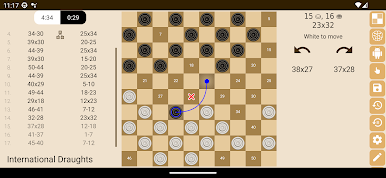
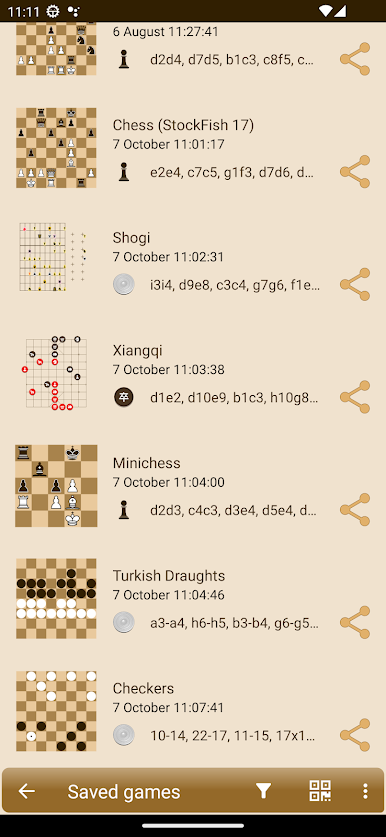
Chess & Checkers on PC really feels like one of those apps that throws you right into a classic game night, but lets you tinker with way more than just the regular stuff. It’s not just plain old chess and standard checkers—there are all these versions, like Russian draughts, international stuff, Brazilian rules, and a bunch of others. Seriously, there are dozens of modes packed in, and it’s wild how much you can mess with settings or even create your own rules if you’re into tweaking things. The AI is surprisingly quick, and you can set it up to match whatever skill you’re at—so it doesn’t just steamroll beginners or bore anyone who’s been playing for years.
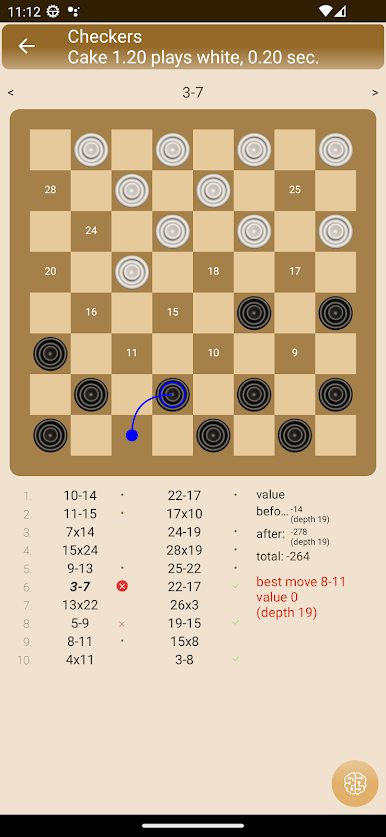
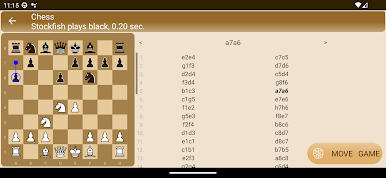
One nice bit is that it’ll analyze your positions or whole games, so if you get stuck wondering where things went sideways, it actually points out mistakes and the better moves. That’s helpful especially if you want to get better or just understand where you lost the thread. Multiplayer works over Bluetooth or WiFi, which fits for playing with friends nearby or even on another device. Running it on a bigger screen with something like BlueStacks really lets you see the board better and just makes it more comfortable, especially if you’re sitting at a desk already. For anyone who likes strategy games and wants a break from flashy graphics or random luck, there’s enough detail and options here to keep things interesting for ages.
Ready to top the leaderboard? We bet you do. Let precise controls and sharp visuals optimized on BlueStacks lead you to victory.
Play Chess & Checkers on PC. It’s easy to get started.
-
Download and install BlueStacks on your PC
-
Complete Google sign-in to access the Play Store, or do it later
-
Look for Chess & Checkers in the search bar at the top right corner
-
Click to install Chess & Checkers from the search results
-
Complete Google sign-in (if you skipped step 2) to install Chess & Checkers
-
Click the Chess & Checkers icon on the home screen to start playing

