


Chess & Checkers
Play on PC with BlueStacks – the Android Gaming Platform, trusted by 500M+ gamers.

Page Modified on: Feb 1, 2026
Main Chess & Checkers on PC
Features of the application are:
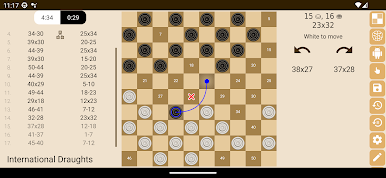
• fast artificial intelligence that is easy to customize to your level of play
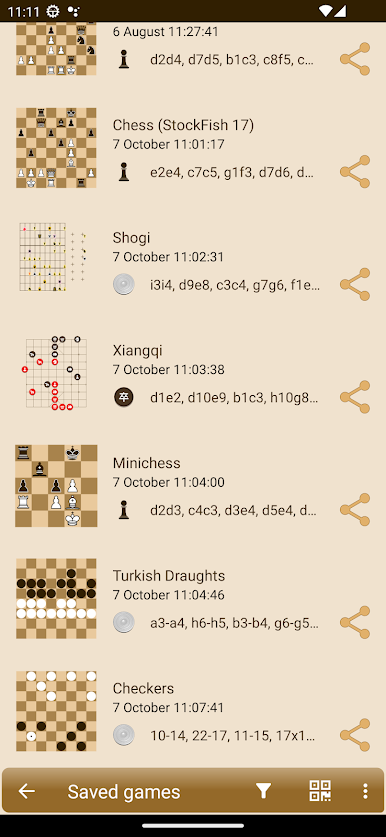
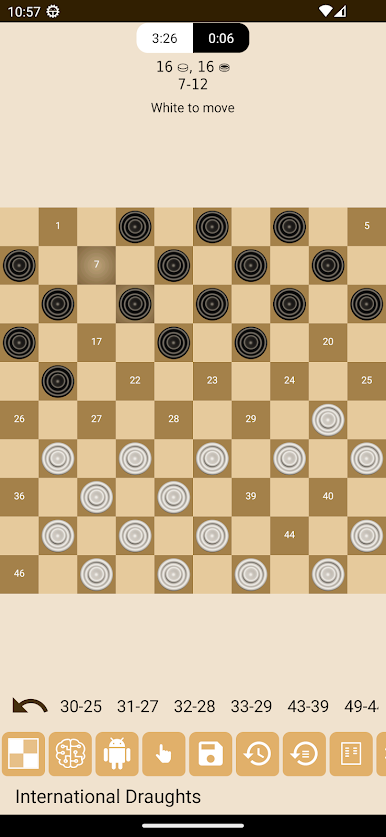
• many game types: russian draughts, chess, checkers, international draughts, frisian, brazilian, reversi, corners and other (64 in total)
• creation of a huge number of checkers and chess games according to your rules
• the ability to configure your own position
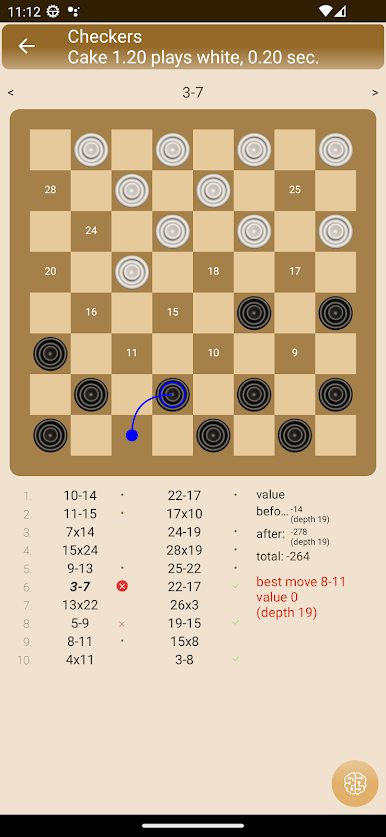
• position analysis will suggest the best move and game analysis will find errors
• network game via Bluetooth or WiFi
Remember, you can always win!
Have a nice game.
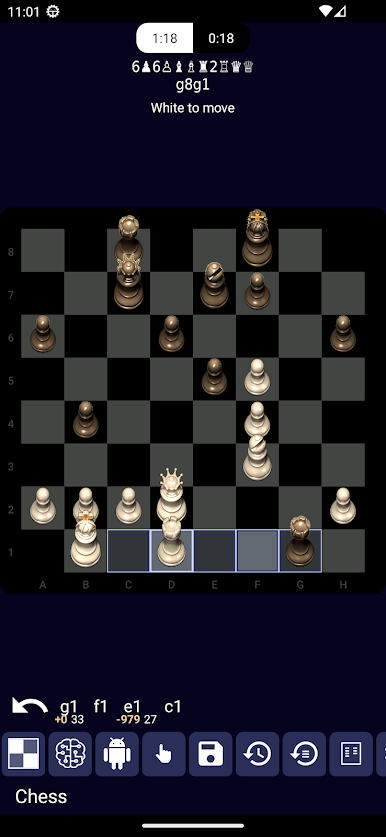
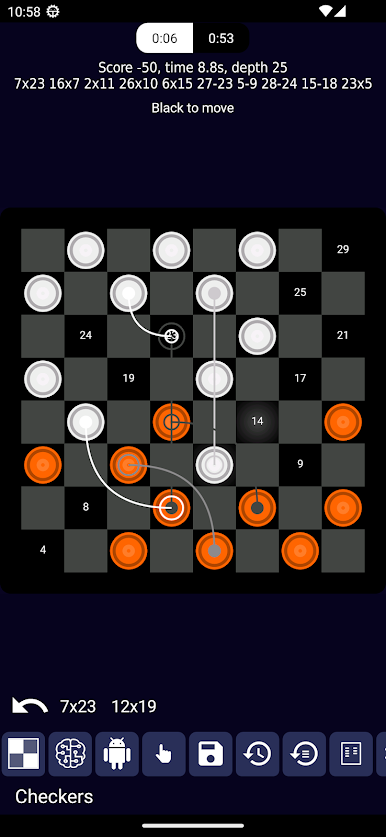
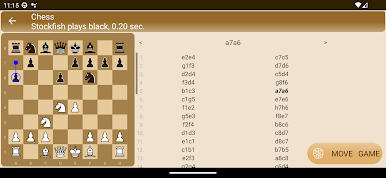
Play Chess & Checkers on PC. It’s easy to get started.
-
Download and install BlueStacks on your PC
-
Complete Google sign-in to access the Play Store, or do it later
-
Look for Chess & Checkers in the search bar at the top right corner
-
Click to install Chess & Checkers from the search results
-
Complete Google sign-in (if you skipped step 2) to install Chess & Checkers
-
Click the Chess & Checkers icon on the home screen to start playing

