

Drift Pro Car Driving
Play on PC with BlueStacks – the Android Gaming Platform, trusted by 500M+ gamers.

Page Modified on: Jul 29, 2026
Play Drift Pro Car Driving on PC or Mac
Play Drift Pro Car Driving by Galaxy Legend Game Studio on PC or Mac with BlueStacks. Use a bigger screen, mouse and keyboard controls, and smoother performance while you play.
About the Game
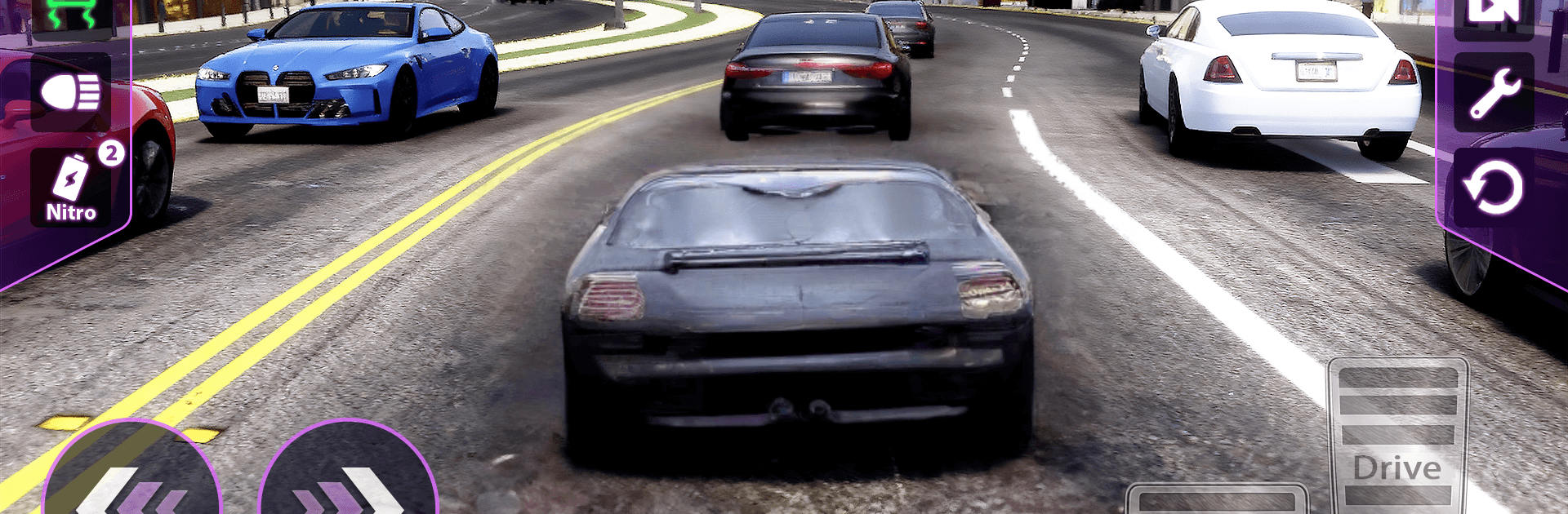
Drift Pro Car Driving throws you straight into fast, white‑knuckle street races where clean lines and perfect timing decide everything. It’s all about threading through traffic, sliding just enough, and blasting out of corners with grip to spare. If you’re after a pure Racing rush with a convincing road feel, this one hits the spot. Prefer a bigger screen and keyboard? You can play it on BlueStacks without changing the vibe.
Game Features
-
Skill-first handling: Precision matters here. Throttle control, braking points, and weight transfer all affect how your car rotates, grips, and drifts through tight corners.
-
Responsive physics: Cars feel planted yet lively, rewarding smooth inputs and quick corrections. A tiny mistake can cost a run, but nailing the apex feels fantastic.
-
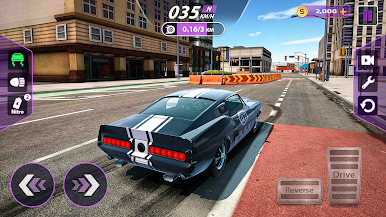
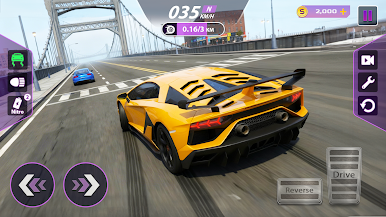
Urban tracks with attitude: Rip through neon-lit boulevards, tunnel networks, highway sprints, ramps, and hairpins. Every layout pushes you to adjust pace and pick smarter lines.
-
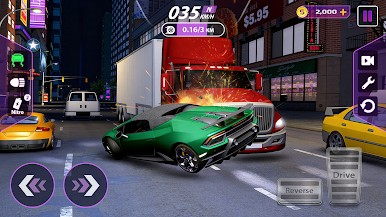
Traffic and split-second decisions: Aggressive rivals and surprise obstacles keep you alert. Read gaps, react fast, and commit—hesitation opens the door for someone else.
-
Build your machine: Unlock new rides and tune them for what you need—more power, higher top speed, sharper handling. Dial in setups that favor grip, slide, or a bit of both.
-
Climb and compete: Face tougher opponents as you improve, chase personal bests, and work your way up leaderboards. Smooth consistency beats risky hero moves.
-
Clean 3D presentation: Crisp visuals and clear cues help you judge speed, distance, and braking zones, making every overtake feel earned.
-
Play your way: Short sessions or long grind—pick your car, find your line, and keep refining until the perfect lap clicks.
Start your journey now. Download the game on BlueStacks, invite your friends, and march on a new adventure.
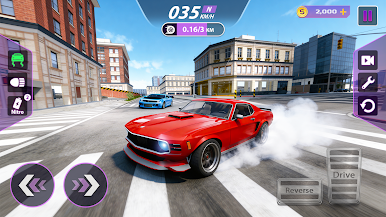
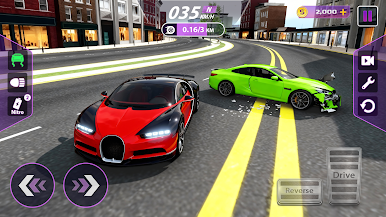
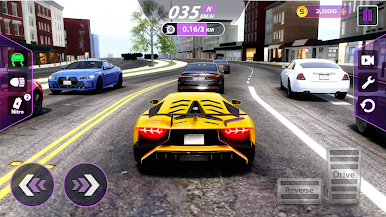
Play Drift Pro Car Driving on PC. It’s easy to get started.
-
Download and install BlueStacks on your PC
-
Complete Google sign-in to access the Play Store, or do it later
-
Look for Drift Pro Car Driving in the search bar at the top right corner
-
Click to install Drift Pro Car Driving from the search results
-
Complete Google sign-in (if you skipped step 2) to install Drift Pro Car Driving
-
Click the Drift Pro Car Driving icon on the home screen to start playing

