

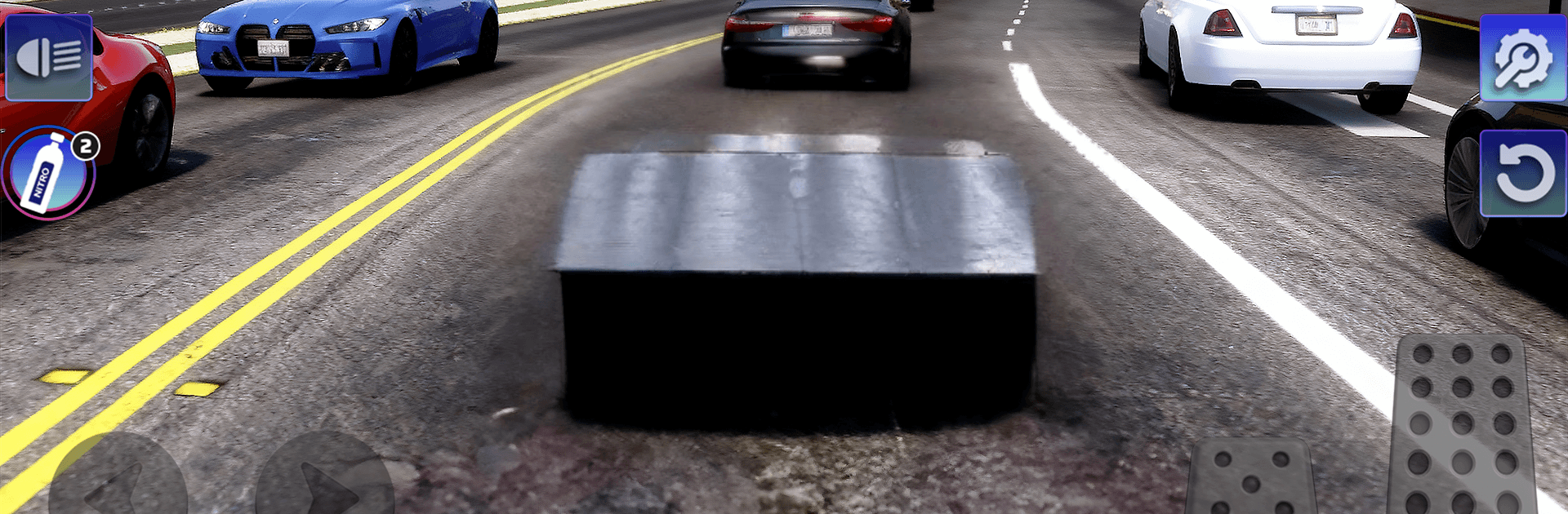
Real Car: Drift Racer 3D
Play on PC with BlueStacks – the Android Gaming Platform, trusted by 500M+ gamers.

Page Modified on: Jul 25, 2026
Play Real Car: Drift Racer 3D on PC or Mac
Real Car: Drift Racer 3D brings the Racing genre to life, and throws up exciting challenges for gamers. Developed by Tuan Anh Hoang, this Android game is best experienced on BlueStacks, the World’s #1 app player for PC and Mac users.
About the Game
Real Car: Drift Racer 3D is all about the thrill of sideways driving without the fuss. It blends grounded car handling with a slide-friendly model, so you can toss a car into a corner and feel in control the whole way through. Want a couple of quick laps or a long, mellow cruise? It’s built for both. Prefer a bigger screen and keyboard? You can play it on BlueStacks too.
Game Features
- Authentic handling: Cars feel weighty and responsive, letting you sense grip, momentum, and throttle control as you set up each slide.
- Drift-focused driving: Link corners, feather the gas, and hold smoky, controlled drifts that reward timing and finesse.
- Distinct rides: Build a garage of cars that don’t all drive the same—each one has its own quirks, strengths, and sweet spots.
- Wide-open roads: From city stretches to scenic routes and long straights, there’s room to experiment, practice entries, and stretch out exits.
- Tune and personalize: Upgrade parts for better performance and tweak the look to match your style, from subtle touches to full-on statement builds.
- Easy to pick up, deep to master: You’ll be sliding in minutes, but nailing perfect angles and smooth transitions takes practice.
- Offline anytime: No connection required, so it’s great for a quick break or an unhurried session whenever the mood hits.
Start playing Real Car: Drift Racer 3D on BlueStacks and get a smoother, more comfortable PC or Mac setup.
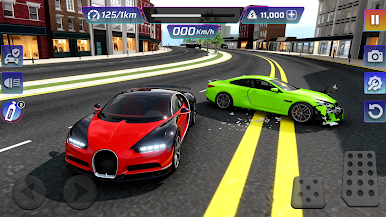
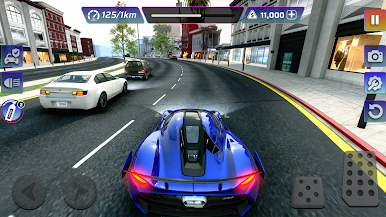
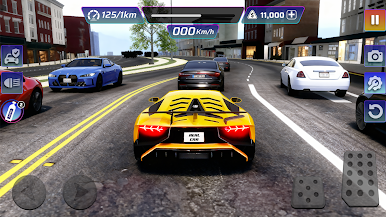
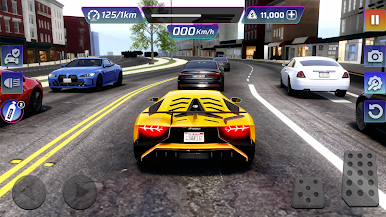
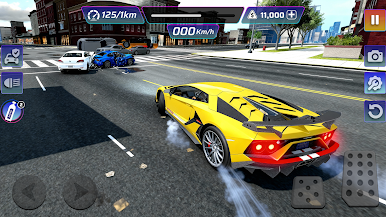
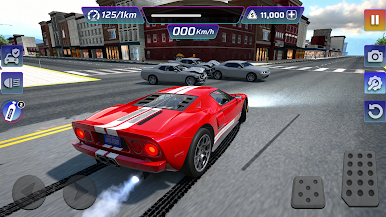
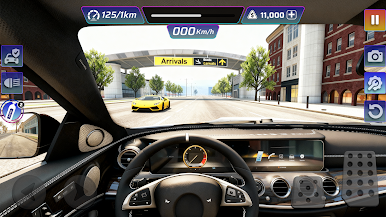
Play Real Car: Drift Racer 3D on PC. It’s easy to get started.
-
Download and install BlueStacks on your PC
-
Complete Google sign-in to access the Play Store, or do it later
-
Look for Real Car: Drift Racer 3D in the search bar at the top right corner
-
Click to install Real Car: Drift Racer 3D from the search results
-
Complete Google sign-in (if you skipped step 2) to install Real Car: Drift Racer 3D
-
Click the Real Car: Drift Racer 3D icon on the home screen to start playing

