


Cash Giraffe: Real Money Games
Play on PC with BlueStacks – the Android Gaming Platform, trusted by 500M+ gamers.

Page Modified on: Sep 15, 2026
Play Cash Giraffe: Real Money Games on PC
Get rewarded for doing what you love - playing games for free! With Cash Giraffe, every session earns you gems you can redeem for gift cards, coupons, and PayPal payouts from top brands. No deposits. No catches. Just games, gems, and real rewards waiting to be claimed.
🎮 Play What You Love
Choose from arcade, adventure, casual, and strategy games, with new titles added regularly. Every game you play earns you gems. The more you explore, the more you earn. Whether you have five minutes or five hours, there's always a game worth playing and rewards worth earning.
💰Earn as You Go
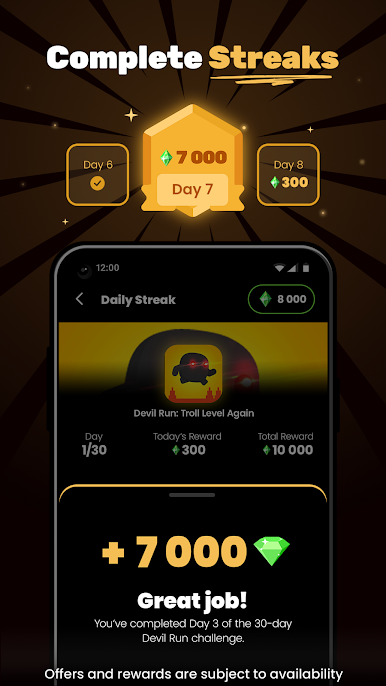
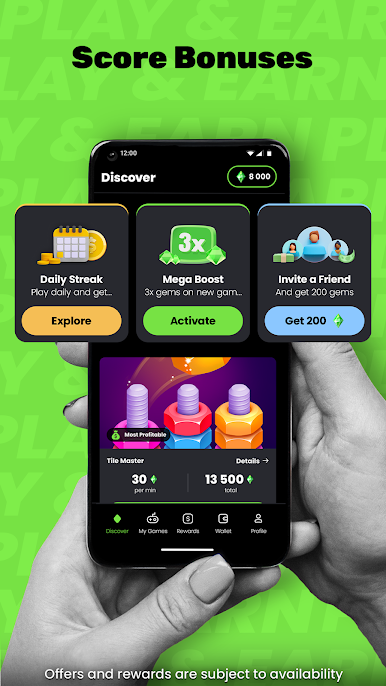
Every session counts. Gems stack up as you play, and daily streaks multiply your earnings the more consistently you show up. Complete in-app surveys and complete challenges, unlock magic boosts, and take advantage of limited-time offers to earn even faster. Cash Giraffe rewards players who keep coming back.
🎁 Redeem for Brands You Already Love
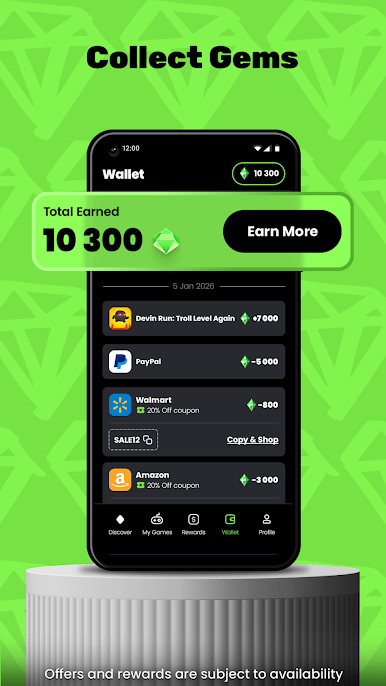
Turn your gems into gift cards from Amazon, Starbucks, Nike, Temu, and more – or opt for a PayPal payout straight to your account. Your rewards, your choice. Redeem whenever you're ready.
👥 Bring Friends, Earn More
Invite friends to join Cash Giraffe and earn bonus gems every time they play. The more your circle grows, the faster your rewards do too.
🏆 Why Players Choose Cash Giraffe
✔️ 100% free – no deposits, no in-app purchases
✔️ Earn gems from every game, every session
✔️ Complete surveys in-app for extra gems and rewards
✔️ Redeem for gift cards or PayPal rewards
✔️ New games and bonus offers added regularly
✔️ Track your progress and rewards in one place
✔️ Streaks, challenges and boosts to maximize earnings
Your playtime worth more. Download Cash Giraffe for free and start earning today!
*Offers and rewards are subject to availability.*



Play Cash Giraffe: Real Money Games on PC. It’s easy to get started.
-
Download and install BlueStacks on your PC
-
Complete Google sign-in to access the Play Store, or do it later
-
Look for Cash Giraffe: Real Money Games in the search bar at the top right corner
-
Click to install Cash Giraffe: Real Money Games from the search results
-
Complete Google sign-in (if you skipped step 2) to install Cash Giraffe: Real Money Games
-
Click the Cash Giraffe: Real Money Games icon on the home screen to start playing

