


Talking Slime: Virtual Pet DIY
Play on PC with BlueStacks – the Android Gaming Platform, trusted by 500M+ gamers.

Page Modified on: May 25, 2026
Main Talking Slime: Virtual Pet DIY on PC
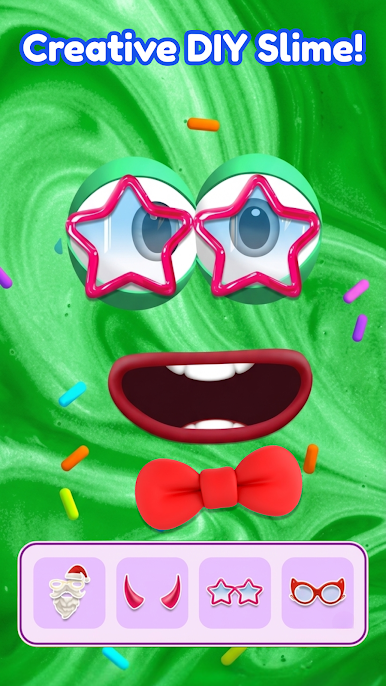
Feed your slime 🍓, tap and stretch its squishy body, and enjoy funny reactions and satisfying slime interactions! Create unique slime styles with cute accessories 🎀, colorful skins, and fun decorations.
Features:
🩷 Adopt and care for cute virtual slime pets
🎨 DIY tons of colorful slime styles
😂 Funny and interactive slime reactions
🎧 Relaxing ASMR-inspired slime interactions
🎮 Fun mini games and daily activities
🎁 Unlock outfits, items, and surprises
Whether you love relaxing games, virtual pets, or satisfying slime fun, this cute slime adventure is perfect for you!






Play Talking Slime: Virtual Pet DIY on PC. It’s easy to get started.
-
Download and install BlueStacks on your PC
-
Complete Google sign-in to access the Play Store, or do it later
-
Look for Talking Slime: Virtual Pet DIY in the search bar at the top right corner
-
Click to install Talking Slime: Virtual Pet DIY from the search results
-
Complete Google sign-in (if you skipped step 2) to install Talking Slime: Virtual Pet DIY
-
Click the Talking Slime: Virtual Pet DIY icon on the home screen to start playing

