


UDON – Delivery and Take Away
Play on PC with BlueStacks – the Android Gaming Platform, trusted by 500M+ gamers.

Page Modified on: Nov 7, 2024
Overview
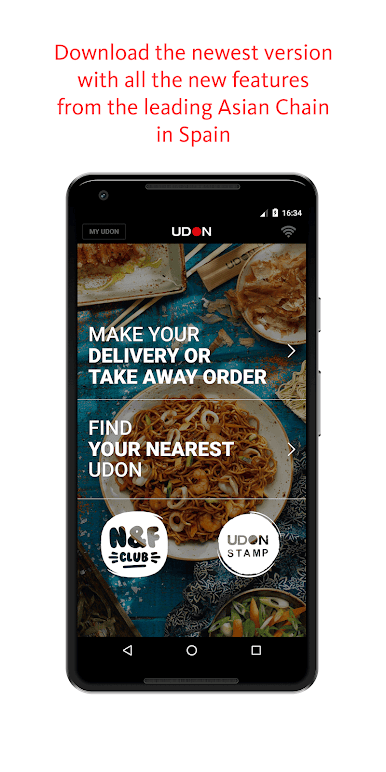
You asked us for it and here it is: all the information about UDON (our restaurants, dishes, specials...) in the palm of your hand. And just a simple click will let you place your order in the easiest, handiest and most personalised way possible.
Download our app for FREE and enjoy all the following options:
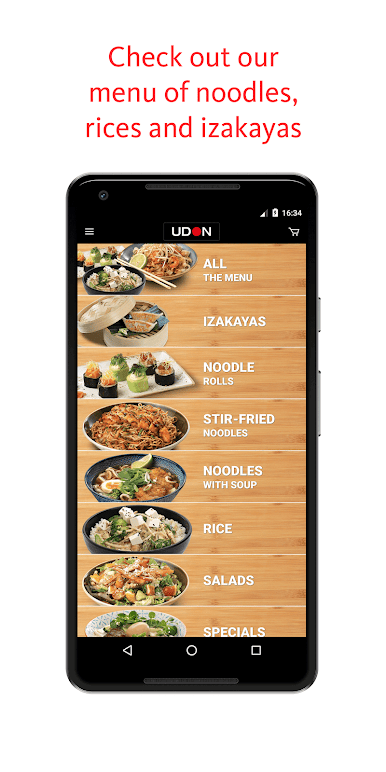
1) View our menu:
More than 30 varieties of stir-fried noodles or soup noodles, a score of Asian-inspired tapas to choose, rice dishes, salads, desserts and the only makis made with noodles.
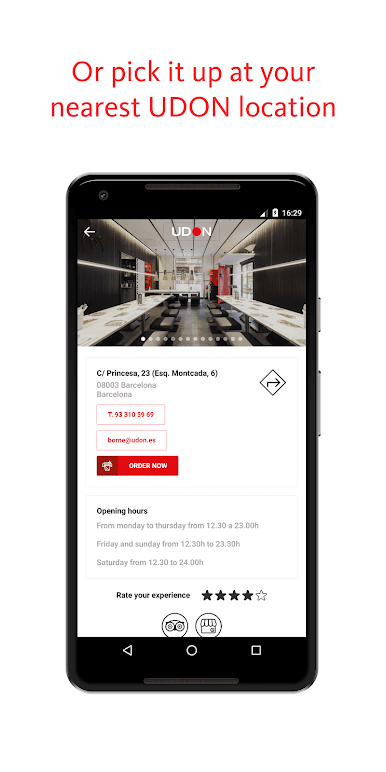
2) Find your nearest UDON restaurant:
More than 50 restaurants in major towns and cities throughout Spain and also in Andorra and Portugal
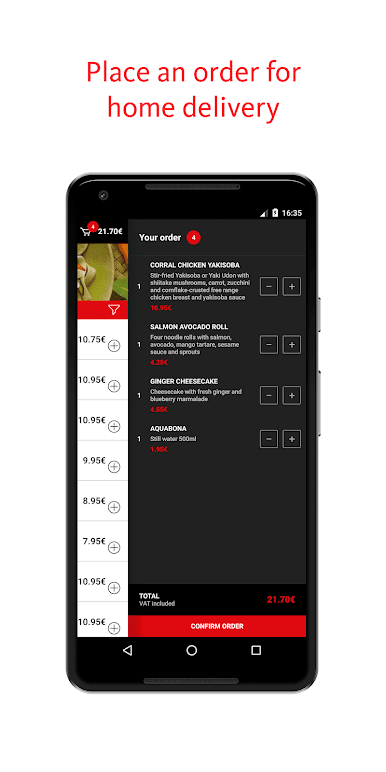
3) Place your order online:
- Select the dishes you want to enjoy
- Choose between home delivery or take away at your favourite UDON restaurant.
- Select a restaurant
- Pay easily and safely in a single click
- Reuse or check your previous orders
- Manage and edit your delivery addresses
- Enjoy your noodles!
4) Accrue benefits with the UDON loyalty programmes:
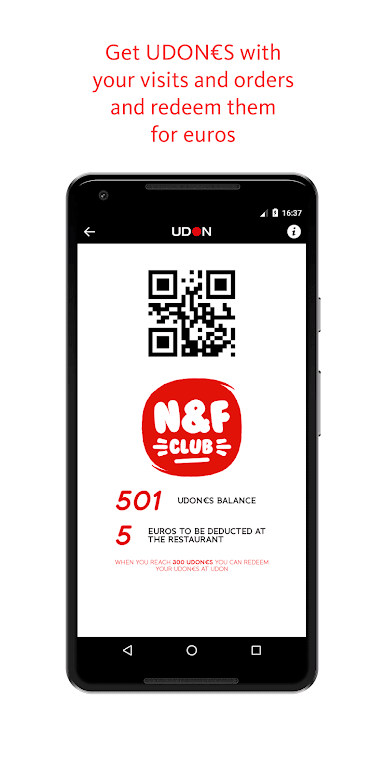
- Accrue UDON€S when you order from UDON and redeem them for euros off your bill.
- Enjoy gifts and exclusive benefits on your birthday, for following us on social media or just because! Enjoy the benefits of the Noodles & Fun Club.
Play UDON – Delivery and Take Away on PC. It’s easy to get started.
-
Download and install BlueStacks on your PC
-
Complete Google sign-in to access the Play Store, or do it later
-
Look for UDON – Delivery and Take Away in the search bar at the top right corner
-
Click to install UDON – Delivery and Take Away from the search results
-
Complete Google sign-in (if you skipped step 2) to install UDON – Delivery and Take Away
-
Click the UDON – Delivery and Take Away icon on the home screen to start playing

