


City Coach Simulator 3D
Play on PC with BlueStacks – the Android Gaming Platform, trusted by 500M+ gamers.

Page Modified on: Sep 8, 2026
Play City Coach Simulator 3D on PC
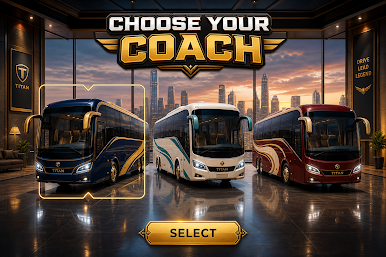
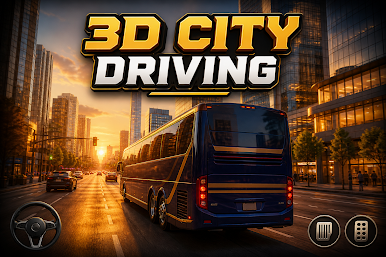
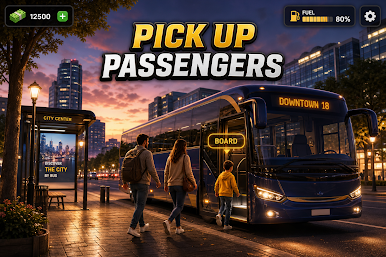
Choose your coach, follow the line through the city, and complete passenger missions. Easy controls, smooth driving, and detailed 3D city scenes make every trip feel like a real shift.
Features:
• Realistic 3D city environments
• Multiple coaches to drive
• Different routes and driving challenges
• Easy, smooth controls
• Passenger pick-up missions
• Immersive coach driving gameplay
Start your run, master the city, and enjoy the ride.
Play City Coach Simulator 3D on PC. It’s easy to get started.
-
Download and install BlueStacks on your PC
-
Complete Google sign-in to access the Play Store, or do it later
-
Look for City Coach Simulator 3D in the search bar at the top right corner
-
Click to install City Coach Simulator 3D from the search results
-
Complete Google sign-in (if you skipped step 2) to install City Coach Simulator 3D
-
Click the City Coach Simulator 3D icon on the home screen to start playing

