EchoSOS
Play on PC with BlueStacks – the Android Gaming Platform, trusted by 500M+ gamers.

Page Modified on: Sep 25, 2026
Play EchoSOS on PC
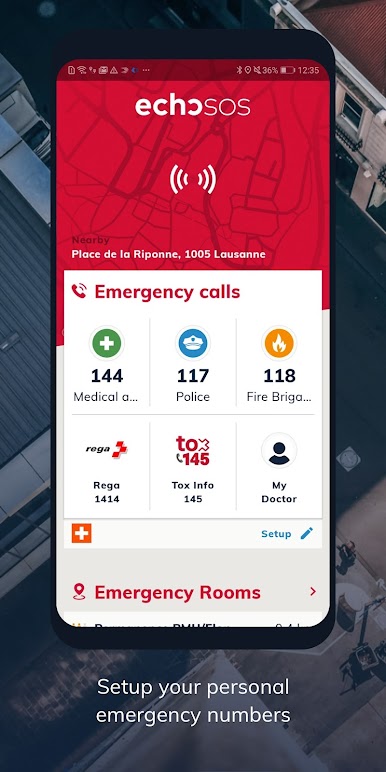
Local emergency numbers worldwide
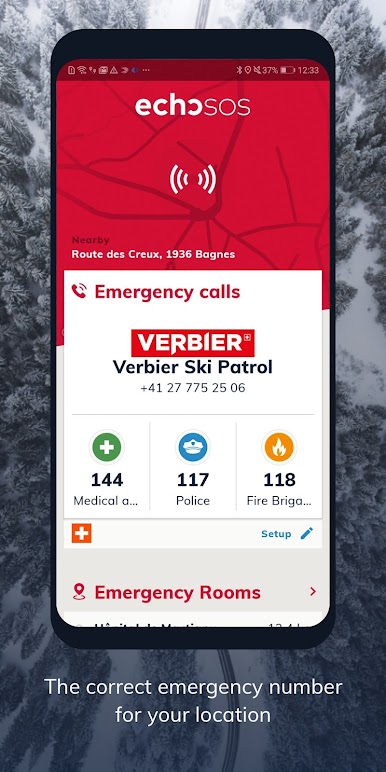
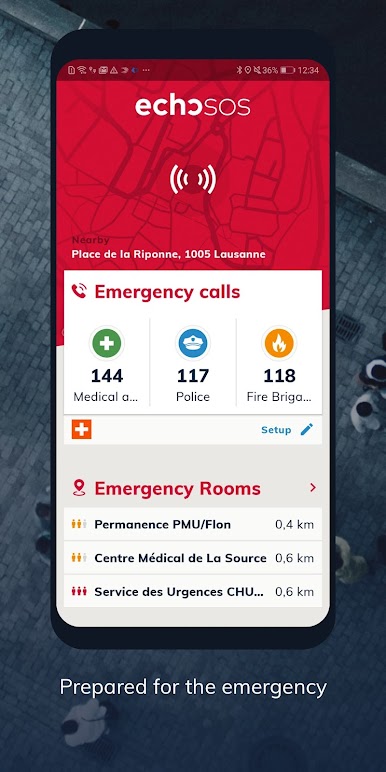
Emergency numbers from over 130 countries are stored in the app. You can always see the relevant numbers for your location on the home screen.
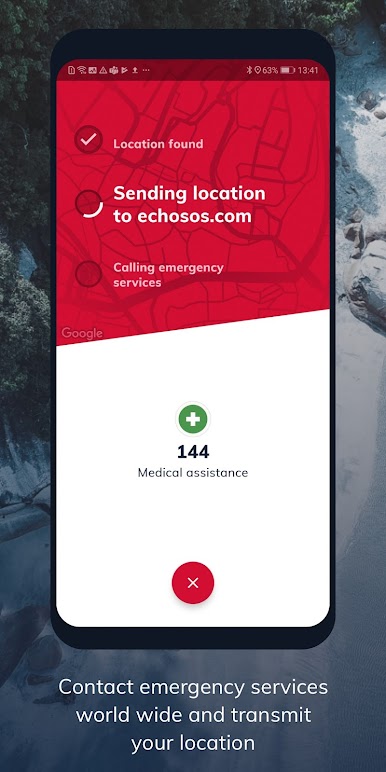
Accurate location sharing
When you make an emergency call, your GPS location is automatically shared with emergency services.
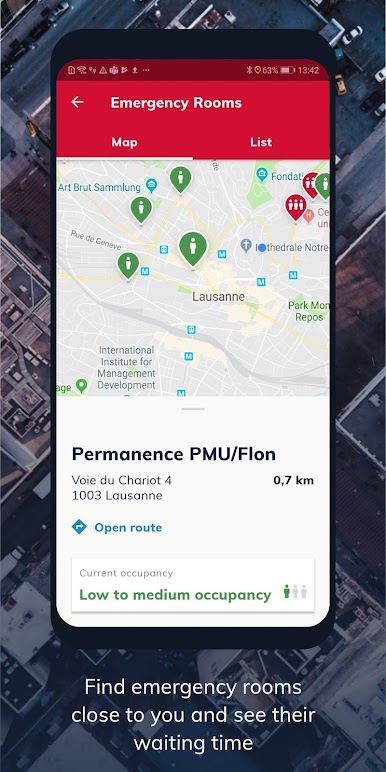
Emergency map
The map shows nearby emergency stations, on-call services, and defibrillators. Partner organizations also provide contact and availability details.
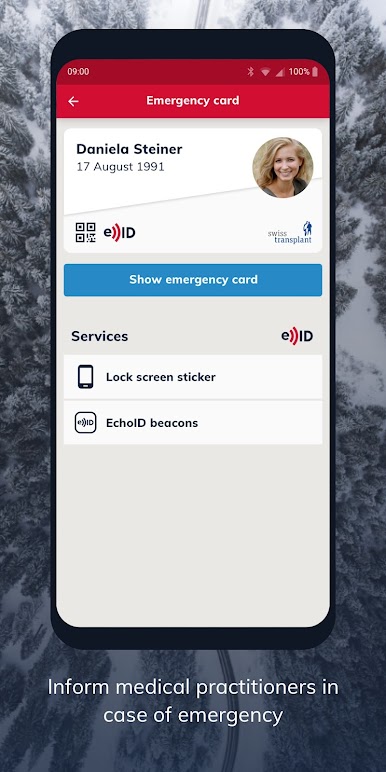
Digital emergency pass
Store important medical information, such as blood type, allergies, or medications, and share it directly with medical personnel in an emergency.
Echo Wallet
Keep other important documents safely stored in Echo Wallet.
Emergency guide
Helpful articles and practical tips for medical emergencies.
Test function
Check in advance that location sharing works smoothly.
Play EchoSOS on PC. It’s easy to get started.
-
Download and install BlueStacks on your PC
-
Complete Google sign-in to access the Play Store, or do it later
-
Look for EchoSOS in the search bar at the top right corner
-
Click to install EchoSOS from the search results
-
Complete Google sign-in (if you skipped step 2) to install EchoSOS
-
Click the EchoSOS icon on the home screen to start playing