


SchoolNet
Play on PC with BlueStacks – the Android Gaming Platform, trusted by 500M+ gamers.

Page Modified on: Mar 15, 2026
Run SchoolNet on PC or Mac
Multitask effortlessly on your PC or Mac as you try out SchoolNet, a Education app by Colegium on BlueStacks.
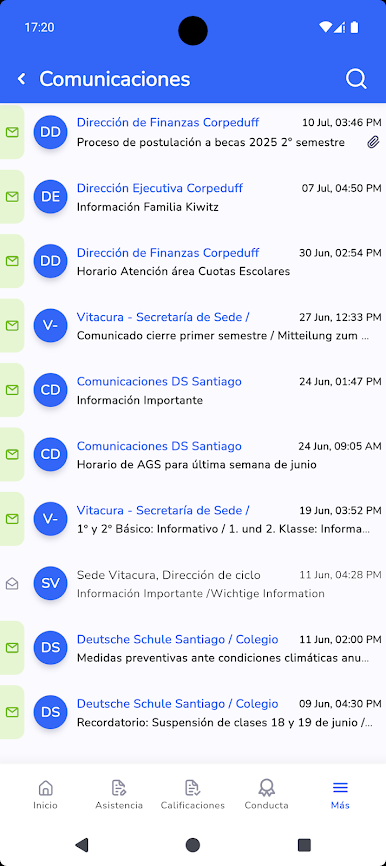
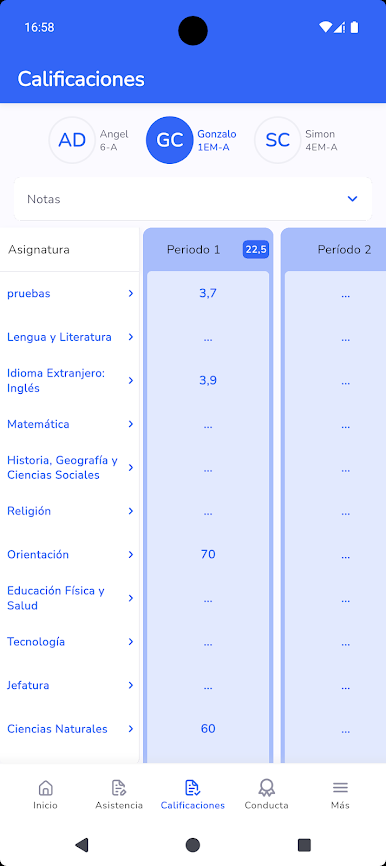
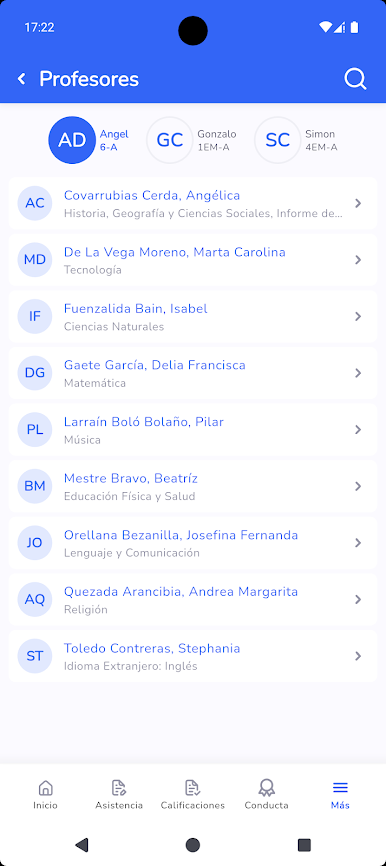
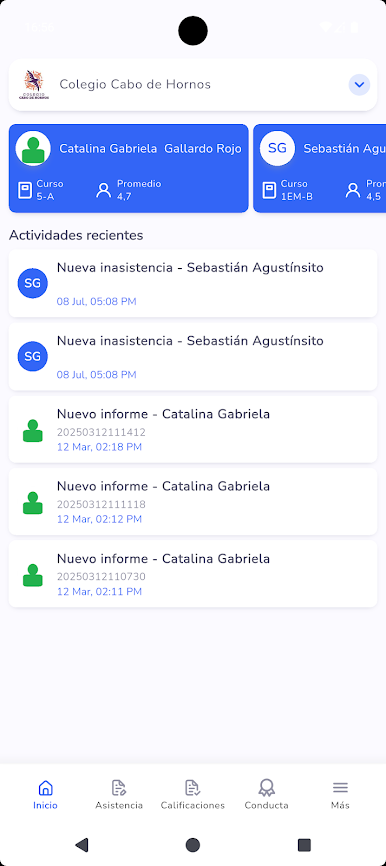
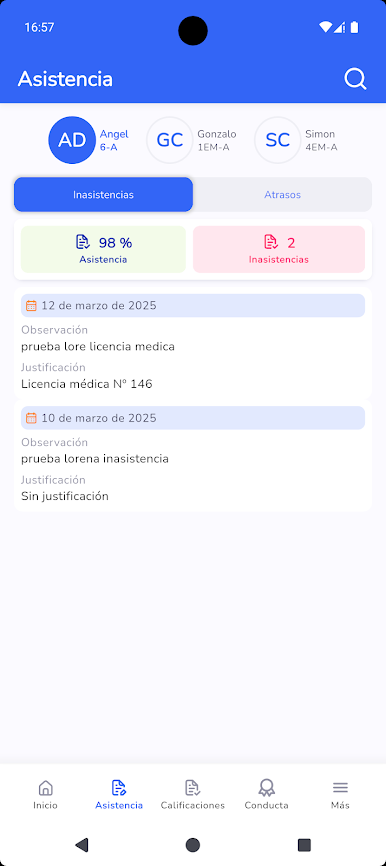
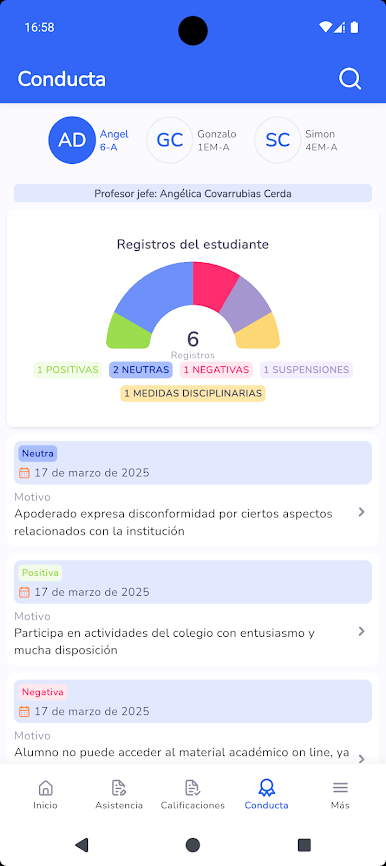
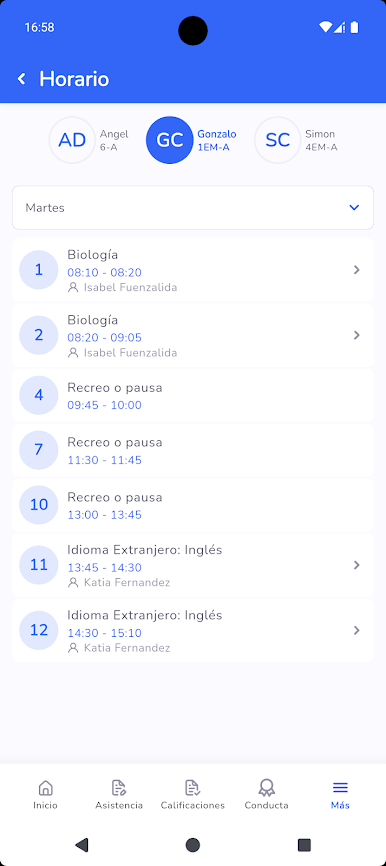
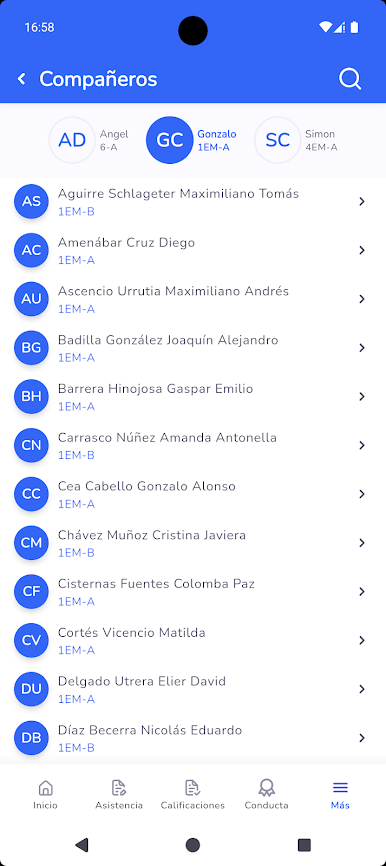
SchoolNet feels like a straightforward control panel for school life. It pulls in real-time info straight from teachers’ class books, so someone sees marks, notes, and attendance as they get posted, not days later. The newest build adds a section for registering students for extracurricular activities, if the school turns that on, which is handy for keeping sign-ups in one place. The app gets updated about once a month, mostly performance tweaks and small polish that make it run quicker and crash less.
On a PC with BlueStacks, it is easier to keep open while studying or working. A bigger window makes lists and class details less cramped, and switching between tabs and SchoolNet is smoother than juggling a phone. The layout stays simple, not flashy, so it does the job without a lot of hunting around.
There is one catch. The login comes from the school, so credentials need to be requested there first, and the school has to be using Colegium’s SchoolTrack system. Many private schools in Latin America do, but it is worth checking. For parents and students who just want clear, timely updates from class books and a quick way to handle activities, it does exactly that, and not much extra noise.
Big screen. Bigger performance. Use BlueStacks on your PC or Mac to run your favorite apps.
Play SchoolNet on PC. It’s easy to get started.
-
Download and install BlueStacks on your PC
-
Complete Google sign-in to access the Play Store, or do it later
-
Look for SchoolNet in the search bar at the top right corner
-
Click to install SchoolNet from the search results
-
Complete Google sign-in (if you skipped step 2) to install SchoolNet
-
Click the SchoolNet icon on the home screen to start playing

