


Final Clash: Dungeon Adventure
Play on PC with BlueStacks – the Android Gaming Platform, trusted by 500M+ gamers.

Page Modified on: Dec 26, 2024
Overview
Features:
Choose Your Class: Select from a wide range of classes, each with unique abilities and playstyles. Whether you prefer the brute strength of a warrior or the mystical powers of a mage, there's a class for every adventurer.
Idle Gameplay: Experience the thrill of adventure without the grind.
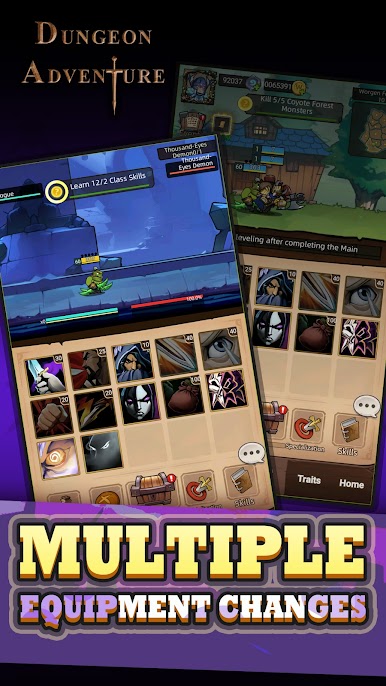
Upgrade and Customize: Enhance your hero by upgrading weapons, skills, and your camp.
Challenging Enemies: Face a variety of foes in each level. Strategize and adapt to overcome different challenges and emerge victorious.
Engaging Quests: Participate in numerous quests that will test your skills and reward your bravery.
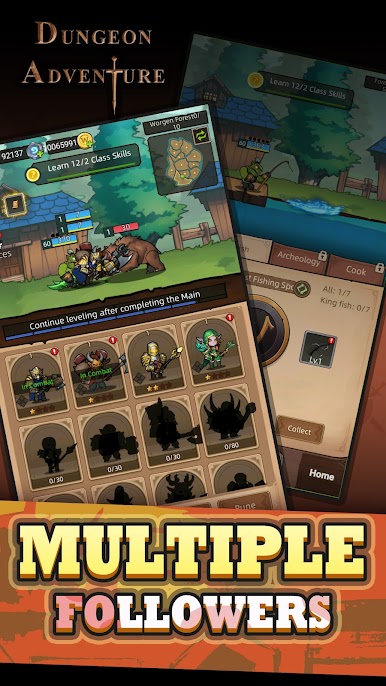
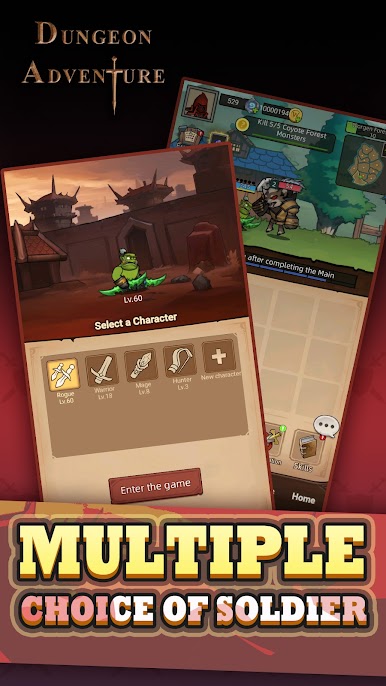
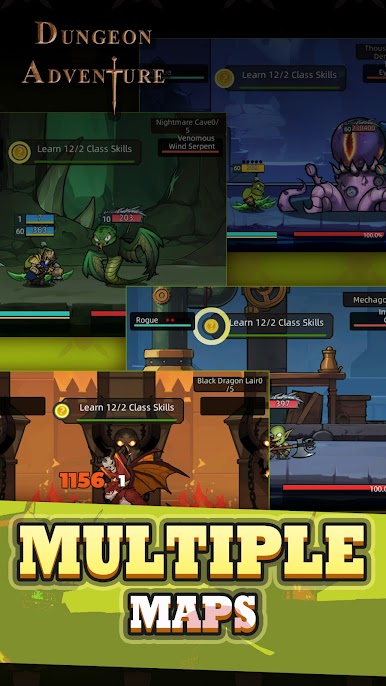
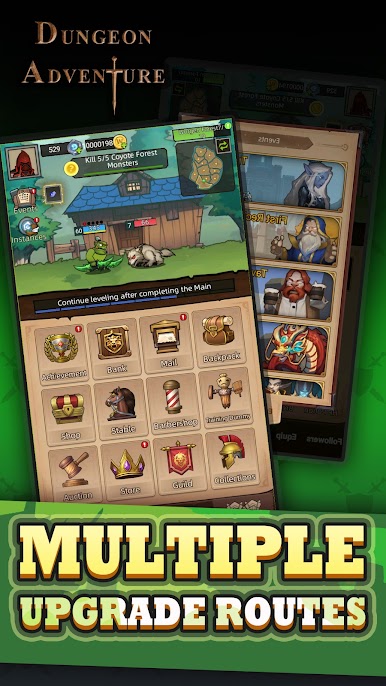
Play Final Clash: Dungeon Adventure on PC. It’s easy to get started.
-
Download and install BlueStacks on your PC
-
Complete Google sign-in to access the Play Store, or do it later
-
Look for Final Clash: Dungeon Adventure in the search bar at the top right corner
-
Click to install Final Clash: Dungeon Adventure from the search results
-
Complete Google sign-in (if you skipped step 2) to install Final Clash: Dungeon Adventure
-
Click the Final Clash: Dungeon Adventure icon on the home screen to start playing

