


SpeedCN-VPN used overseas to visit China, Enjoy 4K
Play on PC with BlueStacks – the Android Gaming Platform, trusted by 500M+ gamers.

Page Modified on: Dec 21, 2025
Overview
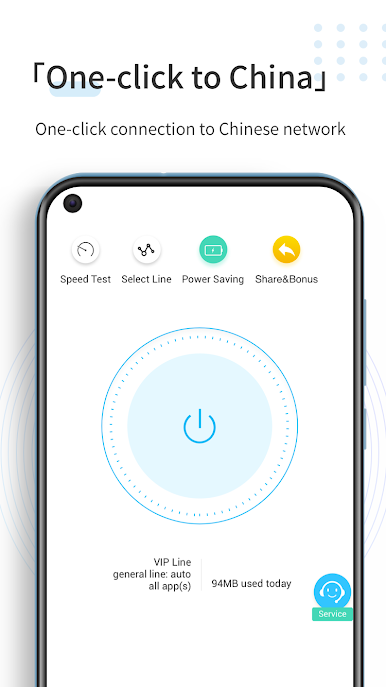
4K high-definition overseas chasing domestic dramas and chasing Chinese music, an accelerator necessary to visit China.
Accelerating to China for Global Users:
∙ High-speed lines: Super many nodes cover the world and have high-quality return network lines;
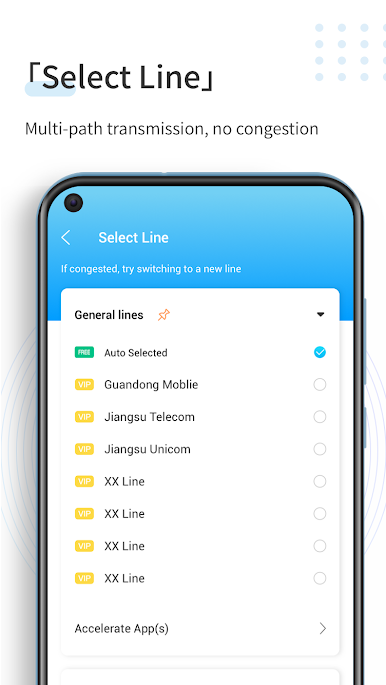
∙ Intelligent routing: select the optimal transmission path in real time, so that the network will never “traffic”;
∙ High reliability: Accelerated data traffic automatically avoids congestion, there is no bottleneck throughout, and the entire transmission is stable and reliable.
Accelerate all mainstream Chinese apps:
∙ Station B (bilibili) and Station A (AcFun);
∙ Youku, Tencent Video, iqiyi, Mango TV;
∙ Netease Cloud Music, QQ Music, Xami Music, Cool Music, Cool Dog Music;
∙ Tencent Sports, PP Sports, CCTV5, CCTV mobile TV;
∙ Including but not limited to the above apps.
SpeedCN is different:
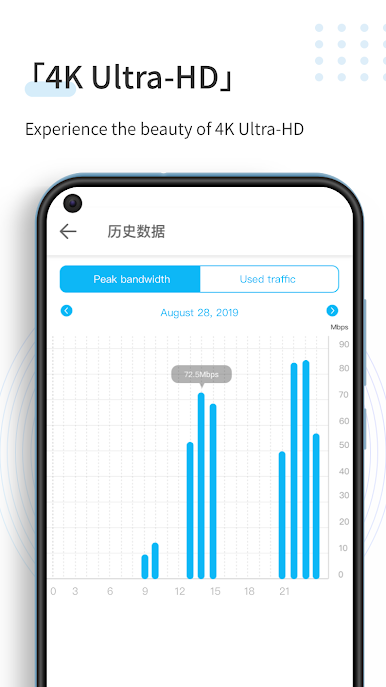
∙ Fast and stable: The internet speed is fast and super stable, and free users can watch HD videos smoothly;
∙ Non-HTTP proxy: The entire process of all APPs on the device is efficiently accelerated to China, winning the HTTP proxy model;
∙ Protection of privacy: End-to-end high-strength encryption algorithm without worrying about data interception.
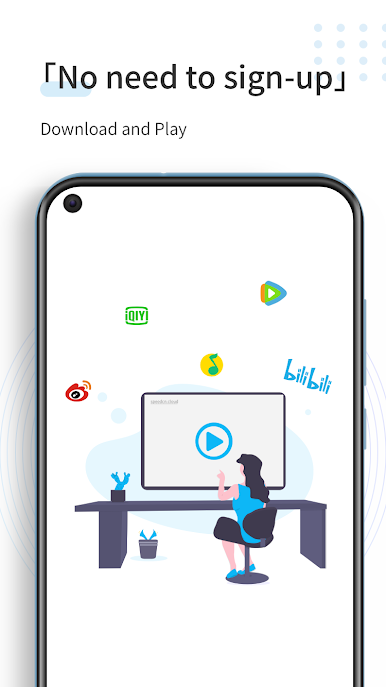
No registration required ∙ No Need payment ∙ Download and use
Play SpeedCN-VPN used overseas to visit China, Enjoy 4K on PC. It’s easy to get started.
-
Download and install BlueStacks on your PC
-
Complete Google sign-in to access the Play Store, or do it later
-
Look for SpeedCN-VPN used overseas to visit China, Enjoy 4K in the search bar at the top right corner
-
Click to install SpeedCN-VPN used overseas to visit China, Enjoy 4K from the search results
-
Complete Google sign-in (if you skipped step 2) to install SpeedCN-VPN used overseas to visit China, Enjoy 4K
-
Click the SpeedCN-VPN used overseas to visit China, Enjoy 4K icon on the home screen to start playing

