


SpocksClub
Play on PC with BlueStacks – the Android Gaming Platform, trusted by 500M+ gamers.

Page Modified on: Sep 7, 2026
Play SpocksClub on PC
Key Features:
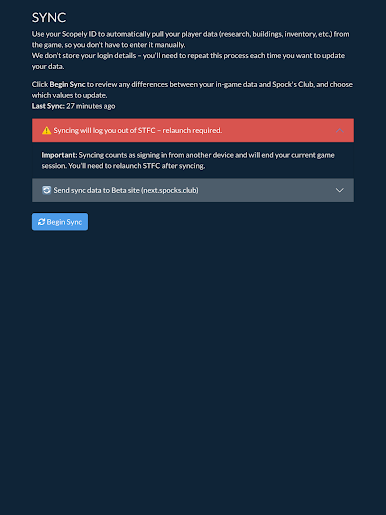
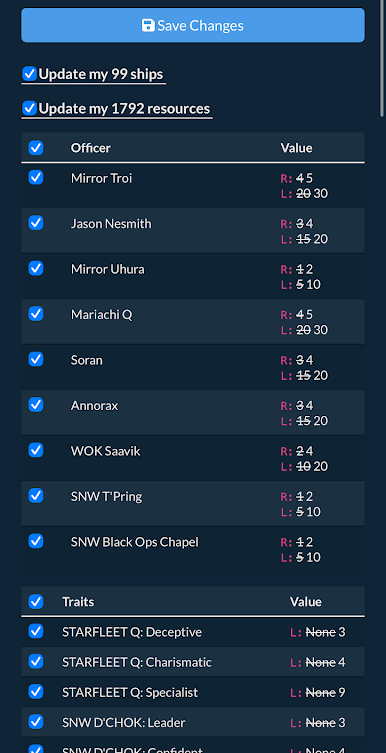
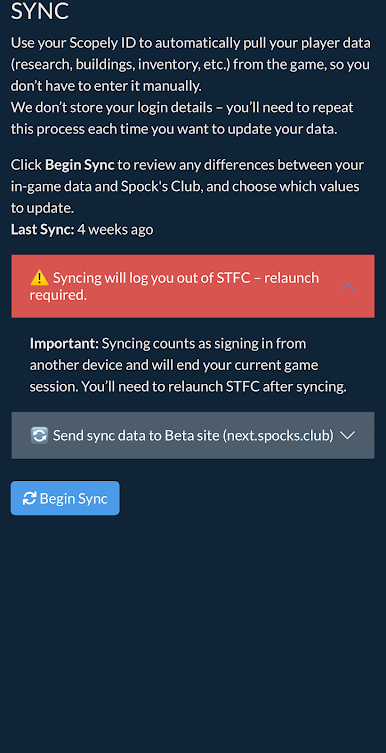
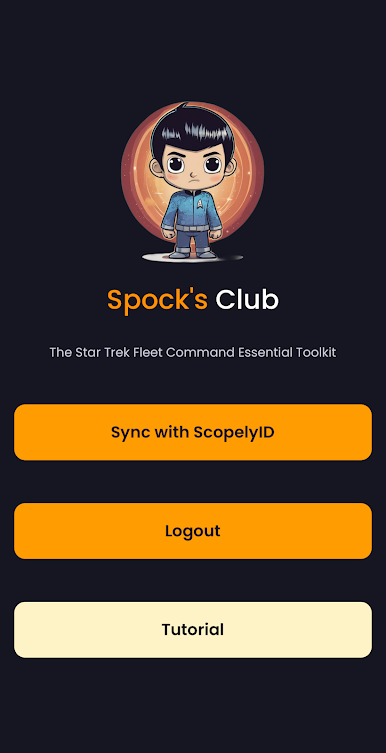
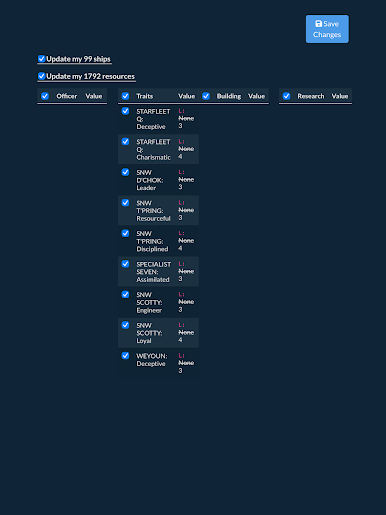
⚡ Seamless Sync – Update your game data securely with just one tap.
📊 Upgrade Calculators – Plan ship, building, and research upgrades with precision.
🧑🚀 Officer Tracking – Manage your officers, XP, and progression without spreadsheets.
🎯 Progression Planning – Visualize your next steps and optimize your strategy.
🌐 Web Integration – View your synced data on the Spock’s Club website from any device.
Why Spock’s Club?
Saves time by removing manual data entry.
Built for the community of Star Trek Fleet Command players.
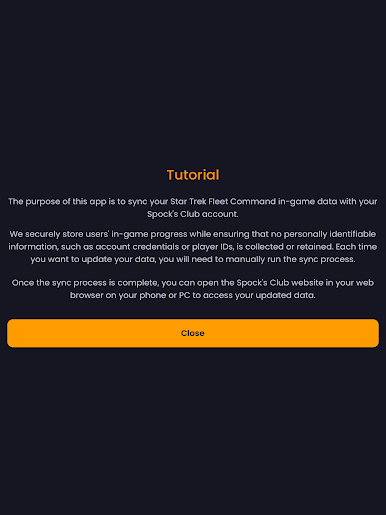
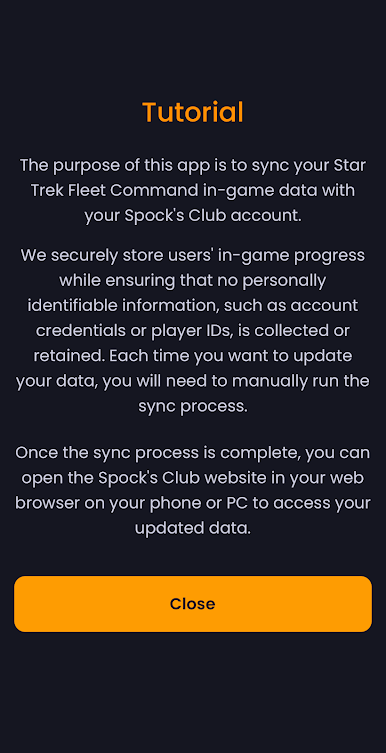
Designed with privacy in mind: no personal credentials or player IDs are ever collected.
Run the sync whenever you want to update, then log in to the Spock’s Club website on your phone or PC to access your refreshed dashboards, calculators, and game-planning tools.
Take your Star Trek Fleet Command experience to the next level with Spock’s Club.
Play SpocksClub on PC. It’s easy to get started.
-
Download and install BlueStacks on your PC
-
Complete Google sign-in to access the Play Store, or do it later
-
Look for SpocksClub in the search bar at the top right corner
-
Click to install SpocksClub from the search results
-
Complete Google sign-in (if you skipped step 2) to install SpocksClub
-
Click the SpocksClub icon on the home screen to start playing

