


Xender - Share Music Transfer
Play on PC with BlueStacks – the Android Gaming Platform, trusted by 500M+ gamers.

Page Modified on: Feb 14, 2026
Run Xender - Share Music Transfer on PC or Mac
Xender – Share Music Transfer is a tools app developed by Xender File Sharing Team. BlueStacks app player is the best platform to use this Android app on your PC or Mac for your everyday needs.
Discover the best sharing app ever created, tailored to effortlessly fulfill all of your transfer requirements.
Key Features
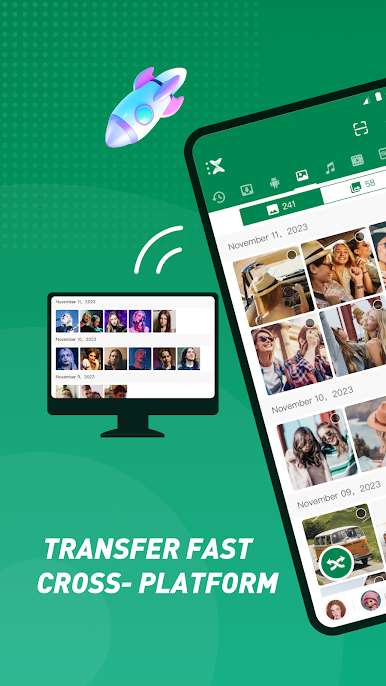
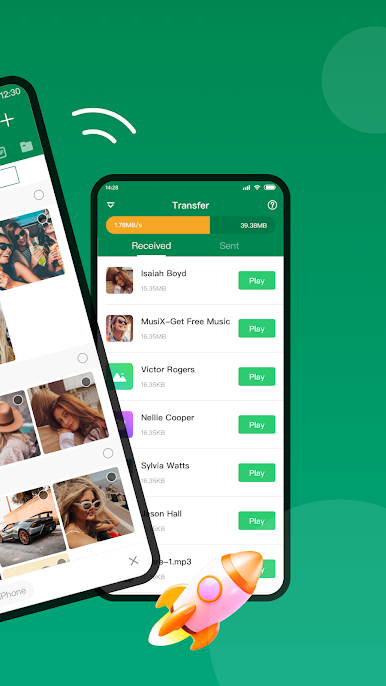
- As fast as 40Mb/s, you can instantly share music, movies, photos, apps, and more with your friends.
- You can send big files of any type or size without any limits, so your information stays safe.
- Send files anywhere, at any time, without using data. Say goodbye to wires and being tied to the internet.
- No limits on how easily and freely you can share files, music, pictures, videos, and apps.
Enhanced Functionality
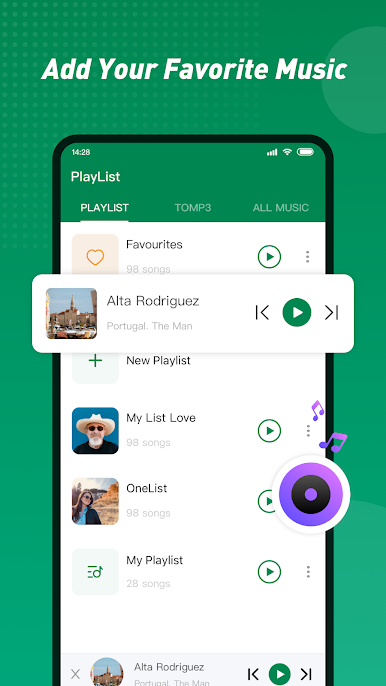
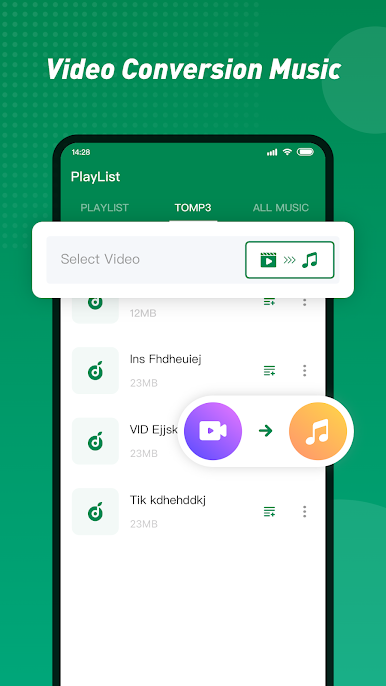
- You can easily change videos to audio files, so you can watch your favorite shows and movies without draining your power.
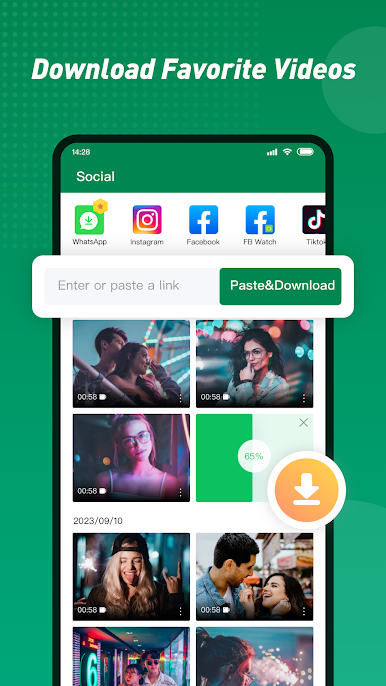
- The app lets you save movies from famous sites like WhatsApp, Facebook, and Instagram.
- You can play a lot of simple games right away, without having to set up or download anything.
Many More Services
- Move your contacts, SMS messages, video files, and other things from your old phone to your new one without any problems.
- You can easily sort, view, move, or remove files, making sure that you use your device’s storage space efficiently.

Play Xender - Share Music Transfer on PC. It’s easy to get started.
-
Download and install BlueStacks on your PC
-
Complete Google sign-in to access the Play Store, or do it later
-
Look for Xender - Share Music Transfer in the search bar at the top right corner
-
Click to install Xender - Share Music Transfer from the search results
-
Complete Google sign-in (if you skipped step 2) to install Xender - Share Music Transfer
-
Click the Xender - Share Music Transfer icon on the home screen to start playing

