


Writer Plus (Write On the Go)
Play on PC with BlueStacks – the Android Gaming Platform, trusted by 500M+ gamers.

Page Modified on: Sep 4, 2023
Run Writer Plus (Write On the Go) on PC or Mac
Let BlueStacks turn your PC, Mac, or laptop into the perfect home for Writer Plus (Write On the Go), a fun Productivity app from Easy4U Ltd..
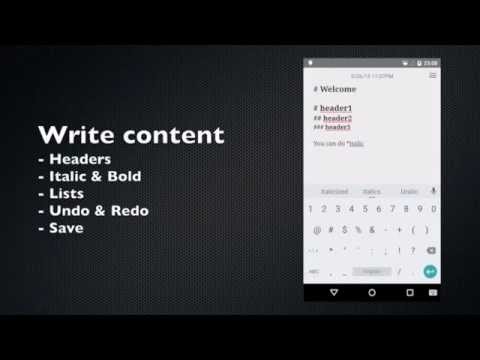
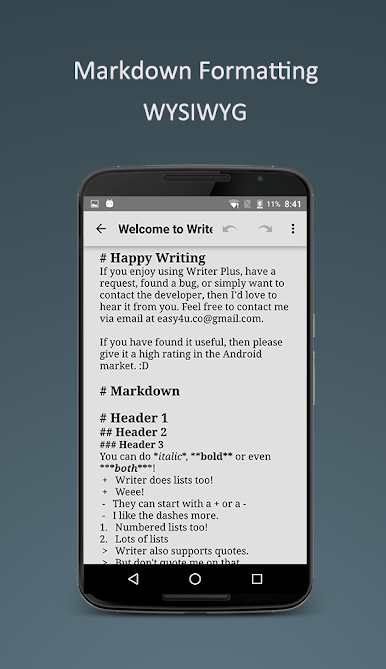
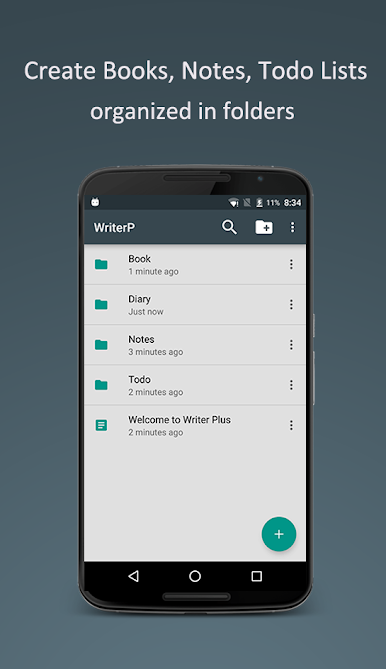
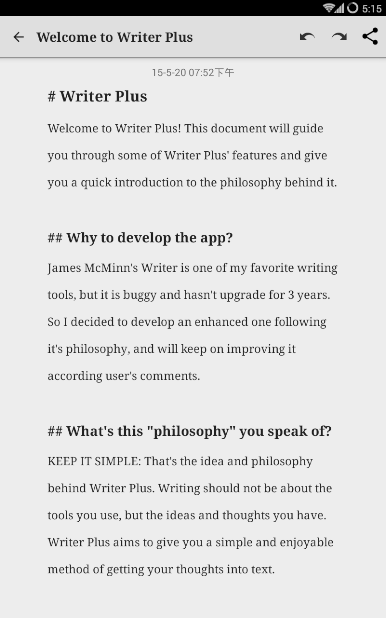
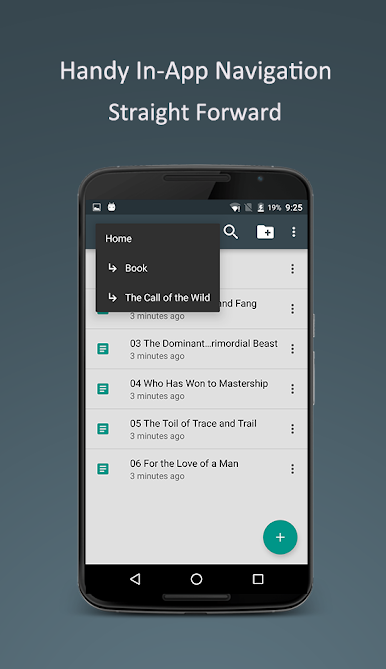
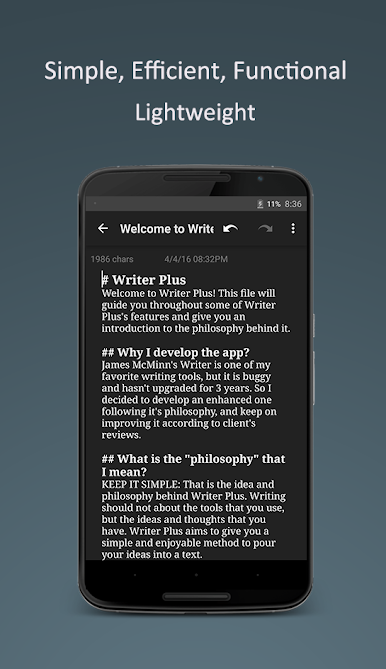
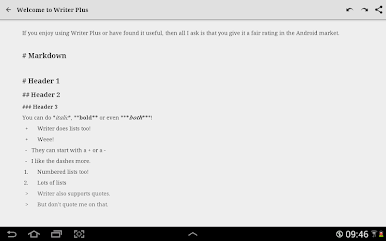
Writer Plus is one of those apps that makes writing about as simple as it gets, without loading you down with stuff you’ll never use. The whole thing feels lightweight and tidy, like an old-fashioned notepad but digital. Whether someone’s jotting down story ideas, keeping song lyrics, or just organizing thoughts, it’s basically just open and write — no menus in the way, nothing cluttered. Even for longer stuff like essays or chapters, it holds up well, especially since there’s folder support, so notes and drafts aren’t swimming around in one pile. Markdown support is included too, so it’s easy to add simple formatting without needing a mouse or a bunch of extra steps. The keyboard shortcuts (like undo, redo, copy, paste) feel pretty natural, especially on a laptop or desktop with BlueStacks, so it mimics that “real writer” feeling.
People who care about word or character count will find those features right up front, and there are things like night mode if late writing is the routine. For anyone who’s played around with fancier writing apps that end up burning through battery or lagging, Writer Plus is noticeably quick and doesn’t hog resources. It’s not covered with ads or banners either, which helps keep focus. The app supports several languages and even works with right-to-left scripts, so it’s flexible. Sharing is straightforward if something needs to move to email or another app. Basically, it’s made for people who want to get thoughts down fast and just keep moving, whether it’s on the go or sitting at a keyboard.
BlueStacks gives you the much-needed freedom to experience your favorite apps on a bigger screen. Get it now.
Play Writer Plus (Write On the Go) on PC. It’s easy to get started.
-
Download and install BlueStacks on your PC
-
Complete Google sign-in to access the Play Store, or do it later
-
Look for Writer Plus (Write On the Go) in the search bar at the top right corner
-
Click to install Writer Plus (Write On the Go) from the search results
-
Complete Google sign-in (if you skipped step 2) to install Writer Plus (Write On the Go)
-
Click the Writer Plus (Write On the Go) icon on the home screen to start playing

