


VPN 360: Private & Secure Wifi
Play on PC with BlueStacks – the Android Gaming Platform, trusted by 500M+ gamers.

Page Modified on: Dec 2, 2025
Play VPN 360: Private & Secure Wifi on PC
Why customers love VPN 360:
• VPN access: no credit card required (ad-supported)
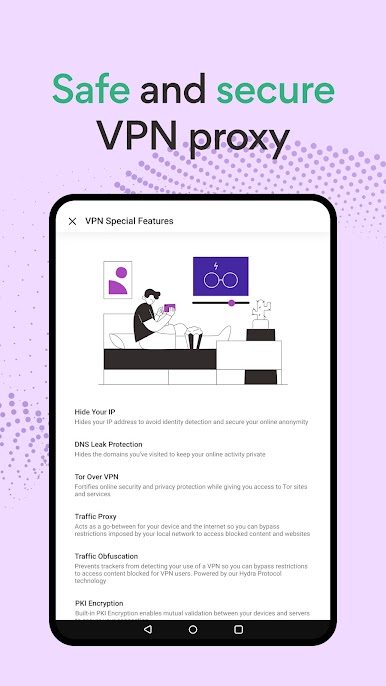
• No email account setup or saved logs
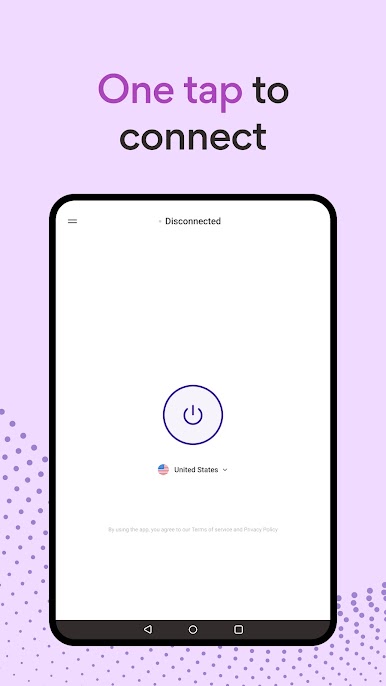
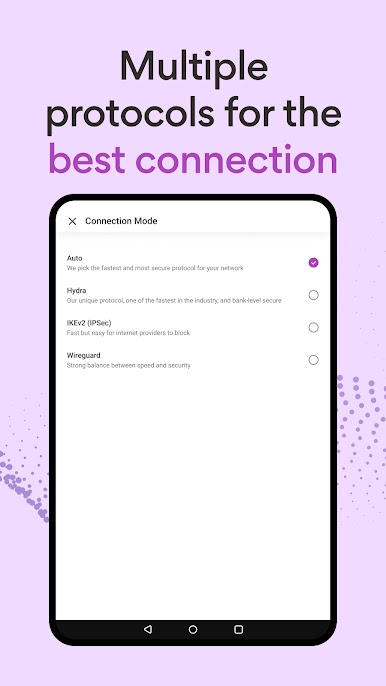
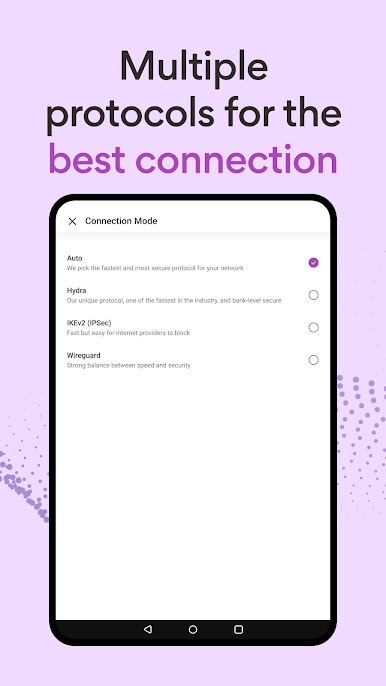
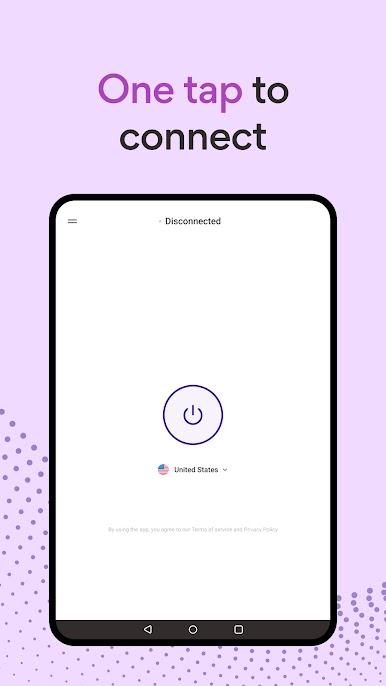
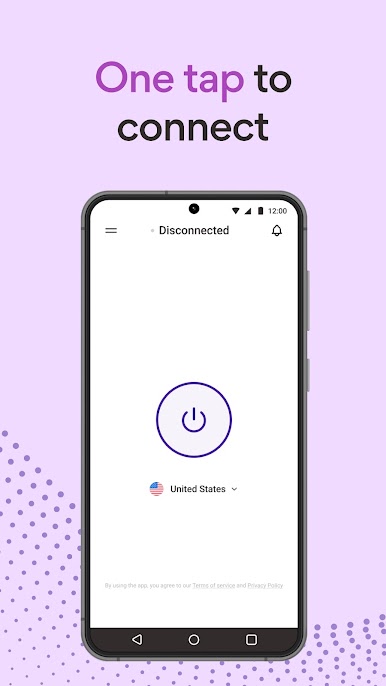
• One-tap security: effortlessly secure your Wi-Fi with encrypted VPN protocols.
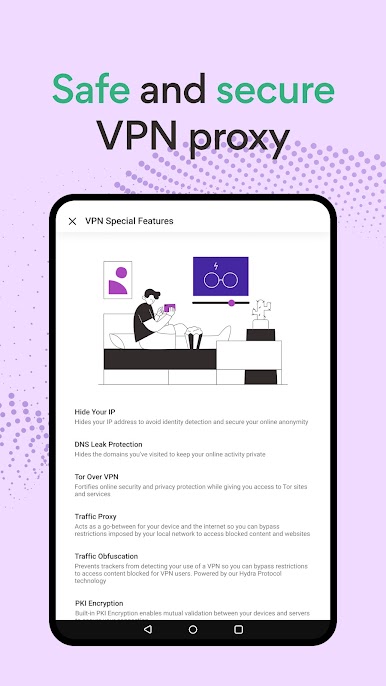
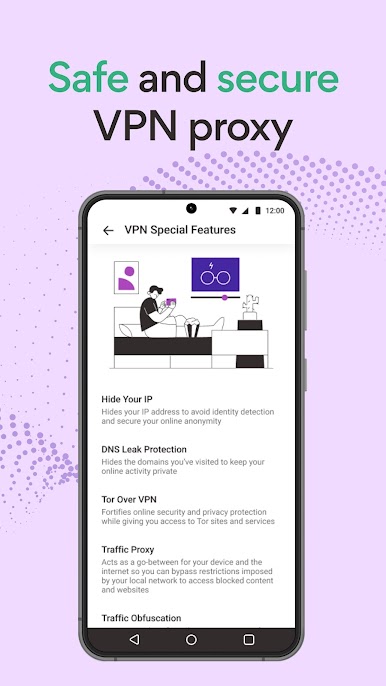
• Built-in malware and phishing protection for safe and secure browsing
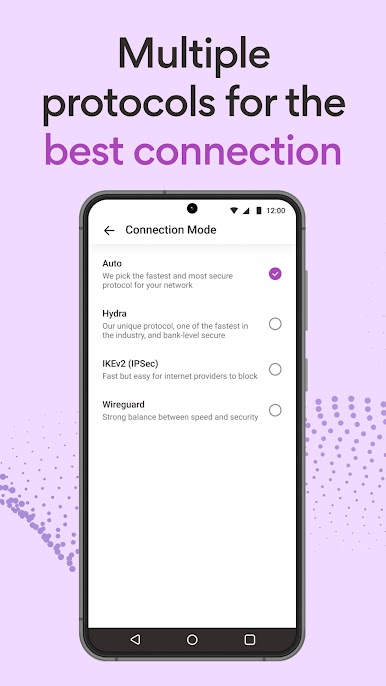
• Advanced proxy settings to customize your VPN connection based on your online activity
• 24/7 customer support to assist you anytime
Upgrade to the Premium Version for:
• Additional options amongst 1800+ fast VPN proxy servers
• Speeds up to 1 Gbps
• Optimized VPNs for enjoying your favorite video content and HD gaming with enhanced performance
• Multi-device support: use VPN 360 across up to 10 devices simultaneously
• Ad-free experience: enjoy unlimited access without interruptions
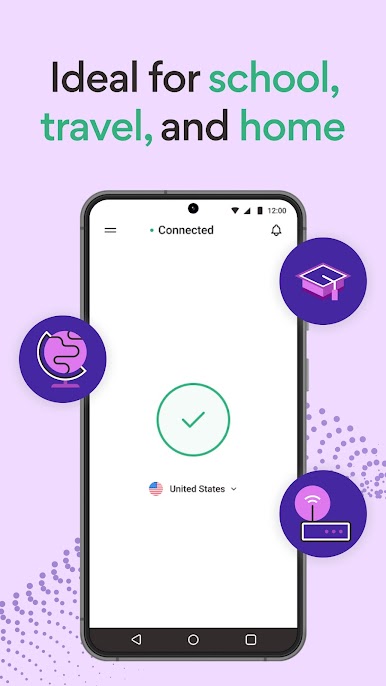
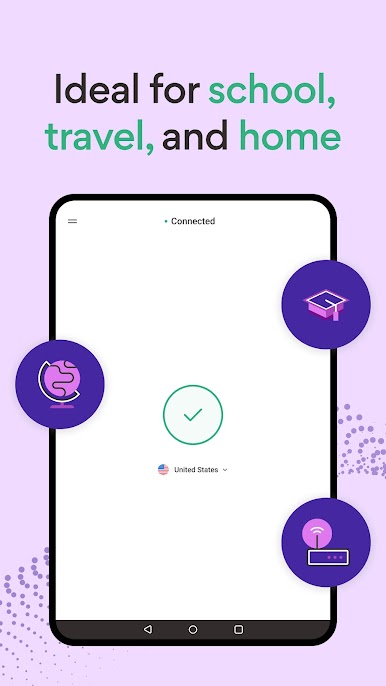
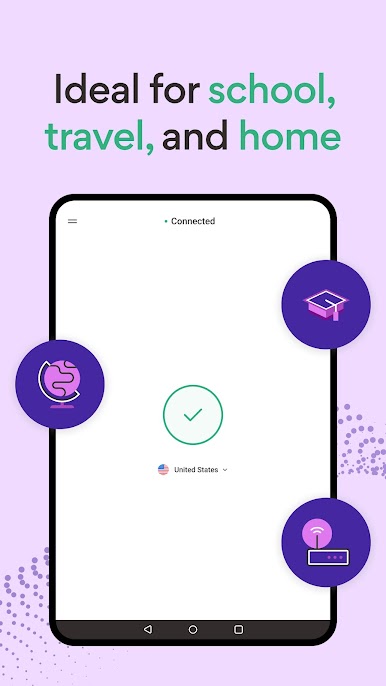
VPN 360 keeps your internet connection secure when using a public WiFi proxy hotspot. Download VPN 360 for fast, secure virtual private network access!

Play VPN 360: Private & Secure Wifi on PC. It’s easy to get started.
-
Download and install BlueStacks on your PC
-
Complete Google sign-in to access the Play Store, or do it later
-
Look for VPN 360: Private & Secure Wifi in the search bar at the top right corner
-
Click to install VPN 360: Private & Secure Wifi from the search results
-
Complete Google sign-in (if you skipped step 2) to install VPN 360: Private & Secure Wifi
-
Click the VPN 360: Private & Secure Wifi icon on the home screen to start playing

