

Raptor RPG - Dino Sim
Play on PC with BlueStacks – the Android Gaming Platform, trusted by 500M+ gamers.

Page Modified on: Sep 5, 2024
Play Raptor RPG - Dino Sim on PC or Mac
Explore a whole new adventure with Raptor RPG – Dino Sim, a Action game created by StephenAllen. Experience great gameplay with BlueStacks, the most popular gaming platform to play Android games on your PC or Mac.
About the Game
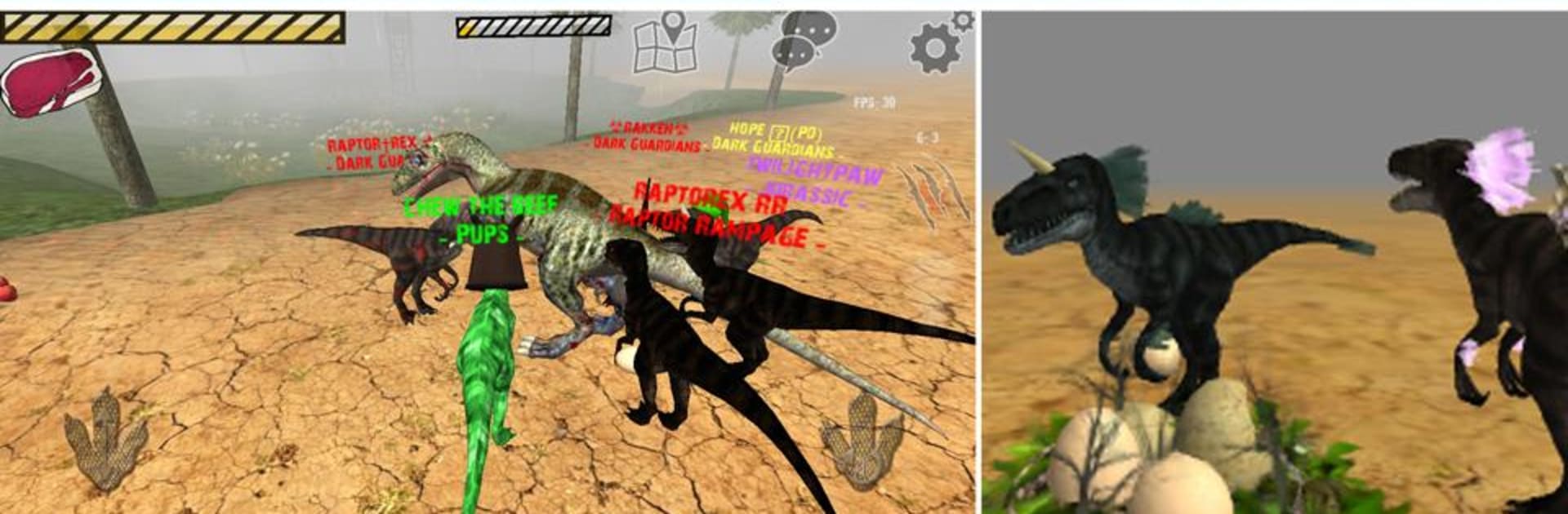
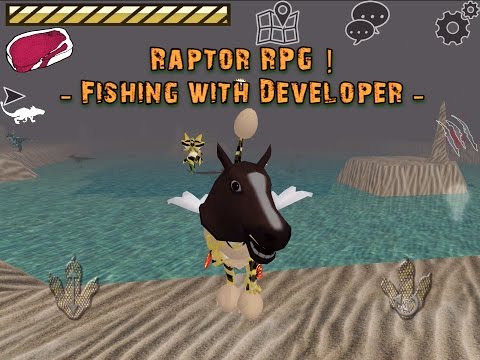
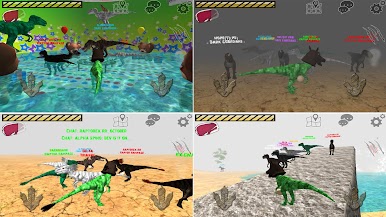
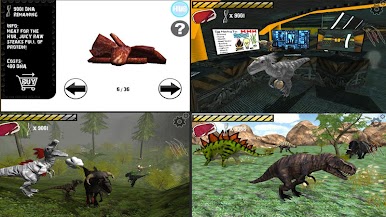
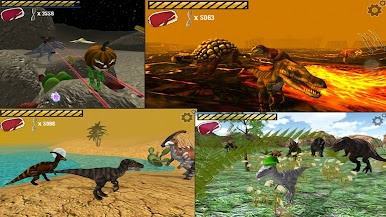
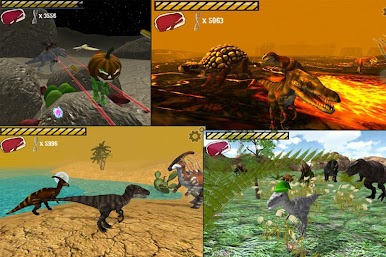
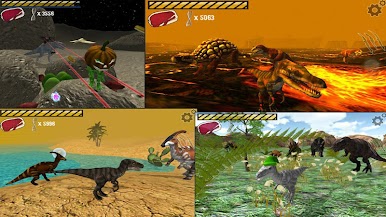
Raptor RPG – Dino Sim is an offbeat Action adventure where you start as a scrappy raptor trying to make it through the day—hunting, scavenging, and causing a little chaos along the way. Explore lively maps, discover odd secrets (yes, there’s a moon mission), and build your own cozy hub between hunts. Prefer a bigger screen and keyboard? You can hop in with BlueStacks without changing how you play.
Game Features
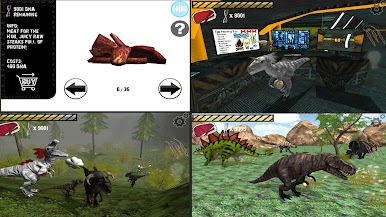
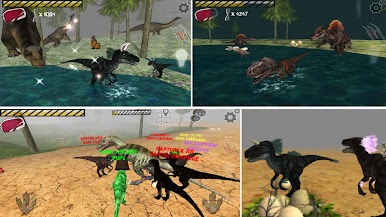
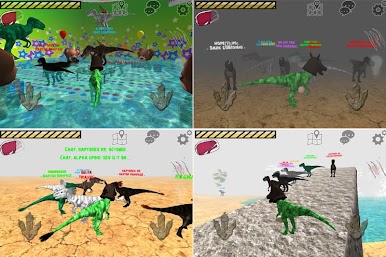
- Raptor Life: Stalk prey, snack on whatever you catch, and stay sharp to survive across varied maps.
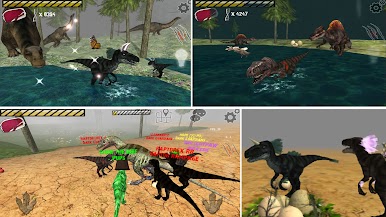
- Smarter Fishing: Chase down fish and decide—eat it now or stash it for later.
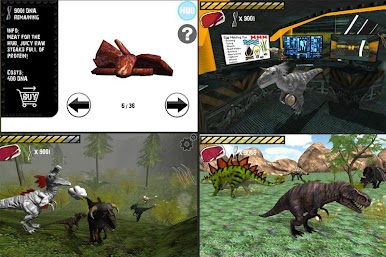
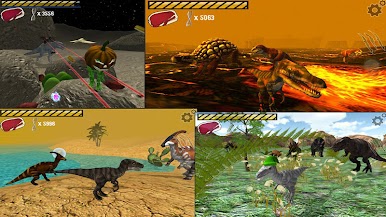
- Moon Mecha Showdown: Square off against a Mecha T-Rex in low gravity for a wild boss fight.
- Unlockable Dinos: Open a secret hub and switch it up with SPINOSAURUS and T-REX.
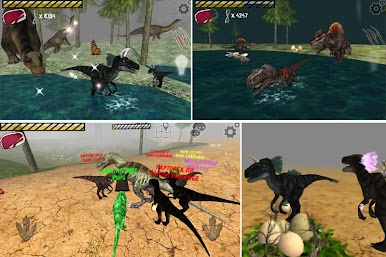
- Raise a Baby: Rescue an egg, hatch it, and watch your tiny raptor grow under your care.
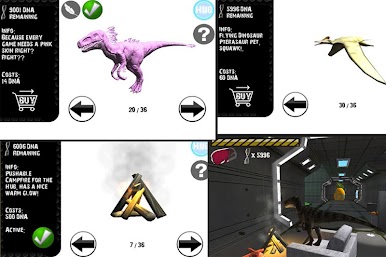
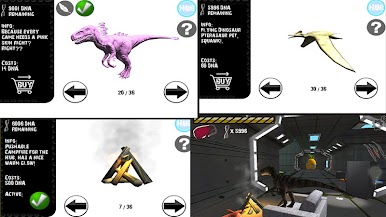
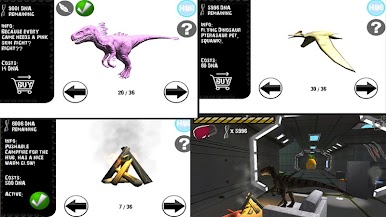
- Build Your Space: Decorate your hub, unlock pets, and dress up your character to match your style.
- Goofball Physics: Hit the ragdoll button to flop, trip, or pull a ridiculous backflip on command.
- Deep Customization: 14 feather styles with 14 colors, plus 30 skins, 40 hats, and 9 decorations to mix and match.
- Big Creature Roster: Roam with 12 species of dinosaurs and collect 10 different pets.
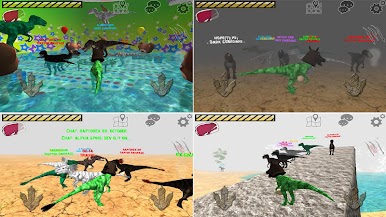
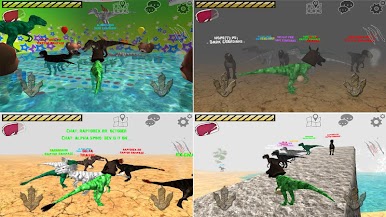
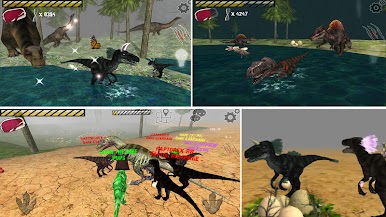
- Online Multiplayer: Unlock online play after proving you know the basics, then chat, battle, or roleplay with players worldwide on one huge free-roam map—expect silly extras like balloons and wings.
- Fair Play Rules: Moderated servers keep things friendly; cheaters and toxic behavior aren’t tolerated.
- Made by One Dev: Crafted and updated by StephenAllen, with plenty of heart and quirky surprises.
Slay your opponents with your epic moves. Play it your way on BlueStacks and dominate the battlefield.
Play Raptor RPG - Dino Sim on PC. It’s easy to get started.
-
Download and install BlueStacks on your PC
-
Complete Google sign-in to access the Play Store, or do it later
-
Look for Raptor RPG - Dino Sim in the search bar at the top right corner
-
Click to install Raptor RPG - Dino Sim from the search results
-
Complete Google sign-in (if you skipped step 2) to install Raptor RPG - Dino Sim
-
Click the Raptor RPG - Dino Sim icon on the home screen to start playing

