


Star Warrior:RTS&TD
Play on PC with BlueStacks – the Android Gaming Platform, trusted by 500M+ gamers.

Page Modified on: Oct 28, 2025
Play Star Warrior:RTS&TD on PC
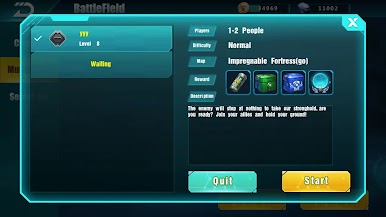
Open "Battles" to play online. Create your own battlefield or download battlefields made by other players!
Features:
Free to build bases on planet! Developed in customised bases!
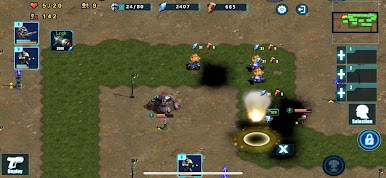
Multiplayer tower defence support (multiplayer TD)
Unlock heroes, who are more powerful than normal soldiers. Each heroes can learn 2 skills!
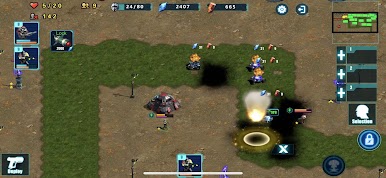
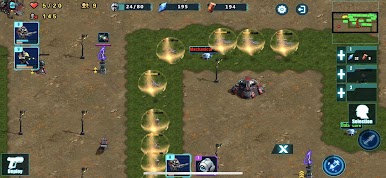
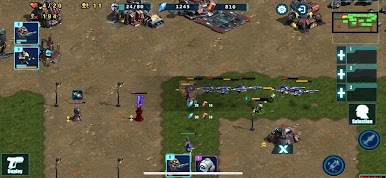
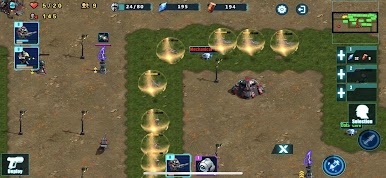
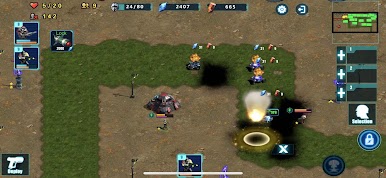
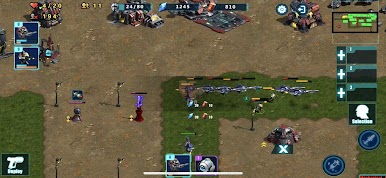
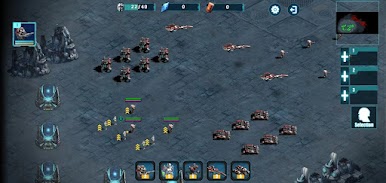
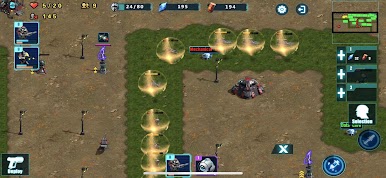
Train troops such as machine gunners, tanks and battleships to protect your base and attack enemy bases as the main attacking force.
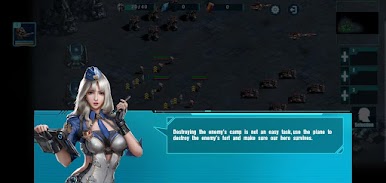
Heroes will provide different experiences in different scenarios, either as the main character in a mission, or as the main defensive/offensive force in battle.
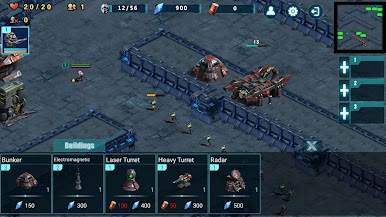
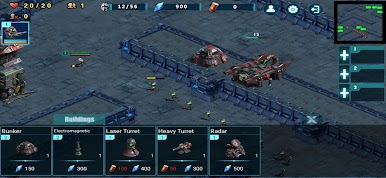
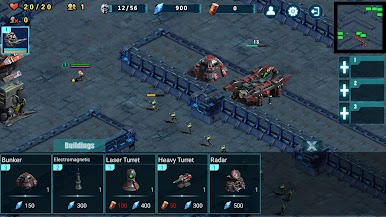
Barracks can be used to increase the population and unlock new types of troops. Defence buildings can be used to increase defensive capabilities and as the main fighting unit in tower defence scenarios (TD). Resource buildings can be used to provide sufficient resources for upgrades.
Players can engage in PvP battles and win by defeating the enemy when the specified resources are collected and depleted
The battlefield editor allows players to create their own game modes, campaign missions. Players can edit battle maps created by other players.
Players can team up with other players (multiplayer RTS/RPG/TD)
More resources can be gained in multiplayer battles
Give orders to each unit or the entire army with easy control
Collect resources and develop the economy in real time.

Play Star Warrior:RTS&TD on PC. It’s easy to get started.
-
Download and install BlueStacks on your PC
-
Complete Google sign-in to access the Play Store, or do it later
-
Look for Star Warrior:RTS&TD in the search bar at the top right corner
-
Click to install Star Warrior:RTS&TD from the search results
-
Complete Google sign-in (if you skipped step 2) to install Star Warrior:RTS&TD
-
Click the Star Warrior:RTS&TD icon on the home screen to start playing

