


Comfy Sort: Number Merge Game
Play on PC with BlueStacks – the Android Gaming Platform, trusted by 500M+ gamers.

Page Modified on: Sep 4, 2026
Play Comfy Sort: Number Merge Game on PC
How to Play
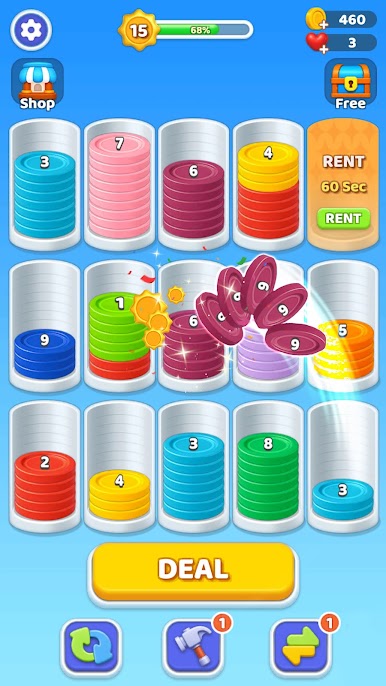
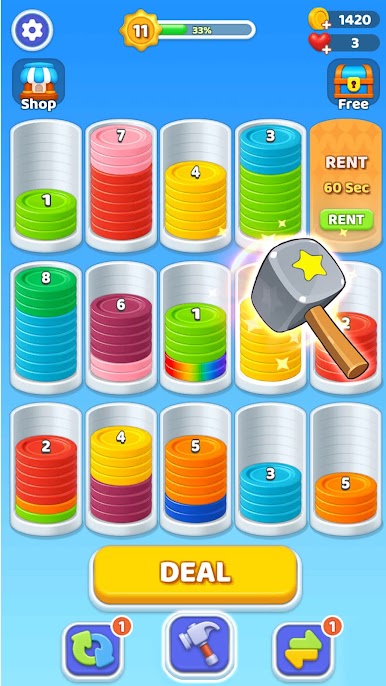
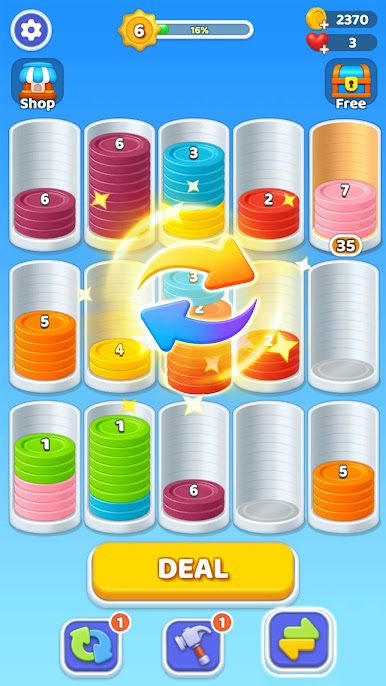
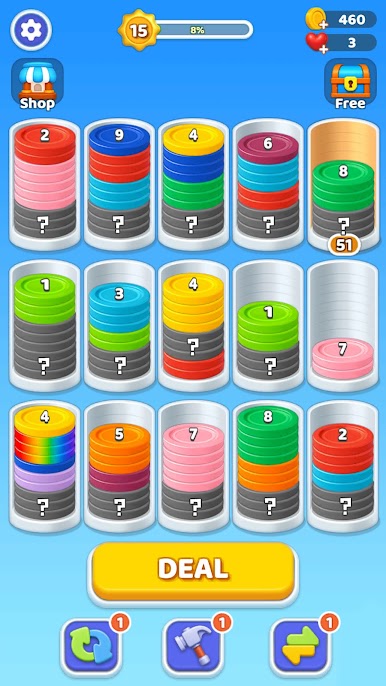
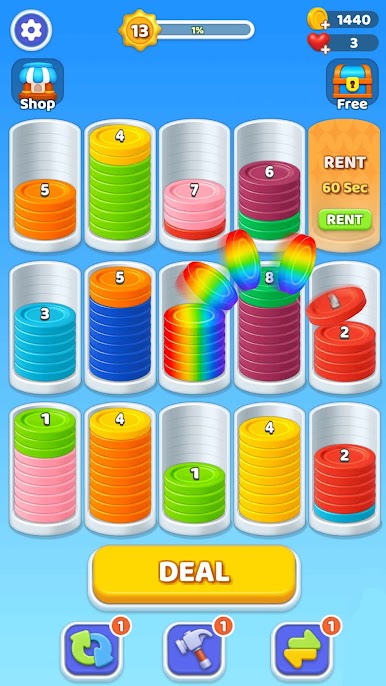
👆 Tap and Move: Tap the frontmost coin to move it, a core skill in this number game. Only the outermost coin can move, a simple merge game rule.
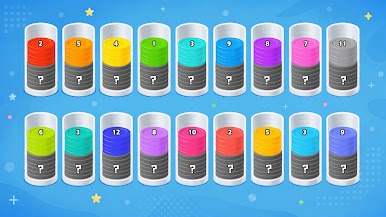
🔗 Match and Merge: Fill a tube with matching numbers to merge them, true number match logic. A classic number game move for sharp eyes and numbers.
🕹️ Plan Ahead: Use empty tubes wisely and plan your moves, essential for every number game fan. A smart number match habit for numbers lovers too.
Game Features
✋ Simple Controls: Just tap to move coins, great for casual sessions. A relaxing number game pace.
⏳ No Time Limit: Play at your own pace, a laid-back number puzzle experience. Great for numbers fans too.
📈 Growing Challenge: New numbers and obstacles each level, a true merge game test. Also a fresh number games spin.
✨ Satisfying Merges: Watch coins combine and level up, a rewarding number match moment. Also a fun number puzzle payoff for big numbers.
🔄 Endless Levels: Fresh layouts every level, an ideal number games mix. A steady merge game flow too.
🔢 Mastering Comfy Sort means planning moves before you tap, a real number game mindset, and a sharp number puzzle instinct. Merge numbers up the chain in this number puzzle routine, a steady number games habit. Complete each target, a true merge game skill and a satisfying number match win. Sharp planning turns clutter into victory, the heart of any number match challenge, a true number games payoff for numbers fans.
⬇️ Download this casual mobile app now and enjoy a calm, satisfying casual game experience! 🎉 This relaxing coin-sorting number game is easy to learn and hard to put down. Master every merge game level, prove your skills in this number puzzle, and enjoy the numbers along the way. A true number games finale and a satisfying number match finish!


Play Comfy Sort: Number Merge Game on PC. It’s easy to get started.
-
Download and install BlueStacks on your PC
-
Complete Google sign-in to access the Play Store, or do it later
-
Look for Comfy Sort: Number Merge Game in the search bar at the top right corner
-
Click to install Comfy Sort: Number Merge Game from the search results
-
Complete Google sign-in (if you skipped step 2) to install Comfy Sort: Number Merge Game
-
Click the Comfy Sort: Number Merge Game icon on the home screen to start playing

