


Brain Focus Productivity Timer
Play on PC with BlueStacks – the Android Gaming Platform, trusted by 500M+ gamers.

Page Modified on: Jun 17, 2020
Run Brain Focus Productivity Timer on PC or Mac
Why limit yourself to your small screen on the phone? Run Brain Focus Productivity Timer, an app by Brain Focus, best experienced on your PC or Mac with BlueStacks, the world’s #1 Android emulator.
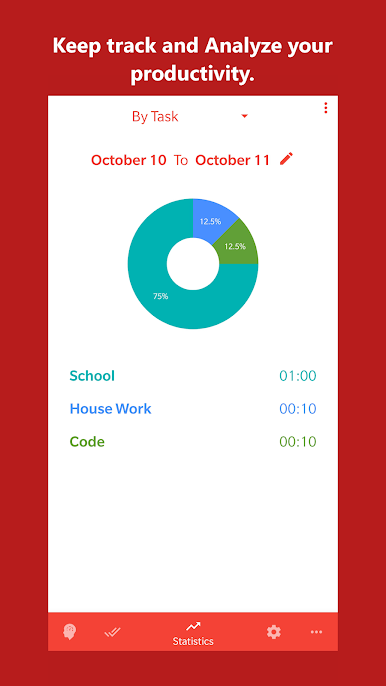
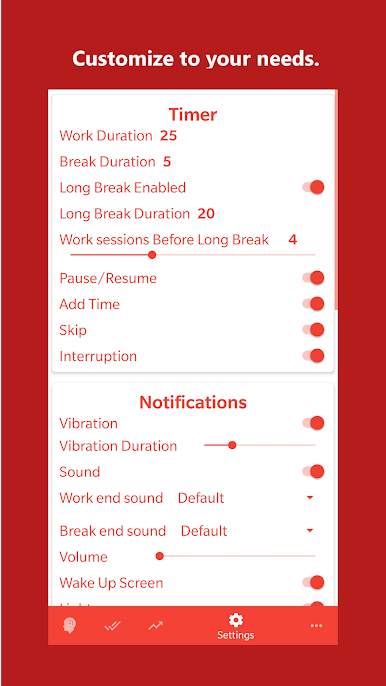
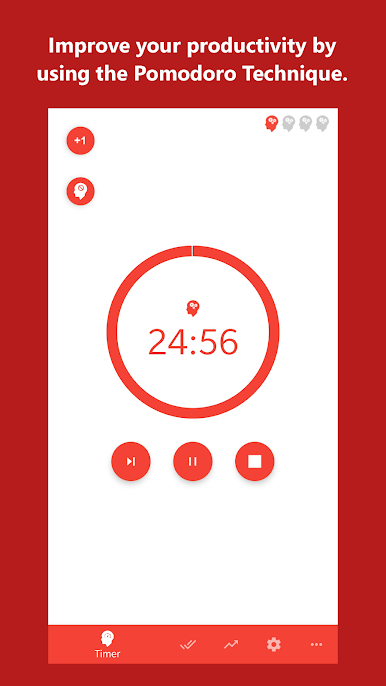
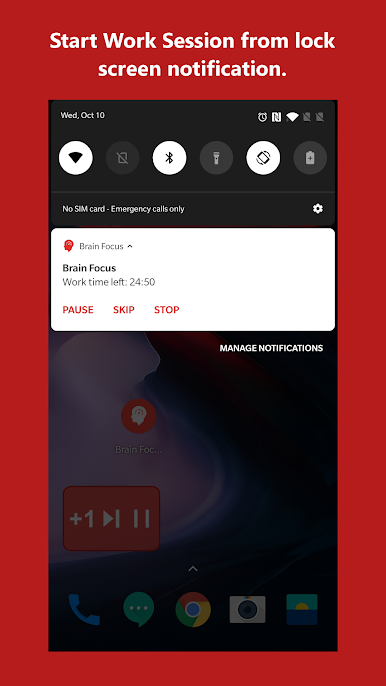
Brain Focus Productivity Timer is basically one of those timer apps people use for getting work done, but it’s a bit smarter than just a timer. The way it works is simple: set a timer for focused work, then it reminds you to take a break once you’ve done a chunk of time. It’s based on ideas like the Pomodoro technique, but you can adjust the session lengths — not stuck to the classic 25 minutes if that doesn’t work for you. There’s this nice feeling when you can just tap “start,” do your thing, and know the app will nudge you for a rest when it’s time. It even keeps track of how long you spend on each task, and you can organize your stuff by project or category.
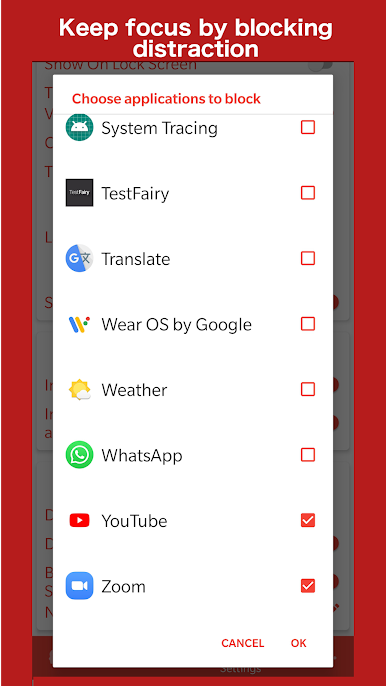
What’s kind of handy playing it on a PC with BlueStacks is you’ve got extra space and can deal with multiple tasks at once, or keep the timer running in the background while you switch windows. There are different themes so the look isn’t boring, and it can shut off your Wi-Fi or put your sound on mute during focus time, so distractions get kept out pretty effectively. There are some small features like pausing, skipping breaks, or adding extra time if you’re on a roll, which makes it actually useful instead of just bossy. Some things, like exporting your stats or extra categories, unlock if you pay, but most of it works fine for free. It just feels like a straightforward, steady app for anyone who likes timing work and getting those scheduled breaks in without any fuss.
Switch to BlueStacks and make the most of your apps on your PC or Mac.
Play Brain Focus Productivity Timer on PC. It’s easy to get started.
-
Download and install BlueStacks on your PC
-
Complete Google sign-in to access the Play Store, or do it later
-
Look for Brain Focus Productivity Timer in the search bar at the top right corner
-
Click to install Brain Focus Productivity Timer from the search results
-
Complete Google sign-in (if you skipped step 2) to install Brain Focus Productivity Timer
-
Click the Brain Focus Productivity Timer icon on the home screen to start playing

