


Pirate Ship: Sea Battle
Play on PC with BlueStacks – the Android Gaming Platform, trusted by 500M+ gamers.

Page Modified on: Mar 31, 2026
Play Pirate Ship: Sea Battle on PC
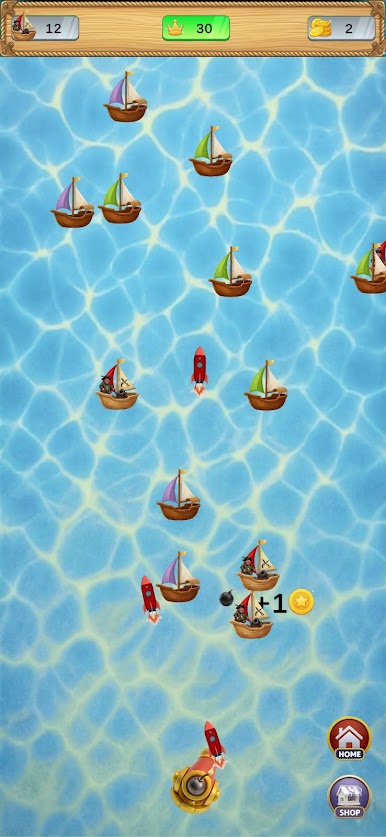
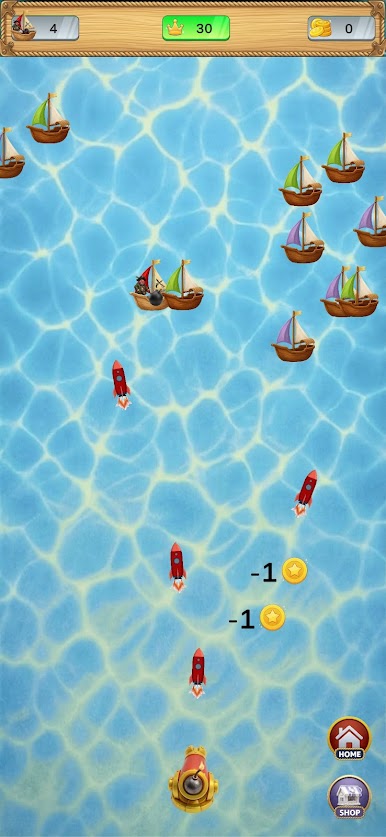
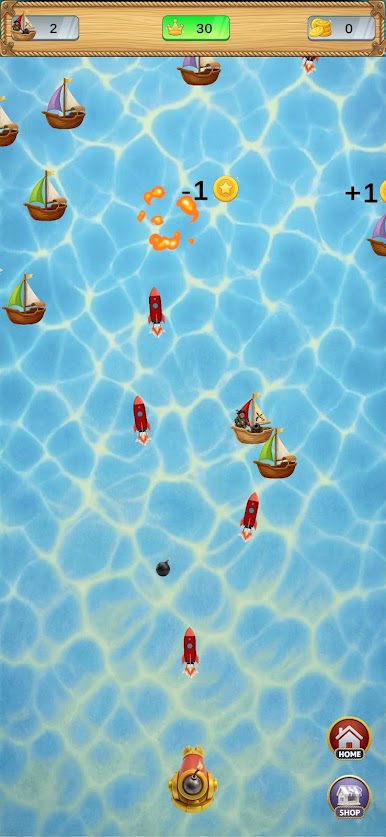
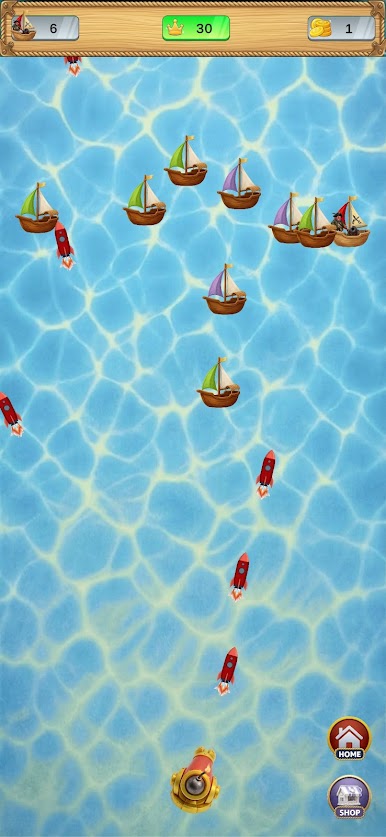
Take control of a powerful cannon and defend the sea from waves of dangerous pirate ships attacking from every direction.
Your mission is simple but thrilling: destroy pirate ships before they reach you. Aim carefully, fire your cannon, and sink enemy vessels to protect your waters and earn valuable gold.
But beware — not every ship on the sea is an enemy!
Some boats belong to innocent civilians. If you accidentally destroy them, you will lose gold, so precision and quick thinking are essential.
The more pirate ships you defeat, the more gold you collect. Improve your skills, react quickly, and survive increasingly challenging waves of enemies.
How to Play
Control the cannon and aim at incoming pirate ships
Shoot and destroy enemy ships before they reach you
Collect gold for every pirate ship defeated
Avoid hitting civilian boats to prevent losing gold
Survive as long as possible and achieve a high score

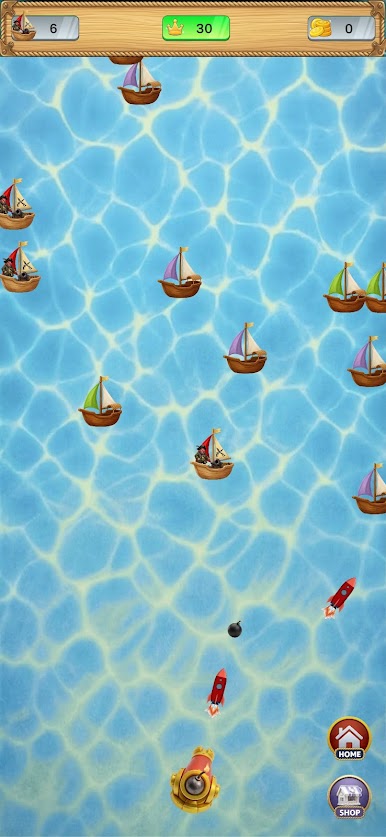
Play Pirate Ship: Sea Battle on PC. It’s easy to get started.
-
Download and install BlueStacks on your PC
-
Complete Google sign-in to access the Play Store, or do it later
-
Look for Pirate Ship: Sea Battle in the search bar at the top right corner
-
Click to install Pirate Ship: Sea Battle from the search results
-
Complete Google sign-in (if you skipped step 2) to install Pirate Ship: Sea Battle
-
Click the Pirate Ship: Sea Battle icon on the home screen to start playing

