


ArrangeUs
Play on PC with BlueStacks – the Android Gaming Platform, trusted by 500M+ gamers.

Page Modified on: Dec 31, 2025
Run ArrangeUs on PC or Mac
What’s better than using ArrangeUs by Andriy Stefanchuk? Well, try it on a big screen, on your PC or Mac, with BlueStacks to see the difference.
About the App
If you’ve ever felt stuck spending hours sketching out formations for your next show, there’s a much smoother way. ArrangeUs is your backstage pass to laying out group performances without the headache. Perfect for choreographers or anyone wrangling performers, this handy Productivity app from Andriy Stefanchuk takes you right from messy notes to a clean, colorful stage plan—without the piles of paper. Planning goes from a chore to, well, just part of your creative fun.
App Features
-
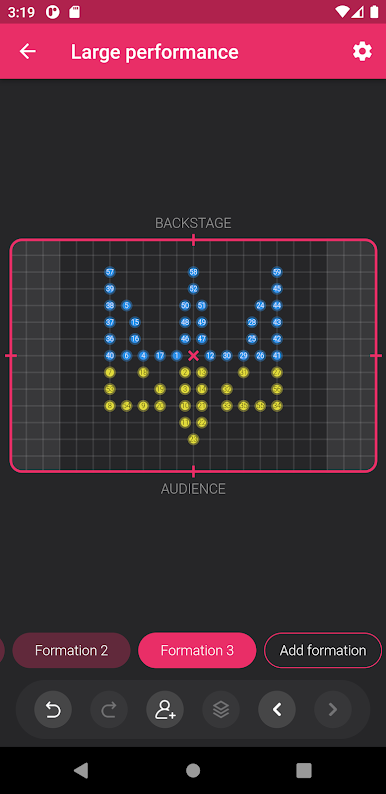
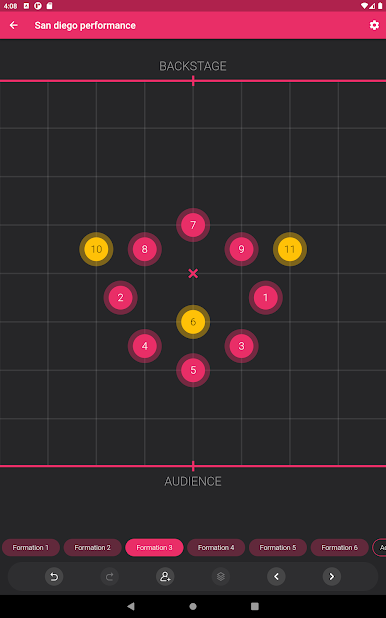
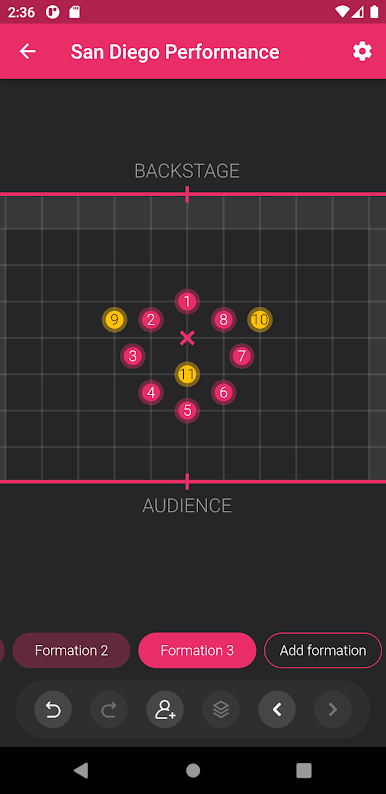
Animated Transitions
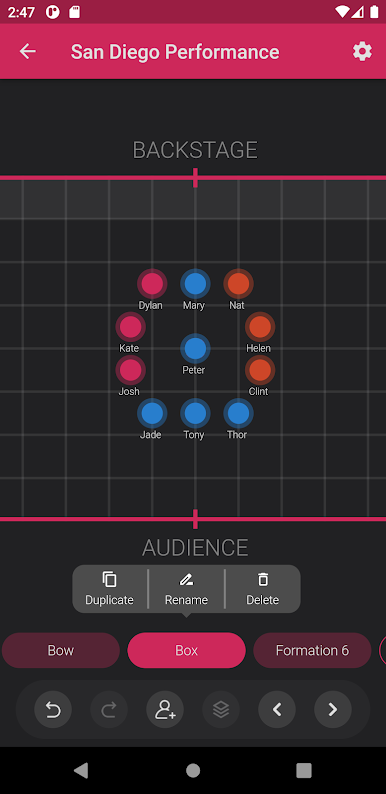
Want to really see how your moves flow? ArrangeUs lets you watch your group’s formations animate between positions, so you’re never left guessing if the steps will actually work on stage. -
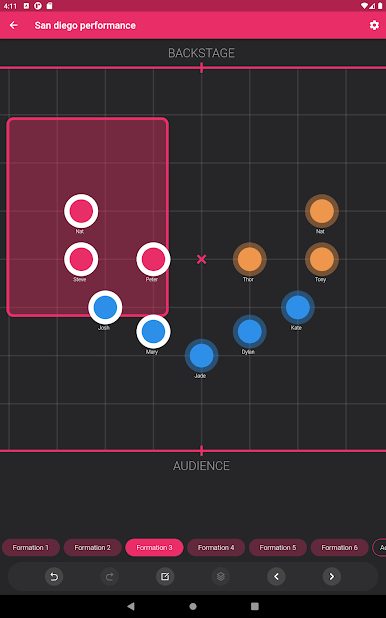
Personalized Dancer Details
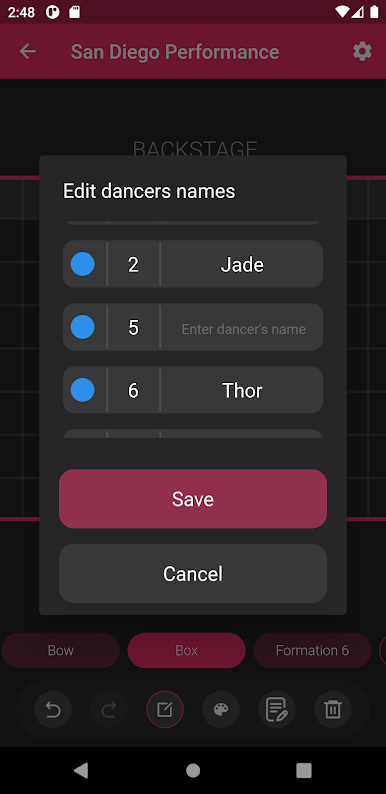
Give each performer a name and pick their color, so no one gets lost in the shuffle. It’s pretty satisfying to see everyone clearly labeled in your plan. -
Spot-on Notes
Drop comments on any position or setup. You can jot down corrections, reminders, or whatever you need—making sure everyone’s on the same page. -
Flexible Stage Customization
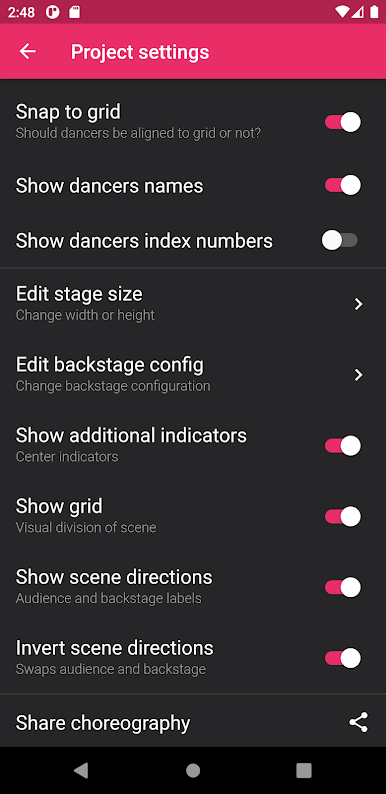
Adjust the stage size and layout to match your real-life setup. No “one-size-fits-all” problems here; tweak every detail until it feels true to your space. -
Easy Undo
Made a mistake? No worries. Just hit undo and try something else, without starting over.
You can even make the most of ArrangeUs on a bigger screen with BlueStacks, whether you’re organizing simple school shows or major performances. It’s all about making your formation planning an easy part of your creative process.
BlueStacks brings your apps to life on a bigger screen—seamless and straightforward.
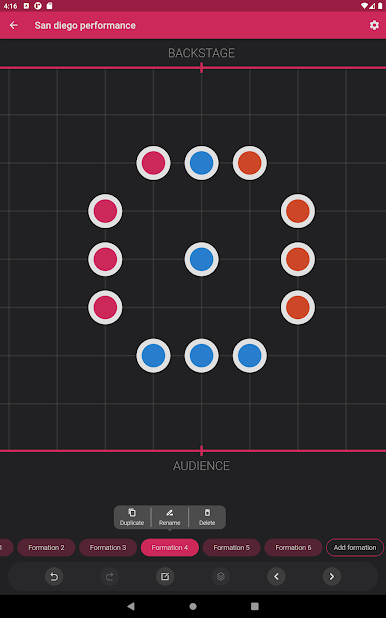
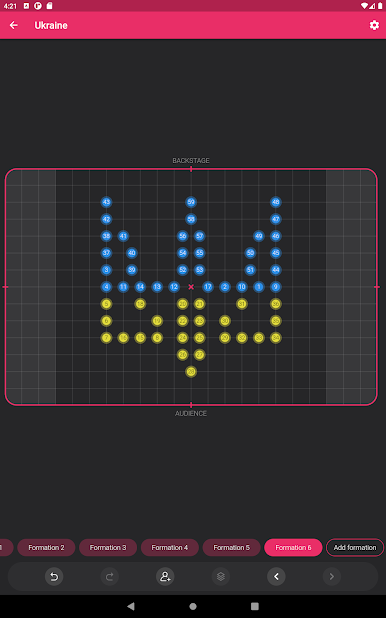
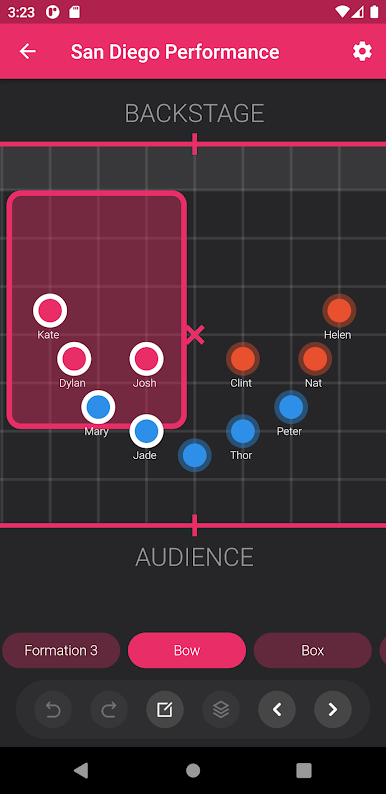
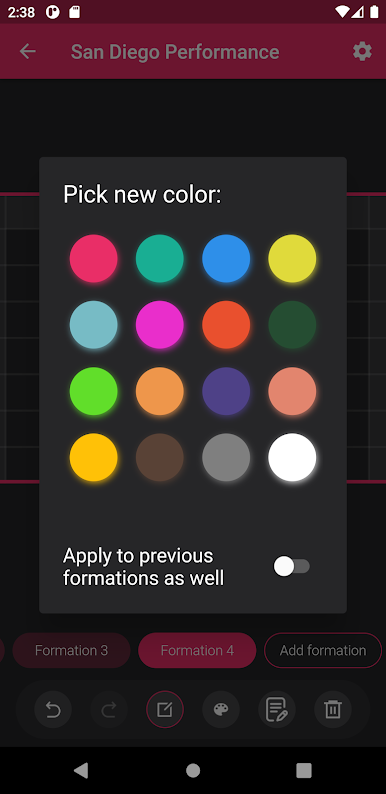
Play ArrangeUs on PC. It’s easy to get started.
-
Download and install BlueStacks on your PC
-
Complete Google sign-in to access the Play Store, or do it later
-
Look for ArrangeUs in the search bar at the top right corner
-
Click to install ArrangeUs from the search results
-
Complete Google sign-in (if you skipped step 2) to install ArrangeUs
-
Click the ArrangeUs icon on the home screen to start playing

