


MECCHA CHAMELEON :PAINT & HIDE
Play on PC with BlueStacks – the Android Gaming Platform, trusted by 500M+ gamers.

Page Modified on: Jun 17, 2026
Main MECCHA CHAMELEON :PAINT & HIDE on PC
🦎 Features:
Easy and fun gameplay
Color-changing mechanics
Challenging levels
Smooth controls
Cute chameleon character
If you love animal games and casual adventures, Meccha Chameleon is the perfect choice. Help your hero complete missions, unlock new areas, and become the ultimate Meccha Chameleon master.
Play Meccha Chameleon today and discover a colorful journey. Challenge yourself in Meccha Chameleon, improve your skills, and enjoy endless fun with Meccha Chameleon. Every level in Meccha Chameleon brings a new adventure!
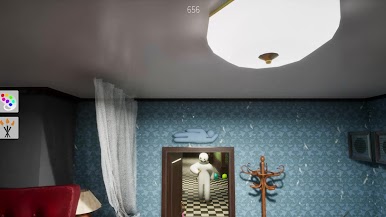

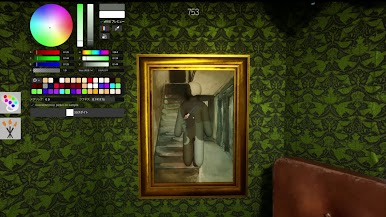
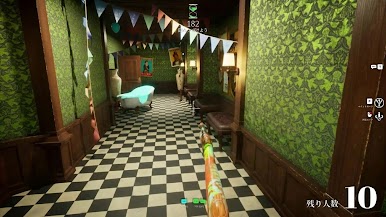
Play MECCHA CHAMELEON :PAINT & HIDE on PC. It’s easy to get started.
-
Download and install BlueStacks on your PC
-
Complete Google sign-in to access the Play Store, or do it later
-
Look for MECCHA CHAMELEON :PAINT & HIDE in the search bar at the top right corner
-
Click to install MECCHA CHAMELEON :PAINT & HIDE from the search results
-
Complete Google sign-in (if you skipped step 2) to install MECCHA CHAMELEON :PAINT & HIDE
-
Click the MECCHA CHAMELEON :PAINT & HIDE icon on the home screen to start playing

