


Bubble Word Jam
Play on PC with BlueStacks – the Android Gaming Platform, trusted by 500M+ gamers.

Page Modified on: Sep 18, 2026
Play Bubble Word Jam on PC
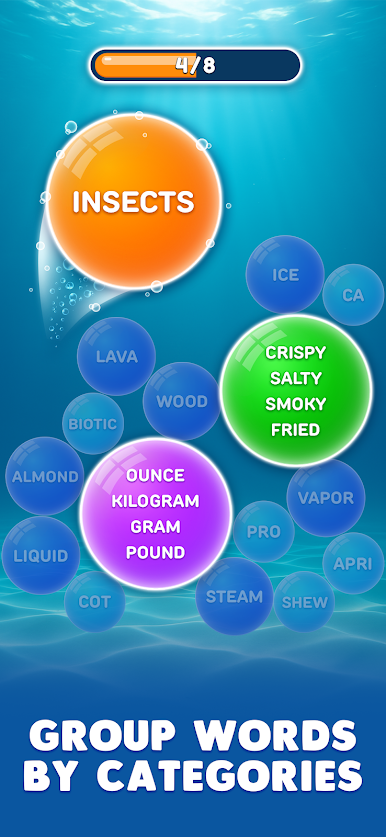
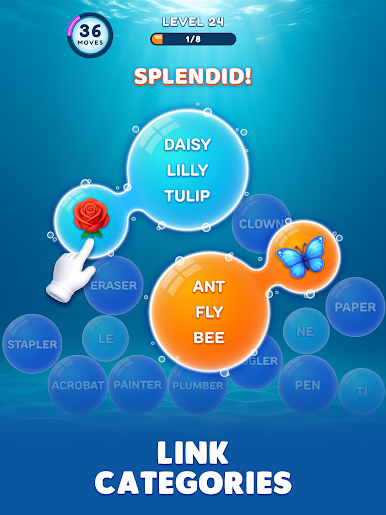
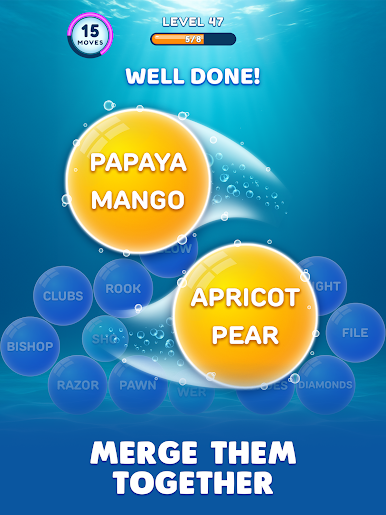
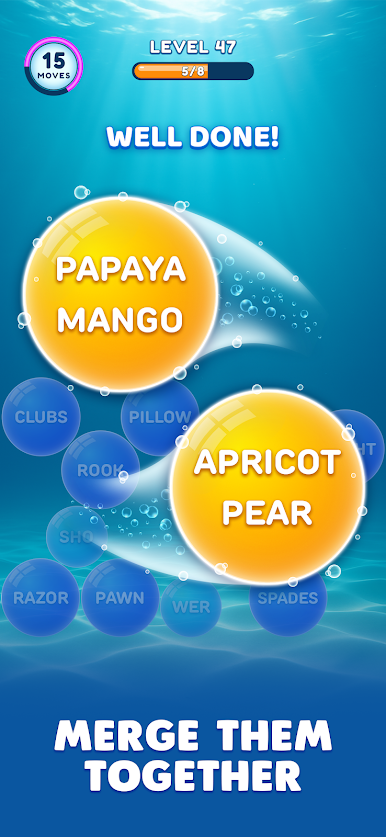
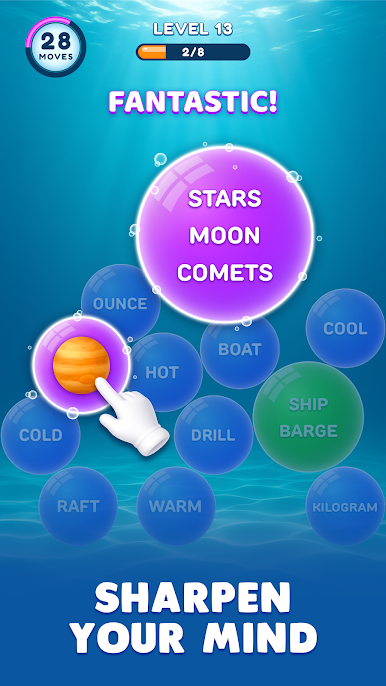
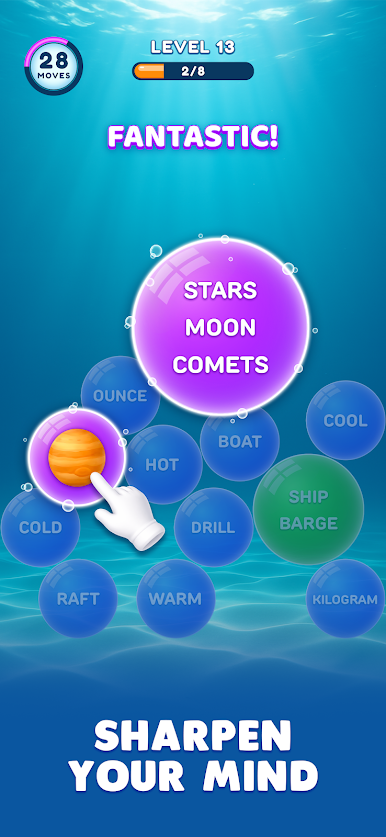
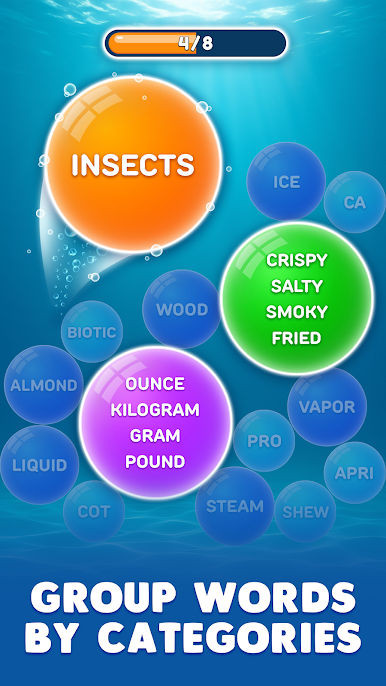
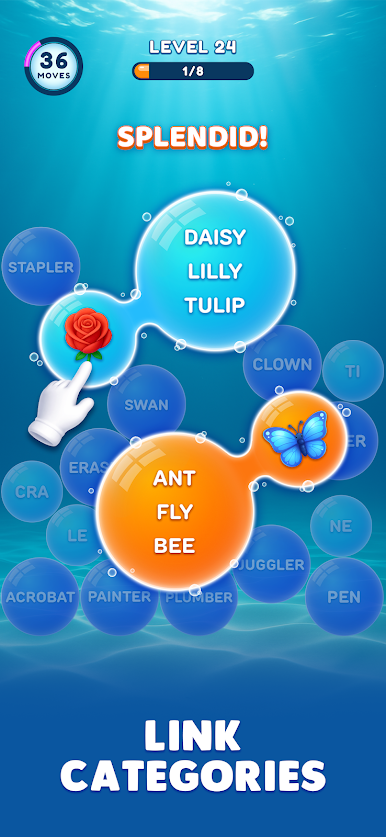
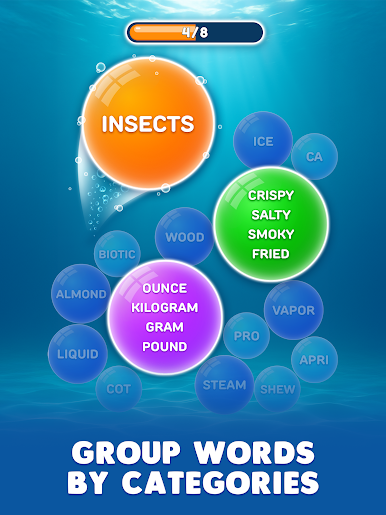
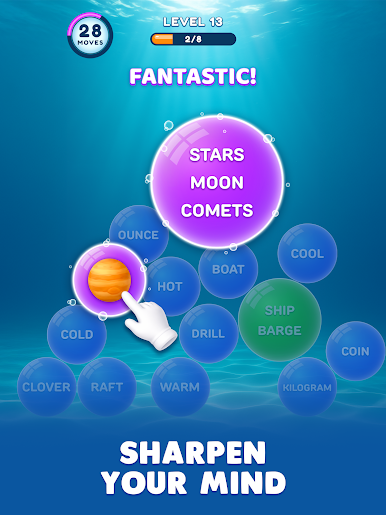
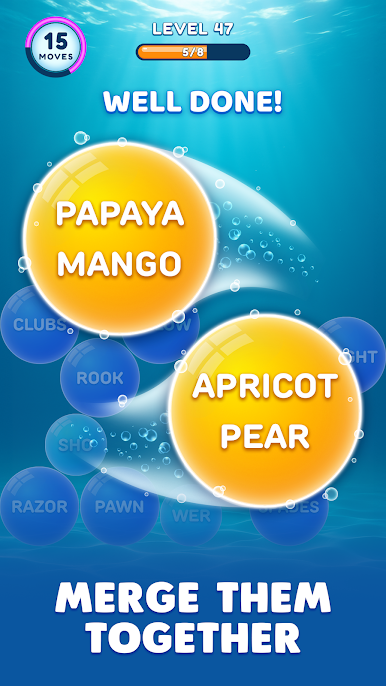
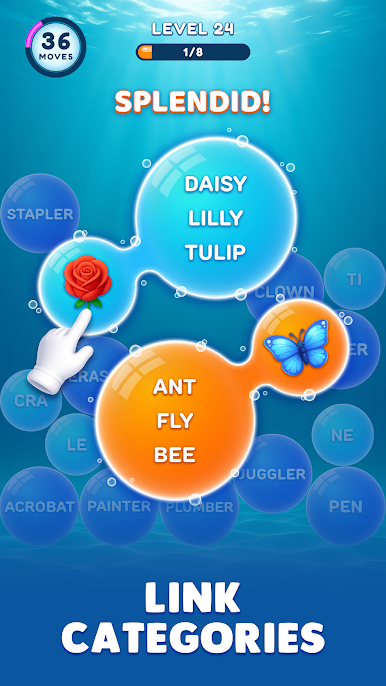
Tap bubbles, identify themes, and find the perfect flow as you sort words into groups using pure logic and vocabulary. Smooth mechanics and responsive controls make every play feel precise and satisfying.
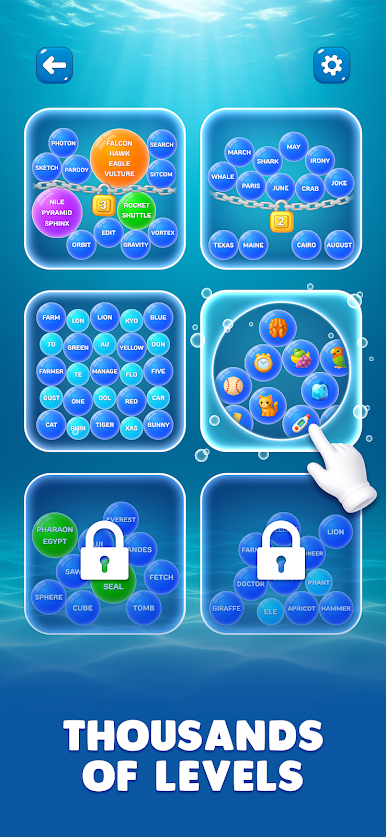
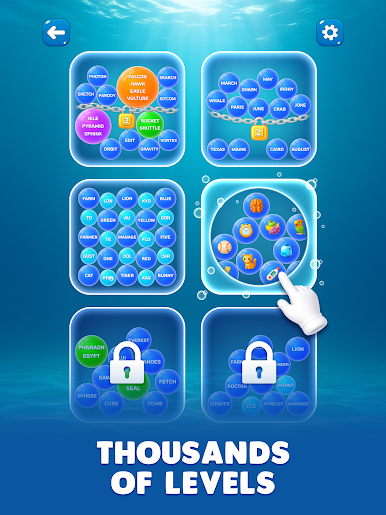
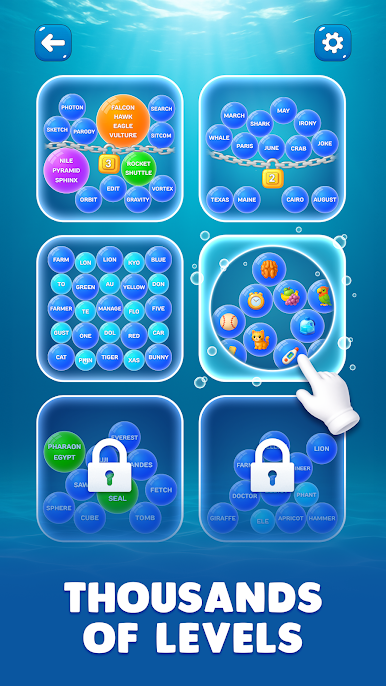
With gradually increasing difficulty and thousands of handcrafted levels, this game stands among the best games for IQ improvement, training, and problem-solving. Each level works like a compact jam session for your mind, pushing you to recognize patterns and adapt. This free game offers a unique merge of category sorting and word hunting.
When a level gets tricky, helpful boosters are there to support you:
Use the Booster Magnifying Glass to reveal a hidden category connection, the Booster Magnet to automatically pull matching bubbles together, and Add Bubble to give yourself more space and opportunities to clear the board.
Game Features
• Category-based logic puzzles that are fun and easy to learn
• Relaxing yet challenging brain training game experience
• Thoughtful level design that blends crossword themes with sorting mechanics
• Offline-friendly play with no wifi games for free
• Precision controls, helpful boosters, and a scrabble-like strategy for extended sessions
This game blends brain games, mind games, and smart interaction into a polished puzzle experience that rewards patience and clever thinking.
Can you sort them all — or will your words end up in a jam?
Visit https://lionstudios.cc/contact-us/ if you have any feedback, need help beating a level, or have any awesome ideas you would like to see in the game!
From the studio that brought you Wordle!, Match 3D, Happy Glass, Hexa Sort, and many, many more!
Follow us to get news and updates on our other award-winning titles:
https://lionstudios.cc/
Facebook.com/LionStudios.cc
Instagram.com/LionStudioscc
Twitter.com/LionStudiosCC
Youtube.com/c/LionStudiosCC
Play Bubble Word Jam on PC. It’s easy to get started.
-
Download and install BlueStacks on your PC
-
Complete Google sign-in to access the Play Store, or do it later
-
Look for Bubble Word Jam in the search bar at the top right corner
-
Click to install Bubble Word Jam from the search results
-
Complete Google sign-in (if you skipped step 2) to install Bubble Word Jam
-
Click the Bubble Word Jam icon on the home screen to start playing

