


PROJECT R: Ultra Car Simulator
Play on PC with BlueStacks – the Android Gaming Platform, trusted by 500M+ gamers.

Page Modified on: May 10, 2026
Play PROJECT R: Ultra Car Simulator on PC or Mac
PROJECT R: Ultra Car Simulator brings the Racing genre to life, and throws up exciting challenges for gamers. Developed by Streifenbarr, this Android game is best experienced on BlueStacks, the World’s #1 app player for PC and Mac users.
About the Game
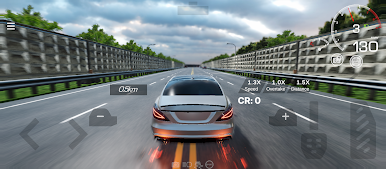
PROJECT R: Ultra Car Simulator is a Racing sandbox built for anyone who loves cars, tuning, and the feeling of open-road freedom. It drops you into a massive world with a garage full of machines to tweak, test, and push to their limits. Want to cruise, drift, or chase a perfect lap? Pick your lane and go for it. Prefer a bigger screen and keyboard? You can also play it on PC with BlueStacks.
Game Features
-
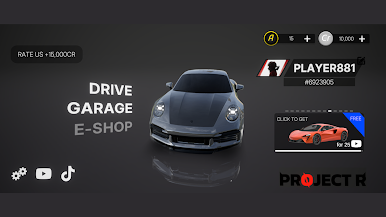
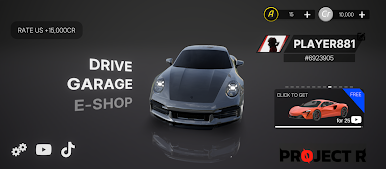
Huge Garage, Real Attitude: From slippery drift builds to track monsters and lifted off-road rigs, there’s a stacked roster of cars to collect and fine-tune.
-
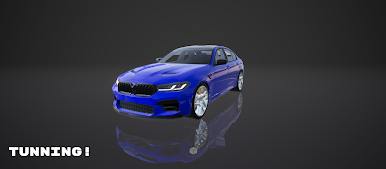
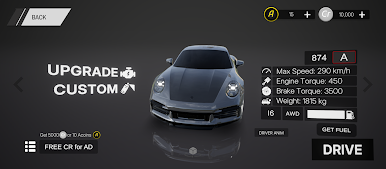
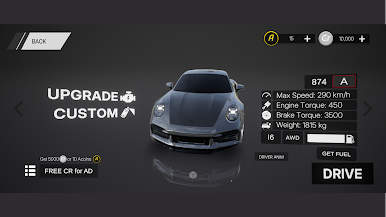
Deep Customization: Swap engines, tweak suspension, dial tire grip, and play with exhaust notes. Then style it out with body kits, rims, wraps, liveries, tints, and neon.
-
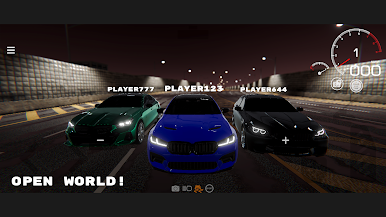
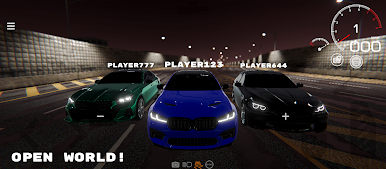
Big Open World to Roam: Cruise through cities, highways, winding backroads, mountain passes, and dirt trails. There are hidden spots, stunt lines, and little secrets if you’re curious.
-
Weather and Time That Matter: Day turns to night, sun gives way to rain, and the road feels different because of it. Plan your runs or just enjoy the vibe.
-
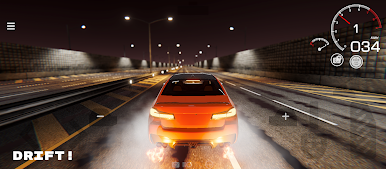
Modes for Any Mood: Free Ride for chill sessions, Missions for deliveries, police chases, stunts, and classic races. Plus Time Trials and focused drifting challenges when you want precision.
-
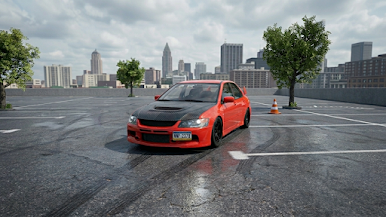
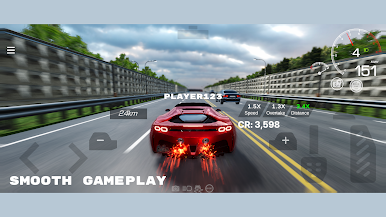
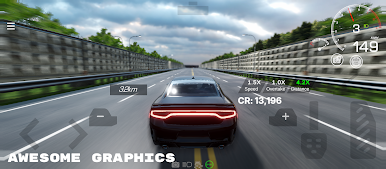
Looks That Hit Hard: High-detail interiors and exteriors, crisp reflections and shadows, and slick cinematic cameras for clean replays—tuned for smooth performance on modern phones.
-
Handling You Can Shape: Adjust gearing, downforce, and suspension to feel the difference on asphalt, gravel, and everything in between.
-
Always Growing: New cars, parts, and map expansions roll in over time, keeping your builds—and your routes—fresh.
Get ready for a buttery smooth, high-performance gaming action only on BlueStacks.
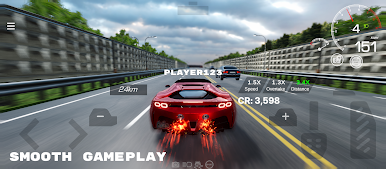
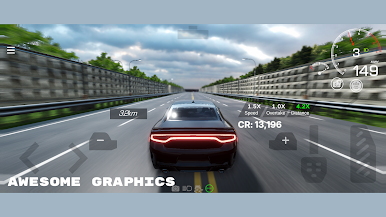
Play PROJECT R: Ultra Car Simulator on PC. It’s easy to get started.
-
Download and install BlueStacks on your PC
-
Complete Google sign-in to access the Play Store, or do it later
-
Look for PROJECT R: Ultra Car Simulator in the search bar at the top right corner
-
Click to install PROJECT R: Ultra Car Simulator from the search results
-
Complete Google sign-in (if you skipped step 2) to install PROJECT R: Ultra Car Simulator
-
Click the PROJECT R: Ultra Car Simulator icon on the home screen to start playing

