


Sweet Smash: Candy land story
Play on PC with BlueStacks – the Android Gaming Platform, trusted by 500M+ gamers.

Page Modified on: Jul 14, 2026
Play Sweet Smash: Candy land story on PC
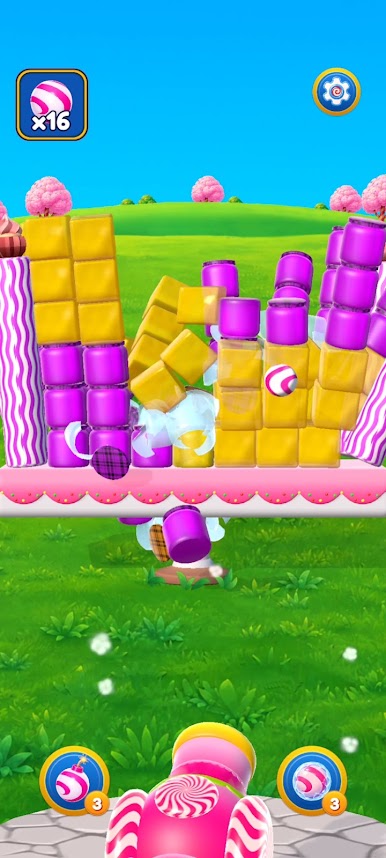
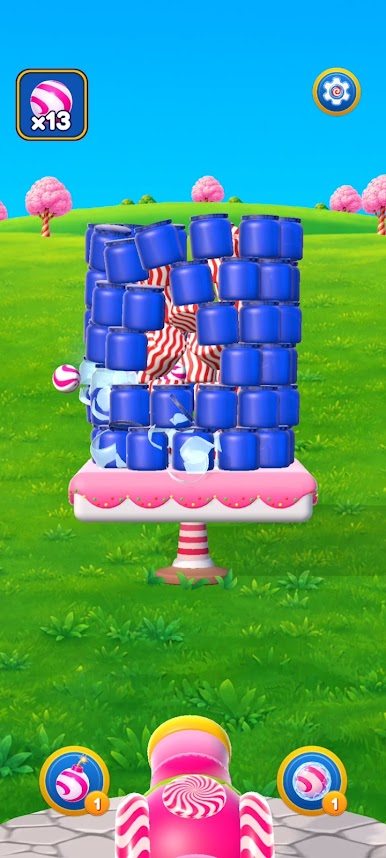
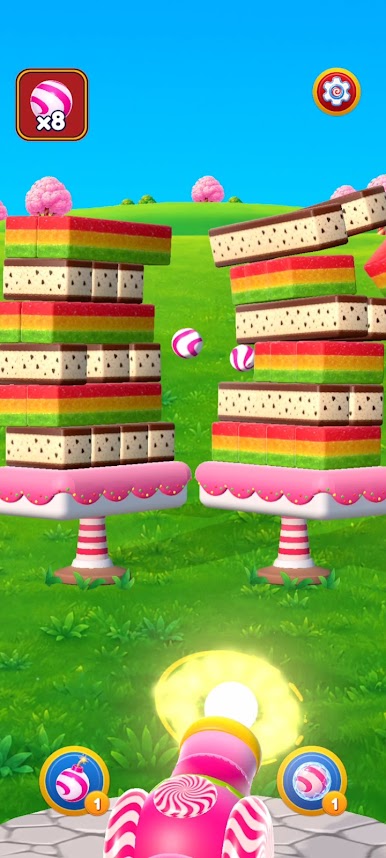
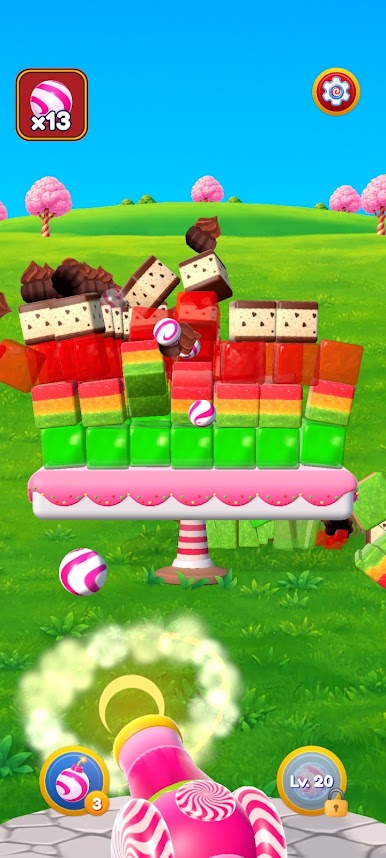
Launch candy balls, choose the perfect trajectory, and enjoy satisfying destruction. Watch jelly bounce and burst with fun physics, jam jars shatter on impact, and cupcakes, candies, and other treats tumble after every accurate hit.
Each level is a small physics-based puzzle. Your shots are limited, so plan every move, find weak points in the structure, and create spectacular chain reactions.
Use powerful boosters such as bombs and special candy projectiles to destroy obstacles and clear levels faster!
Sweet Smash features:
🍬 Satisfying destruction and fun physics
🎯 Simple controls and skill-based aiming
💥 Bombs and other powerful boosters
🧁 Jelly, jam jars, cupcakes, and many other sweets
🧠 Challenging levels that require accuracy and strategy
🌈 Bright visuals and a magical candy atmosphere
Can you smash every object before you run out of candy balls?
Load the candy cannon and start smashing in Sweet Smash!


Play Sweet Smash: Candy land story on PC. It’s easy to get started.
-
Download and install BlueStacks on your PC
-
Complete Google sign-in to access the Play Store, or do it later
-
Look for Sweet Smash: Candy land story in the search bar at the top right corner
-
Click to install Sweet Smash: Candy land story from the search results
-
Complete Google sign-in (if you skipped step 2) to install Sweet Smash: Candy land story
-
Click the Sweet Smash: Candy land story icon on the home screen to start playing

