


Tiny Plane Home
Play on PC with BlueStacks – the Android Gaming Platform, trusted by 500M+ gamers.

Page Modified on: Sep 23, 2026
Play Tiny Plane Home on PC
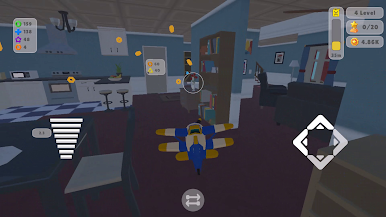
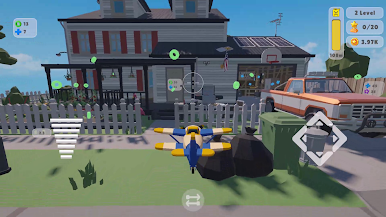
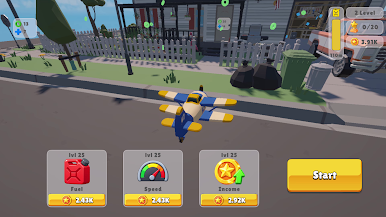
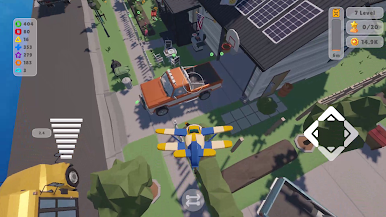
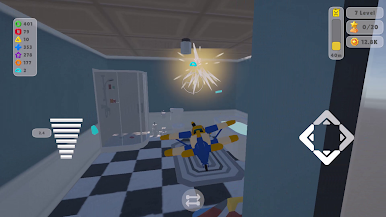
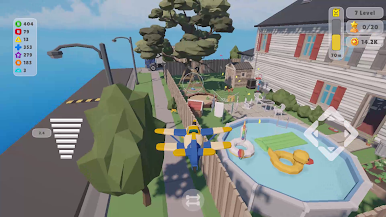
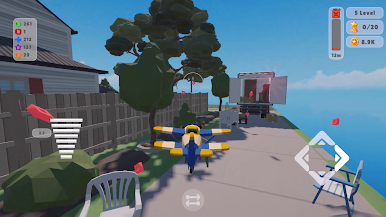
Watch your fuel and don’t crash. Collect coins in the air, pick up shaped resources and shoot them into locked gates to open new rooms. Upgrade fuel, speed and income so every flight goes farther and pays more.
When you know the house, the trophy hunt begins. Find and collect all 20 trophies — that’s the goal of the run.
What’s inside
• Finger-friendly flight: throttle, turn and pitch
• Swap the control layout if you want
• Resources, doors and rooms instead of typical levels
• Plane upgrades and growing income
• 20 trophies hidden around the home
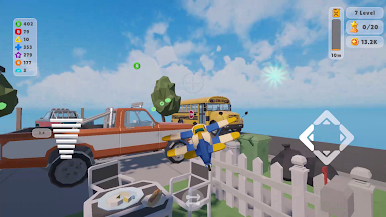
• Short sessions: take off, collect, crash — jump back in
Cute cartoon look, simple controls and a clear goal: fly the whole house. Built for one hand and quick play.
Languages: English, Russian, Ukrainian, Spanish, Portuguese, German, French, Italian, Polish, Turkish, Dutch, Czech, Romanian.
Play Tiny Plane Home on PC. It’s easy to get started.
-
Download and install BlueStacks on your PC
-
Complete Google sign-in to access the Play Store, or do it later
-
Look for Tiny Plane Home in the search bar at the top right corner
-
Click to install Tiny Plane Home from the search results
-
Complete Google sign-in (if you skipped step 2) to install Tiny Plane Home
-
Click the Tiny Plane Home icon on the home screen to start playing

