


Monster Rush Defend
Play on PC with BlueStacks – the Android Gaming Platform, trusted by 500M+ gamers.

Page Modified on: Apr 23, 2026
Play Monster Rush Defend on PC
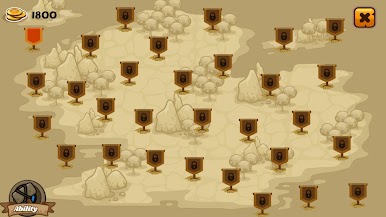
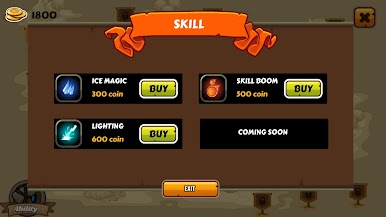
Lead your troops, position your defenses wisely, and fight back against relentless enemies trying to break through your lines. Each battle rewards you with coins that can be used to upgrade your weapons, strengthen your units, and unlock powerful abilities.
As you progress, the challenge intensifies. New types of monsters with unique abilities and greater strength will appear, forcing you to adapt your strategy and carefully choose the right upgrades for each level.
Victory depends on your planning, timing, and tactical decisions.
Features:
Strategic defense gameplay with army control
Multiple monster types with increasing difficulty
Upgrade system to enhance weapons and power
Challenging levels that test your strategy
Easy to play, hard to master
Prepare your defenses, upgrade your army, and survive the monster invasion in Monster Rush Defend!




Play Monster Rush Defend on PC. It’s easy to get started.
-
Download and install BlueStacks on your PC
-
Complete Google sign-in to access the Play Store, or do it later
-
Look for Monster Rush Defend in the search bar at the top right corner
-
Click to install Monster Rush Defend from the search results
-
Complete Google sign-in (if you skipped step 2) to install Monster Rush Defend
-
Click the Monster Rush Defend icon on the home screen to start playing

