


Internet Cafe Simulator 2
Play on PC with BlueStacks – the Android Gaming Platform, trusted by 500M+ gamers.

Page Modified on: Jan 12, 2026
Main Internet Cafe Simulator 2 on PC
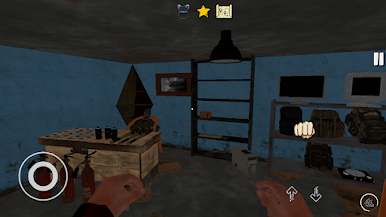
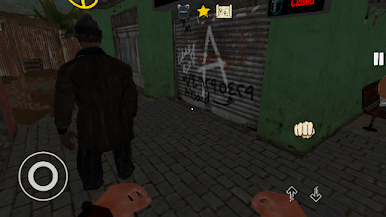
Build a great internet cafe. Don't let street thugs and mobsters take your money. They can even throw a bomb inside your cafe.
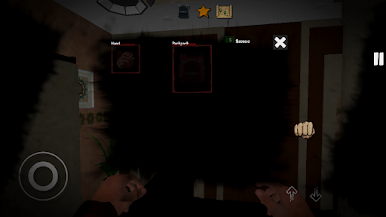
You can attract more customers on rainy days. Increase the skills you want to develop from the tech tree. Will you become a business prodigy or a brawler skilled at protecting his cafe?
You have to earn money to pay off your brother's debt!
Keep guards. Prepare meals for your customers. Install generators for power outages.
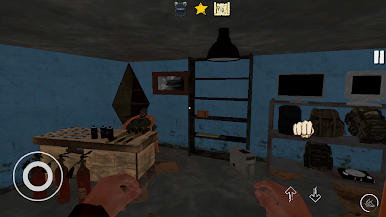
Improve computers. Purchase game licenses. Delight customers. Turn a ruin into a great cafe.
As a decent person, he can proceed normally. Or you could get involved in completely illegal business.
Hire employees for your cafe and treat them well.
Remember, the customer is always right!
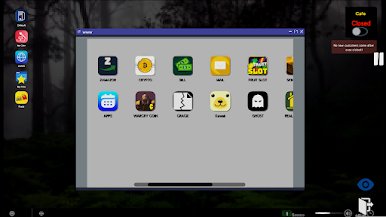
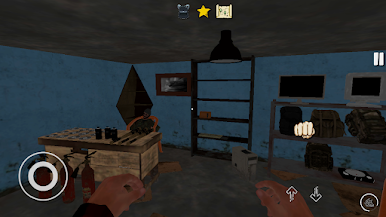
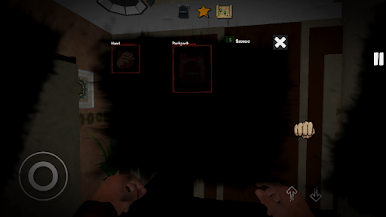
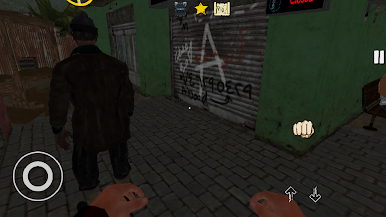
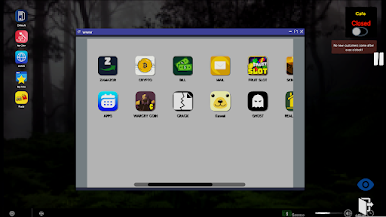
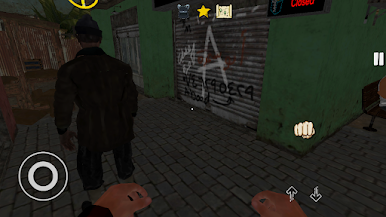
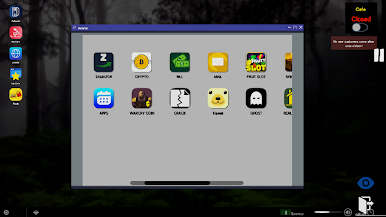
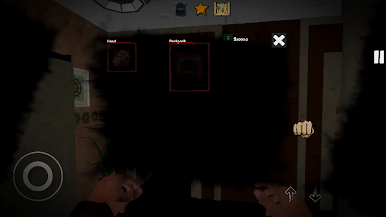
Play Internet Cafe Simulator 2 on PC. It’s easy to get started.
-
Download and install BlueStacks on your PC
-
Complete Google sign-in to access the Play Store, or do it later
-
Look for Internet Cafe Simulator 2 in the search bar at the top right corner
-
Click to install Internet Cafe Simulator 2 from the search results
-
Complete Google sign-in (if you skipped step 2) to install Internet Cafe Simulator 2
-
Click the Internet Cafe Simulator 2 icon on the home screen to start playing

