

Carrom - Online pool game
Play on PC with BlueStacks – the Android Gaming Platform, trusted by 500M+ gamers.

Page Modified on: Dec 3, 2025
Play Carrom | كيرم on PC or Mac
Carrom | كيرم brings the Board genre to life, and throws up exciting challenges for gamers. Developed by ChickMania, this Android game is best experienced on BlueStacks, the World’s #1 app player for PC and Mac users.
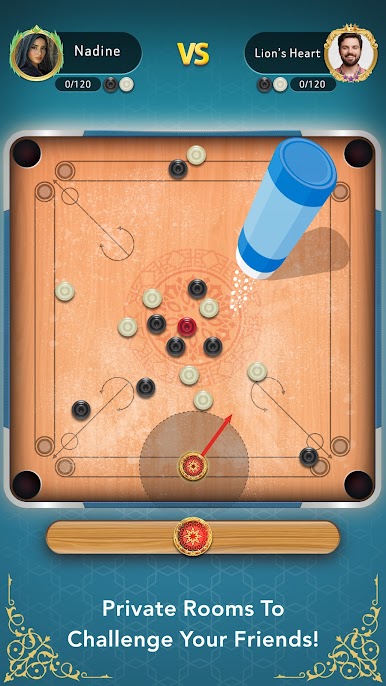
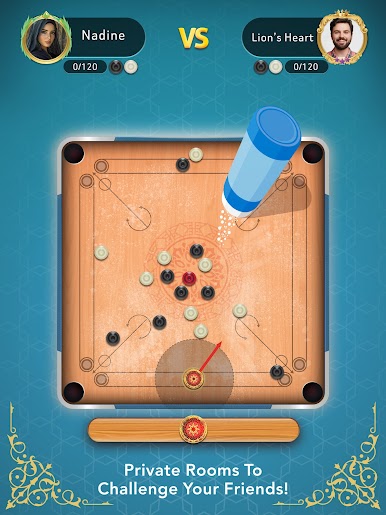
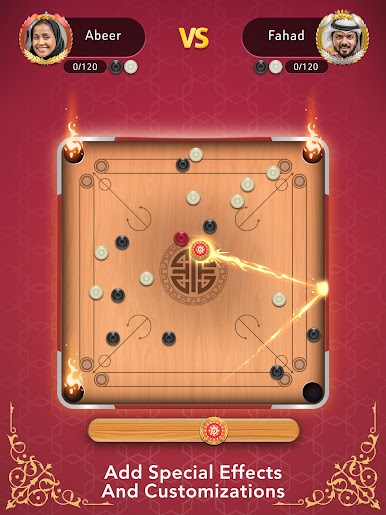
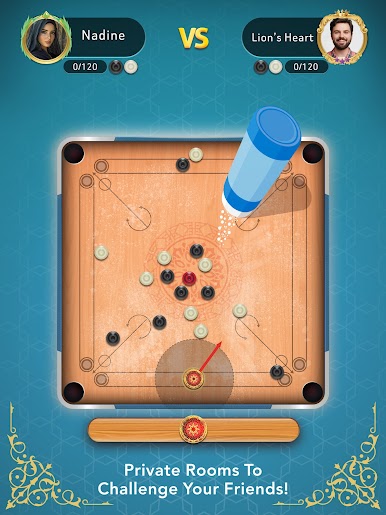
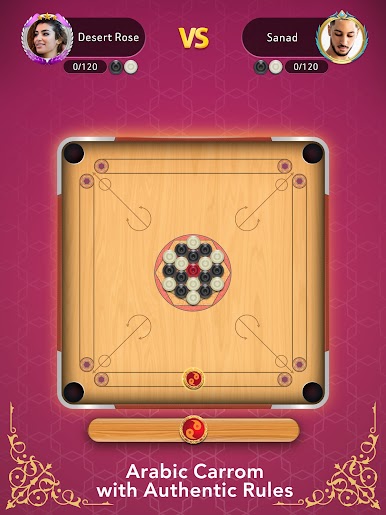
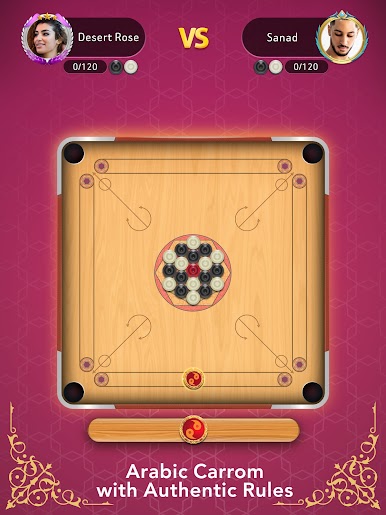
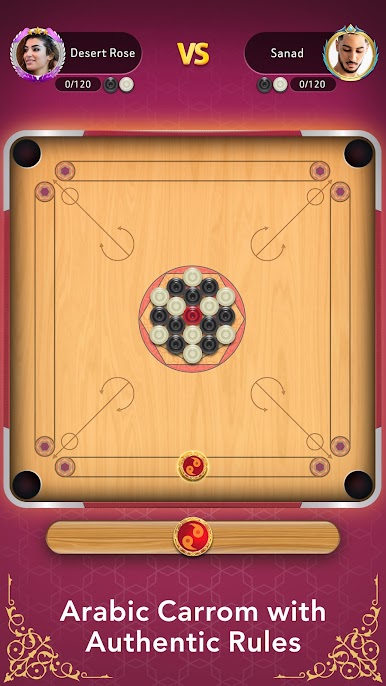
So this Carrom game takes the classic tabletop thing — you know, flicking those little discs and knocking them into the pockets — and sets it up digitally with all the proper Arabic rules. It’s kind of cool because it isn’t just you vs. an AI, you can actually play against friends, even invite them straight into a match if that’s your thing. For anyone who likes to mess with details, there’s a powder feature too, which actually makes the pucks slide better on the board, just like the real thing.
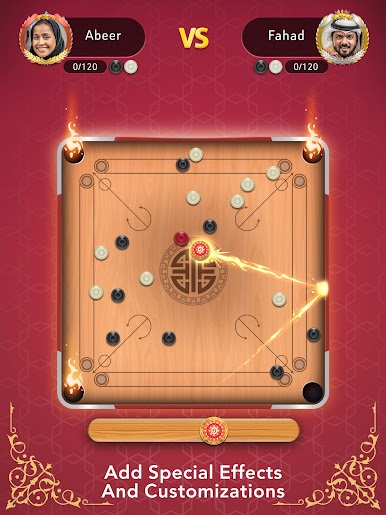
It has a bunch of ways to play, whether you want to go head-to-head with someone online, challenge a buddy who’s next to you, or play solo against bots. And there’s more than just default pieces — there are special strikers and different pucks you can unlock, plus a bunch of themes and characters for extra style. The game keeps track of wins and rankings with leaderboards, so if anyone’s got a competitive streak, there’s always someone new to take on. Playing on PC using BlueStacks feels pretty smooth, especially if you like seeing everything bigger and having more space to work your shots. Overall, it’s a straightforward take on Carrom, but with enough tweaks to stay interesting if you just want that “sit down and play” vibe with friends or random opponents.
Ready to top the leaderboard? We bet you do. Let precise controls and sharp visuals optimized on BlueStacks lead you to victory.









Play Carrom - Online pool game on PC. It’s easy to get started.
-
Download and install BlueStacks on your PC
-
Complete Google sign-in to access the Play Store, or do it later
-
Look for Carrom - Online pool game in the search bar at the top right corner
-
Click to install Carrom - Online pool game from the search results
-
Complete Google sign-in (if you skipped step 2) to install Carrom - Online pool game
-
Click the Carrom - Online pool game icon on the home screen to start playing

