


FameGame : My Influencer Life
Play on PC with BlueStacks – the Android Gaming Platform, trusted by 500M+ gamers.

Page Modified on: Jul 8, 2026
Play FameGame : My Influencer Life on PC
Where your influencer journey begins.
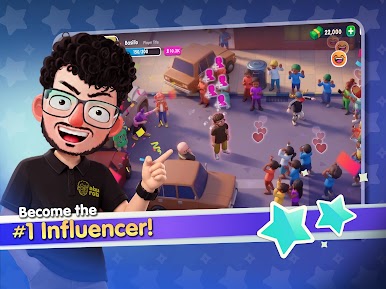
Step into a world full of fun missions, style, and looks. Start from zero and build your way up to becoming a top influencer. Every decision you make shapes your story.
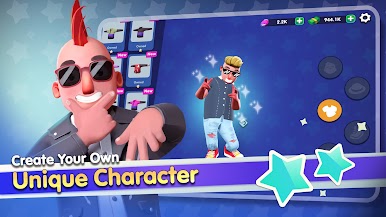
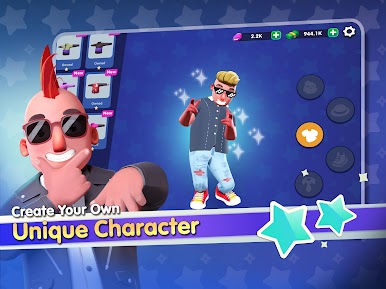
✦ Create Your Own Character
Customize your avatar with unique outfits, styles, and looks. Express yourself and stand out from the crowd!
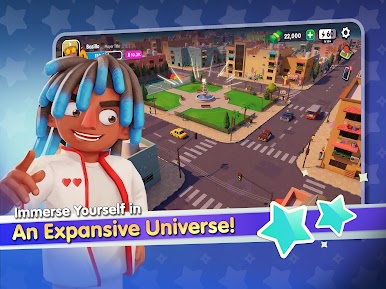
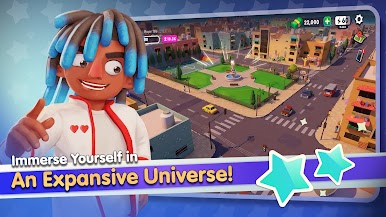
✦ Explore a Living World
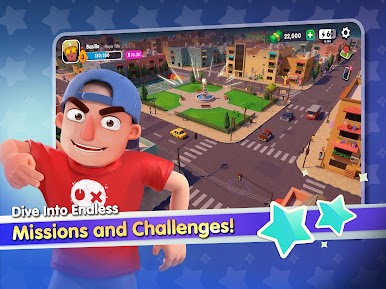
Discover new locations, meet interesting characters, and unlock exciting places as you progress.
✦ Complete Missions
Take on fun and dynamic missions that grow your popularity and unlock new experiences.
✦ Build Your Fame
Gain followers, grow your presence, and become the star everyone is watching.
✦ Your Story, Your Rules
Every choice you make matters. How will you build your path to fame?
Are you ready to go from zero to icon?
➤ Download Fame Game and start your journey today!

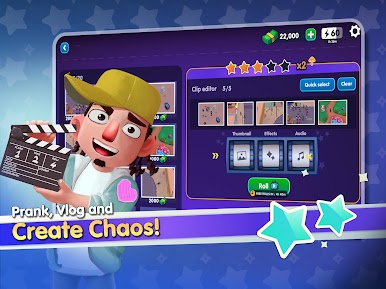
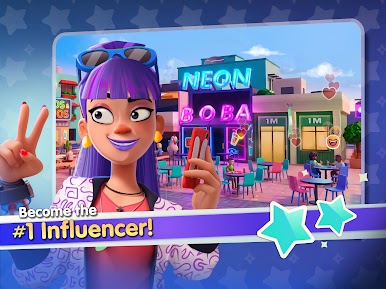


Play FameGame : My Influencer Life on PC. It’s easy to get started.
-
Download and install BlueStacks on your PC
-
Complete Google sign-in to access the Play Store, or do it later
-
Look for FameGame : My Influencer Life in the search bar at the top right corner
-
Click to install FameGame : My Influencer Life from the search results
-
Complete Google sign-in (if you skipped step 2) to install FameGame : My Influencer Life
-
Click the FameGame : My Influencer Life icon on the home screen to start playing

