


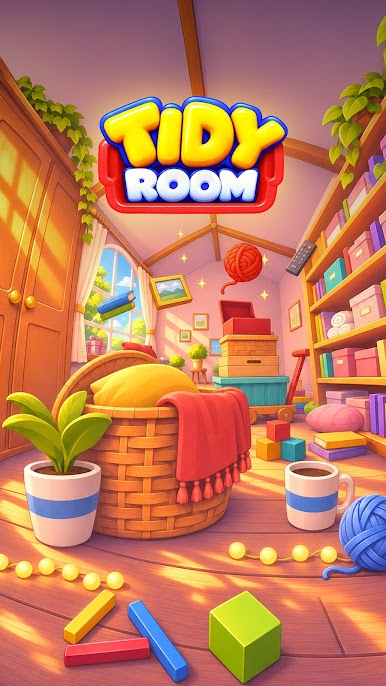
Tidy Room!
Play on PC with BlueStacks – the Android Gaming Platform, trusted by 500M+ gamers.

Page Modified on: Nov 16, 2026
Play Tidy Room! on PC
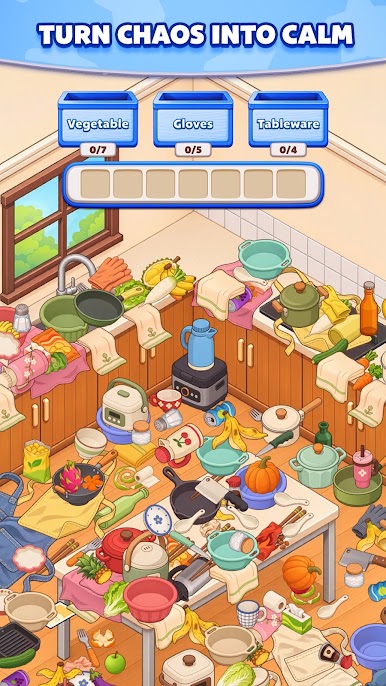
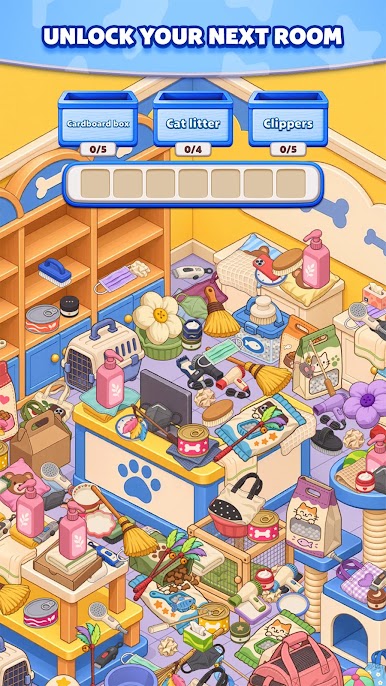
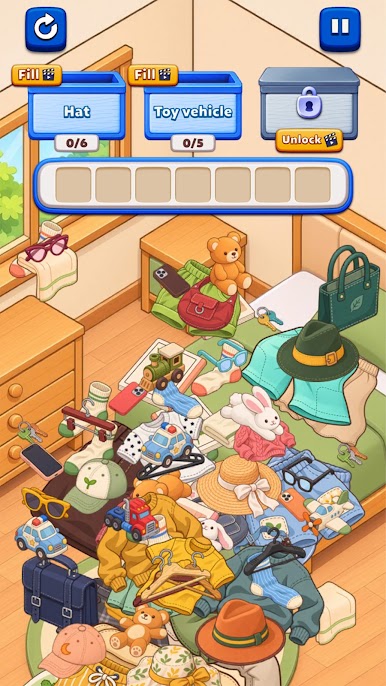
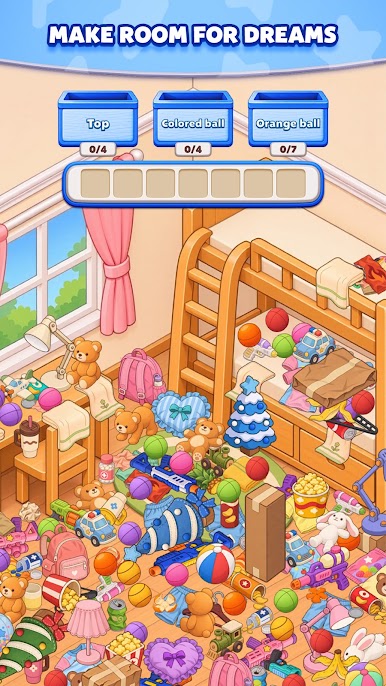
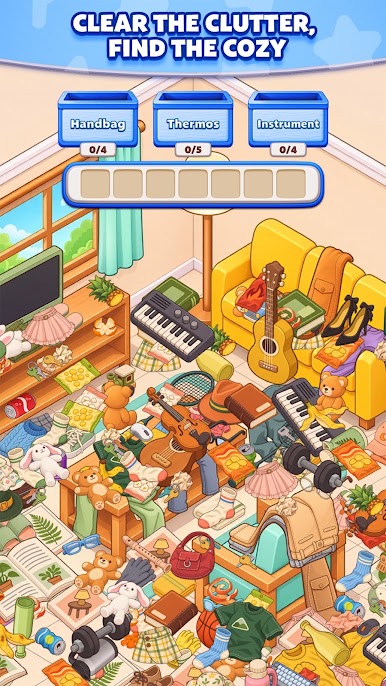
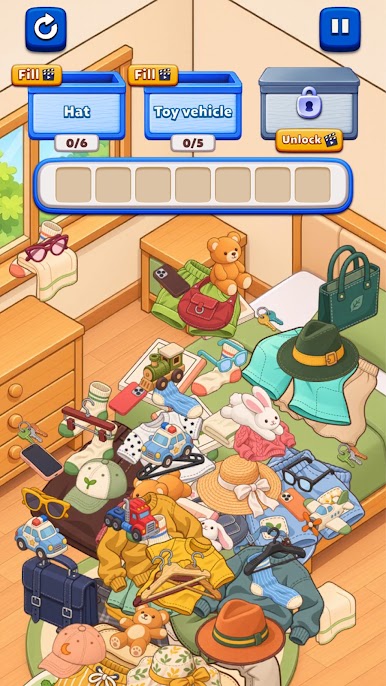
Each basket names what it wants. Hunt through the room, tap the right things, and watch the clutter disappear. Objects hide under other objects, so the fun is in the order: what do you pick up first?
Play at your own pace. There is no countdown, just a room that looks better every time you find the thing a basket asked for.
What you will do
• Explore illustrated rooms, from quiet studies to busy kitchens
• Fill baskets by finding the items they ask for
• Dig through piles to reach what is hidden underneath
• Plan your taps so the tray does not overflow
• Clear one level and start the next
One room at a time, until the house feels like home again.

Play Tidy Room! on PC. It’s easy to get started.
-
Download and install BlueStacks on your PC
-
Complete Google sign-in to access the Play Store, or do it later
-
Look for Tidy Room! in the search bar at the top right corner
-
Click to install Tidy Room! from the search results
-
Complete Google sign-in (if you skipped step 2) to install Tidy Room!
-
Click the Tidy Room! icon on the home screen to start playing

