


Classting - Class management
Play on PC with BlueStacks – the Android Gaming Platform, trusted by 500M+ gamers.

Page Modified on: Jan 26, 2026
Run Classting - Class management on PC or Mac
Upgrade your experience. Try Classting – Class management, the fantastic Education app from Classting Inc., from the comfort of your laptop, PC, or Mac, only on BlueStacks.
About the App
Classting – Class management is all about making classroom communication feel easy, friendly, and secure—like your own private hub for everything school related. Whether you’re managing assignments, sharing updates, or connecting with students and teachers around the world, this Education app (created by Classting Inc.) keeps things in one spot, simple and organized. Expect a space where privacy actually matters, collaboration feels natural, and you can focus on what really happens in class, not just the paperwork.
App Features
-
Safe, Private Classrooms
Set up a classroom in seconds, invite your students with a quick link or code, and know that everything inside your virtual space stays private—no outsiders, just your group. -
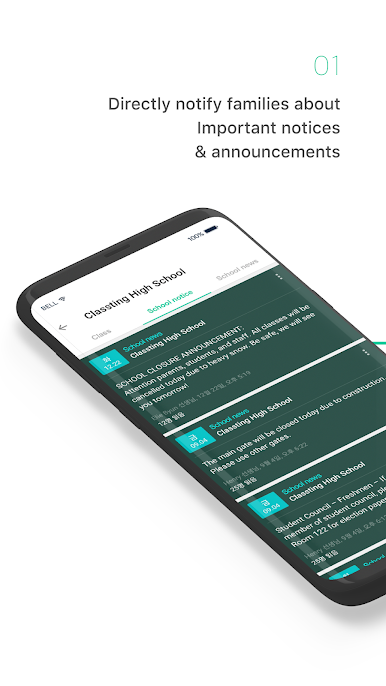
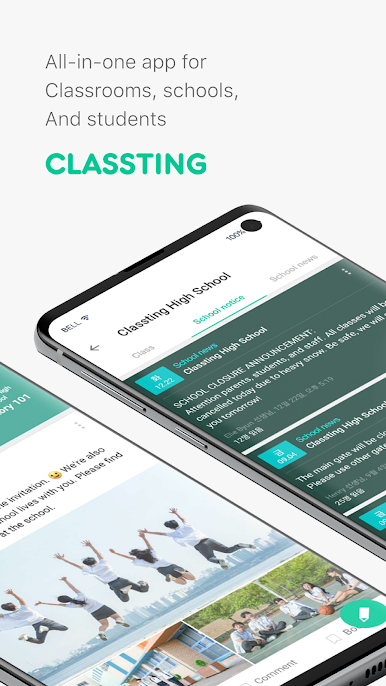
Announcements and Noticeboards
Need to blast out an update or reminder? Post directly to the class noticeboard, so nobody misses the important stuff. -
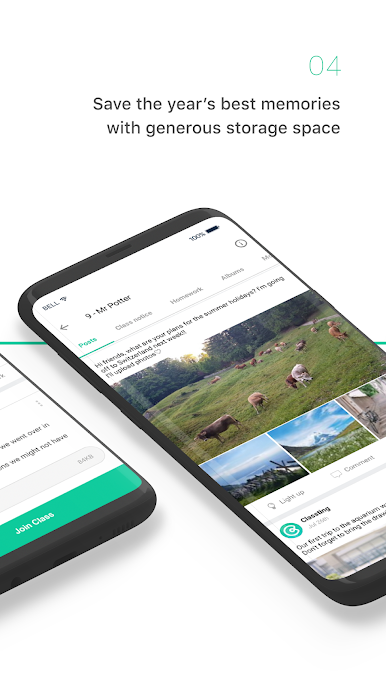
Photo Albums for Your Class
Snap, upload, and share class photos or event highlights in organized albums that everyone in class can enjoy (and parents, too, if you choose). -
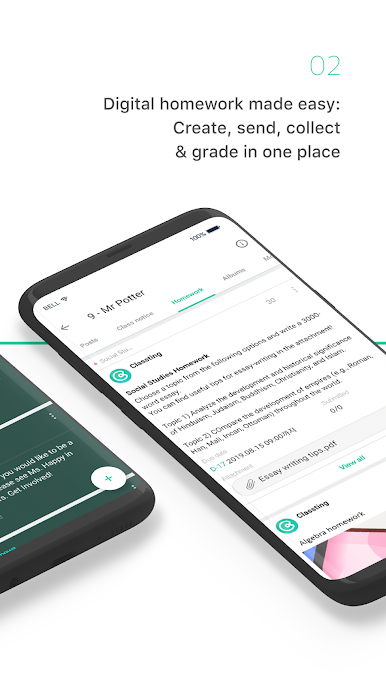
Assignments Made Simple
Assign homework, check what’s been turned in, and keep an eye on grading—all without sifting through piles of paper or a mess of emails. -
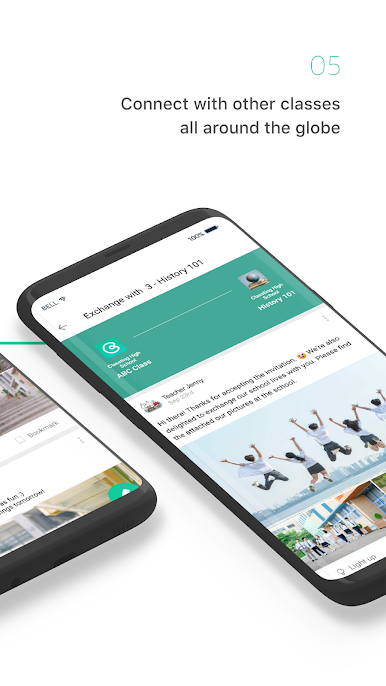
Global Class Connections
Feeling curious about how other classes learn? Connect with classrooms across the world, share projects, and introduce your students—or yourself—to new cultures. -
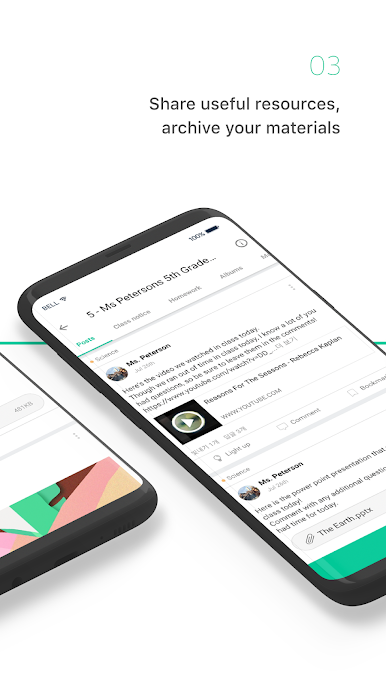
Easy Sharing of Materials
Got a lesson, video, or photo to share? Upload resources directly so everyone’s on the same page—and nothing gets lost in a sea of emails. -
Real-Time Discussions
Start debates or group chats so it’s not just you talking up front—students can join in, voice opinions, and learn from one another, right there in the app. -
Smart Organization Tools
Find what you need fast with search and categories—no more endless scrolling to track down last week’s assignment or announcement. -
Works Smoothly on BlueStacks
If you’re a fan of using Education apps on your computer, Classting – Class management cooperates easily with BlueStacks, making things even more comfortable if you prefer a bigger screen. -
Easy Multimedia Uploads
Attach photos or videos quickly, take snapshots in-app, and save everything to your device without extra fuss.
BlueStacks gives you the much-needed freedom to experience your favorite apps on a bigger screen. Get it now.
Play Classting - Class management on PC. It’s easy to get started.
-
Download and install BlueStacks on your PC
-
Complete Google sign-in to access the Play Store, or do it later
-
Look for Classting - Class management in the search bar at the top right corner
-
Click to install Classting - Class management from the search results
-
Complete Google sign-in (if you skipped step 2) to install Classting - Class management
-
Click the Classting - Class management icon on the home screen to start playing

